Managing Application Lifecycles with AlmaLinux AppStream Modules
Learn how to use AlmaLinux AppStream modules to manage multiple software versions (streams) on a single OS deployment without breaking system dependencies.
28 Dec 2025, 00:57 UTC
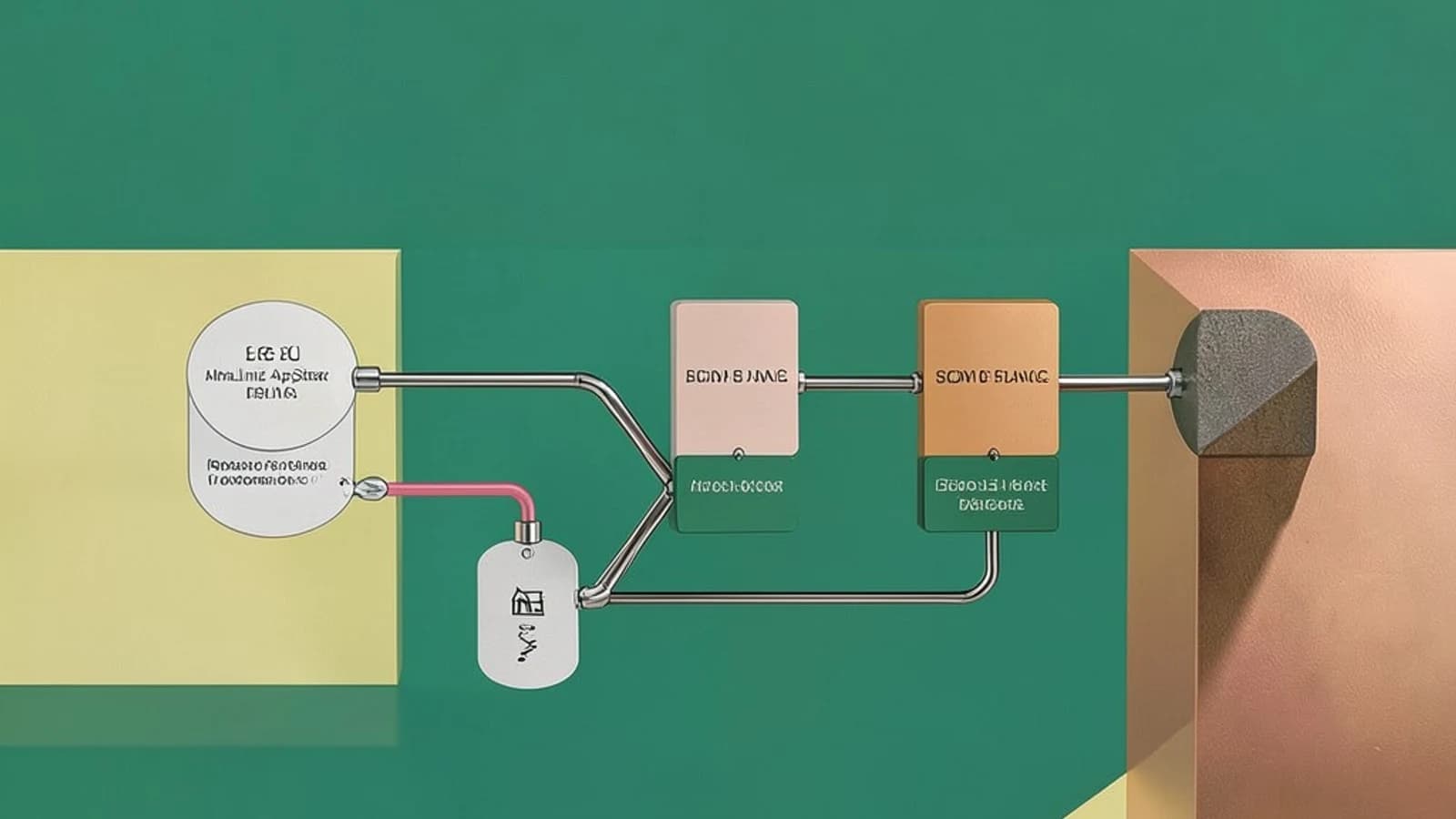
Solving Version Conflict with Modular Repositories
\nIn traditional Linux distributions, installing a specific version of a language runtime (like PHP 8.1 vs 8.2) often requires adding third‑party repositories or compiling from source. This risks introducing unstable dependencies or breaking the core OS stability. AlmaLinux solves this through AppStream, a system that decouples the core operating system lifecycle from the application software lifecycle.
\nThe primary takeaway is that you can deploy multiple versions of the same software—known as streams—on a single OS version without compromising the stability of the base system. This allows you to lock a production environment to a specific version of a toolchain while the rest of the OS receives security updates.
\nHow AppStream Modules Work
\nAppStream uses a modular repository structure. Instead of a flat list of RPMs, packages are grouped into modules. Each module can have one or more streams (versions) and profiles (sets of packages for specific use cases, such as "common" or "devel").
\nWhen you install a package via a module, the DNF package manager marks that stream as active. This prevents the system from accidentally installing a conflicting version from a different stream, ensuring dependency consistency across the deployment.
\nPractical Implementation: Deploying a Specific PHP Version
\nTo avoid the default system version and install a specific runtime, use the dnf module command. This example assumes you are running AlmaLinux 8 or 9 with root or sudo privileges.
1. List available streams
First, identify which versions of the software are available in the AppStream repository:
# Run on AlmaLinux terminal as root/sudo\ndnf module list php2. Install a specific stream
Instead of a generic dnf install, specify the stream version using the :version syntax. In this example, we install PHP 8.1:
# Install the 8.1 stream of the php module\ndnf module install php:8.13. Verify the active stream
Confirm that the system recognizes the 8.1 stream as the active provider for PHP packages:
# Check the current module state\ndnf module info php4. Verify the binary version
Ensure the installed binary matches the requested stream:
# Check the installed version\nphp -vSwitching Streams and State Management
\nChanging a version (e.g., moving from PHP 8.1 to 8.2) is not as simple as running a new install command. Because only one stream can be active at a time to prevent dependency collisions, you must reset the module state first.
\nWarning: Resetting a module may remove existing packages associated with that stream. Always back up configuration files before performing a reset.
\n# Step 1: Reset the module state to clear the active stream\ndnf module reset php\n# Step 2: Enable and install the new stream\ndnf module install php:8.2Limitations and Common Pitfalls
\n- Partial Modularization: Not every package in AlmaLinux is modular. Standard RPMs still follow traditional versioning; if a package isn't in a module,
dnf module listwill return no results. - Stream Exclusivity: You cannot have two different streams of the same module active simultaneously. For example, you cannot have both PHP 7.4 and PHP 8.1 active via AppStream on the same instance. For such requirements, consider containerization (Podman/Docker).
- Third-Party Conflicts: Mixing AppStream modules with unofficial third‑party repositories (like REMI or EPEL) can lead to dependency resolution failures if the third‑party repo provides the same package without modular metadata.
Verification Checklist
\n| Check | Command | Expected Result |
|---|---|---|
| Availability | dnf module list <name> | List of versions (streams) and profiles |
| Active State | dnf module info <name> | The chosen version marked as [e] (enabled) or [i] (installed) |
| Binary Match | <binary> --version | Version string matches the selected stream |
 almalinux
0 replies
A thoughtful contribution can make all the difference. Be the first to share one.