Locking down ngrok tunnels for local webhook development
Expose a local webhook receiver safely using ngrok Basic Auth and CIDR allowlisting, and understand why IP limits alone can break when providers rotate egress addresses.
01 Feb 2026, 02:42 UTC
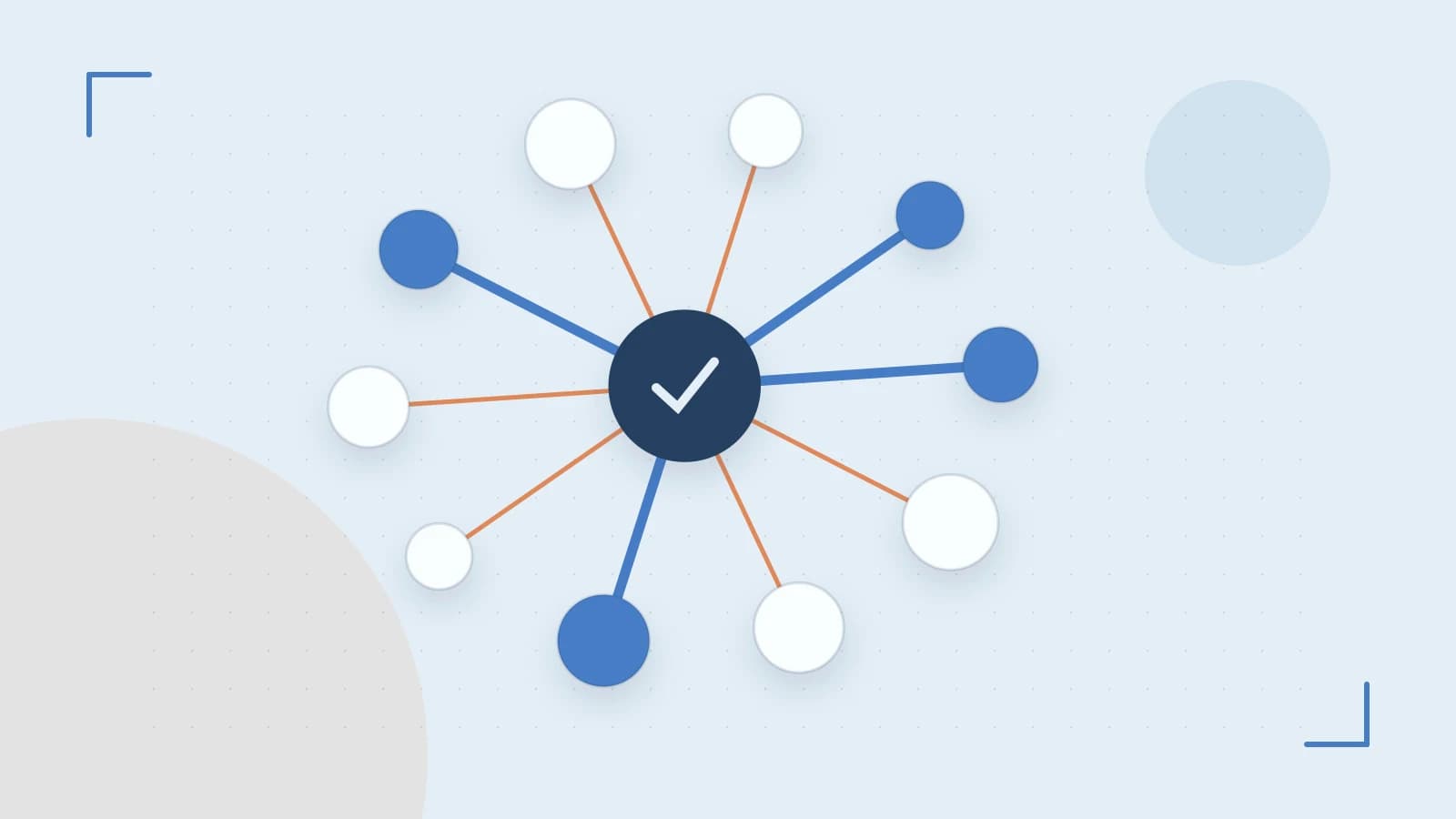
The problem: your webhook needs a public URL, but your laptop does not have one
You are building a webhook receiver on localhost:8080. A provider such as Stripe, GitHub, or Shopify needs to POST events to a public HTTPS URL. Your laptop sits behind a router or firewall with no inbound ports open, so you cannot give the provider a direct address.
ngrok solves the connectivity problem with one command: ngrok http 8080. It creates a public tunnel URL and forwards traffic to your local server. You do not need a public IP or firewall rules.
The new problem is access control. Anyone who discovers the public URL can send POST requests to your receiver. A misdirected or malicious request could trigger business logic, send email, or write to a database. You need to gate the tunnel before you share the URL with a provider.
Two controls ngrok offers at the tunnel edge
ngrok can enforce authentication before traffic reaches your local app:
- Basic Auth:
--basic-auth=user:passmakes ngrok return 401 Unauthorized for requests missing valid credentials. The caller must include anAuthorization: Basicheader. - IP allowlisting:
--allow-cidr=203.0.113.0/24restricts ingress to the CIDR ranges you specify. CIDR (Classless Inter-Domain Routing) expresses a block of IP addresses;203.0.113.0/24covers 256 addresses.
You can combine both. Disallowed IPs are rejected at the edge; allowed IPs still need valid credentials.
Worked example: start a protected tunnel and verify it
Run this in the terminal where ngrok is installed, with your local receiver already listening on port 8080:
ngrok http --basic-auth=devuser:devpass --allow-cidr=203.0.113.0/24 8080No special operating-system permissions are required beyond running ngrok and binding a local port. Replace devuser:devpass and 203.0.113.0/24 with your own credentials and address block.
From an allowed host, curl the public URL shown by ngrok:
curl -i https://<public-url>.ngrok-free.app/webhook \
  -H "Authorization: Basic $(printf 'devuser:devpass' | base64)"
Expect a 200-range response if your receiver accepts the request. Repeat without the header:
curl -i https://<public-url>.ngrok-free.app/webhookExpect 401 Unauthorized from ngrok, not your application.
Open http://127.0.0.1:4040 in a browser to use ngrok's local inspector. It shows request headers, response codes, and blocked connection attempts. This is the fastest way to confirm that allowlisting and auth filter traffic before it reaches localhost.
Press Ctrl+C in the ngrok terminal to stop the tunnel and release the public URL.
Why IP allowlisting alone is fragile for webhooks
Webhook providers often rotate egress IP addresses or send from many addresses across regions. If you allowlist only one CIDR and the provider adds a new address, legitimate webhooks begin failing with connection errors. Basic Auth is usually more robust because the credential travels with every request and does not depend on the provider's network topology.
Basic Auth still has operational drawbacks. The username and password can appear in your shell history and process list while ngrok runs. Treat them as development secrets, not production credentials.
Limitations to check before you rely on this
- Free ngrok tunnels receive a random URL on every restart. An existing webhook subscription breaks when the URL changes unless you reserve a custom domain on a paid plan.
- TLS encrypts traffic between the provider and ngrok's edge. The hop from ngrok to your local app is typically plain HTTP unless you terminate TLS locally, so avoid exposing sensitive internal services this way.
- Do not route production traffic through ngrok without reviewing ngrok's logging and data-handling terms. The tunnel is a trust boundary between a public network and your machine.
Practical closing steps
- Start the tunnel with both
--basic-authand--allow-cidras layered gatekeeping. - Verify with curl: authenticated requests succeed, unauthenticated requests return 401.
- Inspect blocked attempts at
http://127.0.0.1:4040. - Confirm the provider's current egress IP documentation before depending on allowlisting; prefer rotating the Basic Auth credential if the provider supports custom headers.
- If the webhook subscription must survive restarts, reserve a domain or plan to update the provider endpoint each time the free tunnel URL changes.
 ngrok
0 replies
A thoughtful contribution can make all the difference. Be the first to share one.