Live Collaboration in Karat Labs: Running Pair-Programming Interviews That Actually Work
Karat Labs' Live Collaboration turns coding interviews into shared editing sessions. Here's how it works, a coaching-style example, and the trade-offs to plan for.
18 Sept 2025, 10:04 UTC
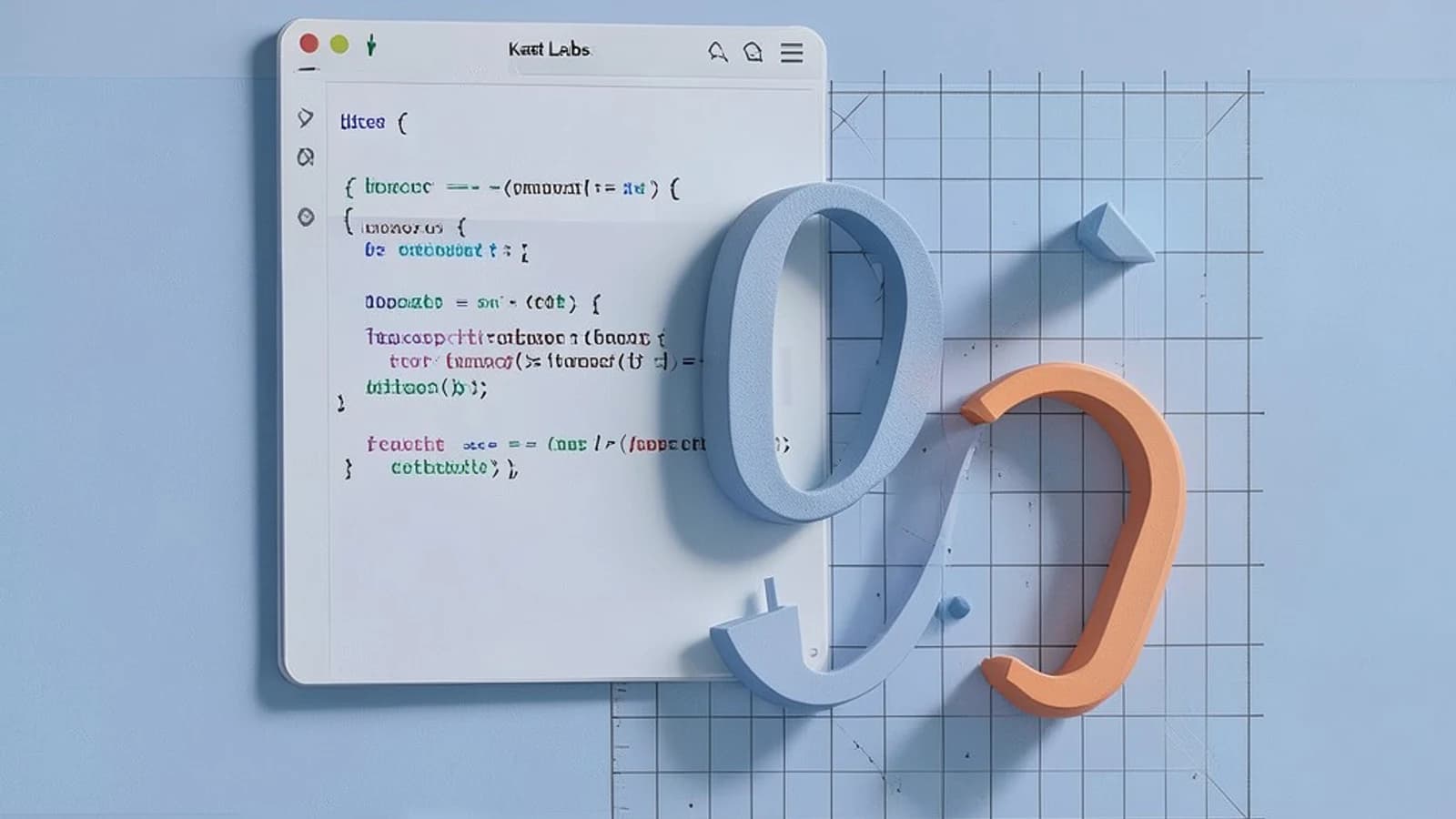
Screen-shared coding interviews have a well-known failure mode: the candidate types into an editor while the interviewer watches silently, then pastes feedback into chat. It feels like an exam, not a working session, and it measures the wrong thing. Karat Labs' Live Collaboration feature is built to fix exactly that — it turns the interview into a shared editing session where both parties can touch the code, talk, and sketch at the same time.
The thesis here is simple: Live Collaboration is genuinely useful for coaching-style interviews, but only if you prepare for its constraints — bandwidth, limited language/toolchain support, and the extra cognitive load it puts on candidates.
What the feature actually does
Live Collaboration gives the interviewer and candidate a shared code editor with simultaneous editing. Both cursors are visible, changes sync in near real time over WebSocket connections, and an integrated chat window sits alongside the editor. There is also a shared whiteboard for sketching diagrams — data flows, state machines, system components — with shapes and text annotations that both parties can draw.
The editor supports common interview languages (Java, Python, C++, JavaScript) with syntax highlighting and auto-indentation per language. The key behavioral difference from screen sharing: the interviewer can pause, drop a comment directly into the candidate's code, and the candidate sees it immediately in context — not as a chat message they have to map back to a line number.
A worked example: the coaching-style interview
Consider a 45-minute session on a rate-limiter problem. A reasonable flow:
- First 5 minutes: The interviewer pastes the problem statement into the editor as a comment block and uses the whiteboard to sketch the request flow. The candidate annotates it with their assumptions.
- Next 25 minutes: The candidate drives the solution in Python. The interviewer does not touch the code, but uses chat for clarifying questions ("what happens when the window rolls over?") so the code stays clean.
- When the candidate stalls: Instead of dictating an answer, the interviewer inserts a short comment at the relevant line — e.g.,
# what data structure gives O(1) eviction here?— and lets the candidate respond in code. - Final 10 minutes: The interviewer makes one small edit themselves (e.g., adding an edge-case test input) and asks the candidate to walk through it.
The agreed protocol matters: chat for questions, code comments for hints, whiteboard for design. Without that split, candidates end up context-switching between three channels and the session degrades into noise.
Trade-offs and limitations
The feature's strengths come with real costs you should plan around:
- Connectivity: Real-time sync depends on a stable connection. Latency shows up as lagging cursors and delayed rendering, and the whiteboard is the first thing to feel sluggish on constrained bandwidth.
- Environment limits: The sandbox ships with pre-installed toolchains. Custom build configurations, niche languages, or external libraries that aren't pre-installed may not work — verify your exact stack before the interview, not during it.
- Not a full IDE: Expect basic editing. Advanced refactoring, code navigation, and debugger-style workflows are not the point of this environment, and candidates used to a full IDE should be warned.
- Cognitive load: Candidates must process simultaneous code edits, chat messages, and whiteboard annotations. Interviewers who over-guide produce worse signal, not better — the candidate stops driving.
- Privacy: Everything typed in the editor and chat is visible to both parties and subject to the platform's data handling. Confirm this fits your organization's policies before adopting it.
How to verify it before a real interview
Because platform behavior changes over time, treat this as a checklist to run yourself rather than a guarantee:
- Create an account and schedule a mock session with a colleague.
- Confirm cursor sync and edit propagation feel responsive on the network your candidates will realistically use.
- Edit code in at least the languages you interview in; check syntax highlighting and indentation behave as expected.
- Exercise the whiteboard with both participants drawing at once.
- Test on the browsers you intend to support — current Chrome or Firefox are the safe baseline; older browsers and underpowered devices are where problems surface.
The bottom line
Live Collaboration is worth adopting if your interviews aim to assess communication and problem-solving interactively rather than just final code. The actionable path: run one mock session, fix your communication protocol (chat = questions, comments = hints, whiteboard = design), verify your language and toolchain support, and brief candidates on the environment beforehand. Do that, and the feature delivers a genuinely better signal than a silent screen share. Skip the preparation, and you've just added three new distractions to an already stressful situation.
 karatelabs
0 replies
A thoughtful contribution can make all the difference. Be the first to share one.