Linking a GitHub Repository to a Gitter Room: How Event Mirroring Works and When to Use It
Gitter can mirror GitHub repository events—pushes, issues, pull requests—into a room's chat feed. Here's how the webhook-based link works, how to validate it safely, and where it falls short.
16 Jul 2026, 18:32 UTC
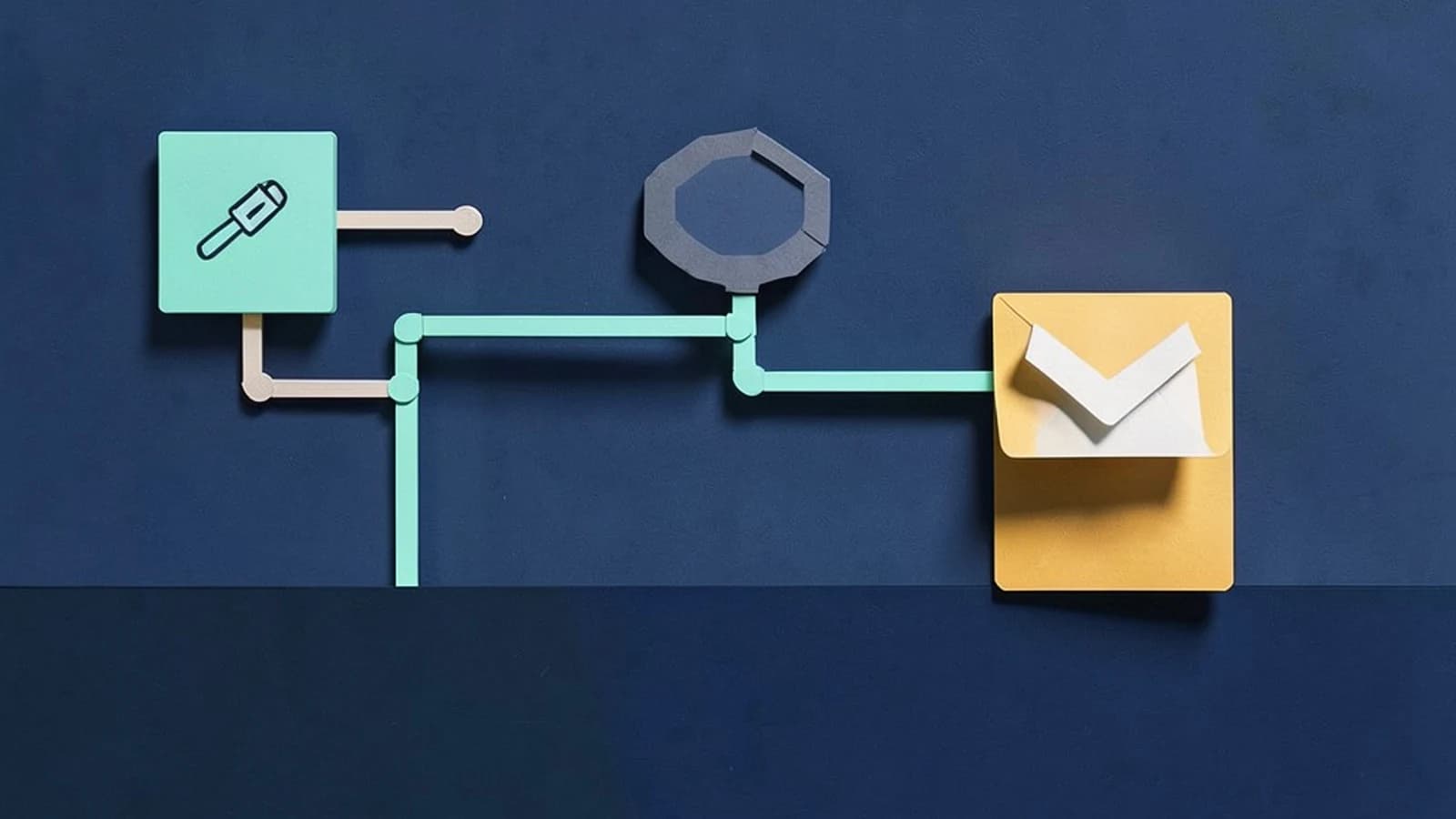
If your team already lives in a Gitter room, the last thing you want is a second place to watch for pull requests and issues. Gitter's GitHub repository integration solves this by mirroring repository events—pushes, issues, pull requests, and comments—directly into the room's message feed. The useful takeaway: it's a room-level webhook bridge, simple to set up, but its reliability is bounded by GitHub's webhook delivery and Gitter's own service health, so treat it as a convenience layer, not an audit trail.
What the integration actually does
When you link a repository to a room, Gitter registers interest in that repo's event stream. GitHub delivers event payloads via webhooks—HTTP callbacks fired when something happens in the repo—and Gitter translates each payload into a formatted chat message containing the event type, actor, and a link back to the commit, issue, or pull request on GitHub.
The engineering shape is a fan-out pattern: one webhook source feeds a persistent chat stream. Every message is stored in Gitter's history, so the room becomes a searchable, chronological log of repository activity interleaved with human discussion. That interleaving is the real value: a question about a failing test can sit directly under the push notification that introduced it.
Setting it up
The connection is configured per room, not per user. In the room's settings area, look for the integrations or repository section, where you can link a GitHub repository and choose which event types to mirror. You need sufficient permissions on the GitHub side—typically admin or write access to the repository—so GitHub can authorize the webhook delivery.
Before relying on this in a production room, verify the feature is still available in your current Gitter deployment. Gitter's platform has gone through ownership and architecture changes (including a Matrix-based backend), and integration surfaces have shifted over time. Check the room settings UI directly rather than assuming older documentation still applies.
A worked example: validating the link with a test repo
A safe way to confirm the integration works end to end, without spamming a real project room:
- Create a throwaway GitHub repository (private is fine) and a private Gitter room.
- In the room settings, link the test repository and enable a small set of event types—issues and pull requests are the easiest to trigger deliberately.
- Open a test issue in the repository with a recognizable title, e.g.
integration-check-01. - Watch the room feed. Within a short delay, a formatted notification should appear with the issue title, the actor's username, and a link back to the issue on GitHub.
- Revisit the room's linked-repository list to confirm the connection state is shown as active.
If nothing appears, check in order: the repository link still listed in room settings, your GitHub authorization still valid (tokens and OAuth grants can expire or be revoked), and GitHub's own webhook delivery log for the repo if one was created on your behalf. A failed delivery on GitHub's side will never reach the room.
Trade-offs and limitations
The coupling to webhooks cuts both ways. Missed or delayed GitHub deliveries mean gaps in the chat mirror, and Gitter does not necessarily backfill events that were lost while the connection was down. Chat history also becomes partially dependent on an external service: if the repo is deleted or the link removed, old notification messages may keep dead links.
Noise is the other cost. Mirroring every push on a busy repository into a discussion room drowns out conversation. The practical pattern is to mirror high-signal events (pull requests, releases, issues) into the main room and route noisy events (every push, every comment) to a dedicated feed room—or disable them entirely.
Finally, because platform support has changed over time, treat this as a convenience integration rather than critical infrastructure. If you need guaranteed delivery of repository events, a dedicated CI/notification pipeline (e.g., GitHub Actions posting to your chat system of choice) gives you explicit control over retries and formatting.
Closing thought
Link a repository when the room's purpose is that repository—an open-source project's community room is the canonical fit. Start with a narrow set of event types, validate with a test issue, and check the linked-repository list after any platform migration. If the integration surface has moved or disappeared in your deployment, the same outcome is achievable with a small GitHub Actions workflow posting messages via Gitter's API or a Matrix bot—at the cost of maintaining it yourself.
 gitter
0 replies
A thoughtful contribution can make all the difference. Be the first to share one.