Link Notion Databases with the Relation Property via the API
Use Notion's relation property to reference pages across databases without duplicating data, then query linked records through the API.
04 Jul 2026, 17:22 UTC
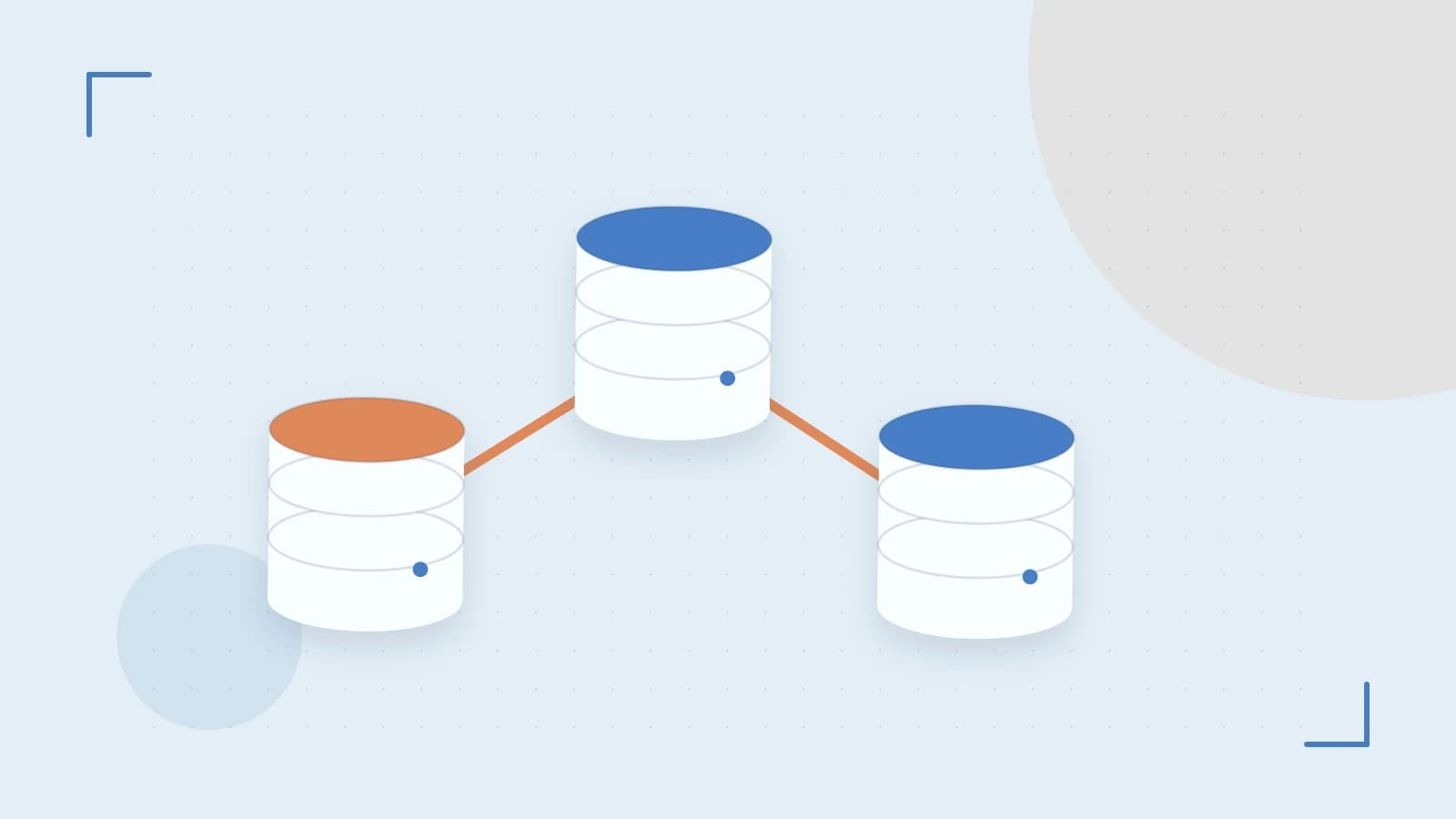
If you need to display every task assigned to a project without duplicating project details inside each task page, use a Notion relation property. A relation stores references to pages in another database as an array of page IDs. This keeps data in one place while letting you build filtered views, rollups, and cross-database reports through the Notion API.
How the relation property works
A relation property lives on a target database and points to a source database. When you read a page through the API, the property value is an array of objects, each containing an id that matches a page in the source database. The integration must be explicitly added to both databases in the Notion UI; otherwise the relation appears empty and API queries return no results.
Worked example: link a task to a project
Run these requests in a terminal or HTTP client. You need a Notion integration internal token with read and write capabilities for databases. Replace the placeholders with values from your workspace.
| Placeholder | Description |
|---|---|
| NOTION_TOKEN | Your Notion integration secret |
| PROJECT_DB_ID | ID of the source Projects database |
| TASK_DB_ID | ID of the target Tasks database |
| PROJECT_PAGE_ID | ID of the project page to link |
| TASK_PAGE_ID | ID of the task page to update |
| RELATION_PROP | Name of the relation property on the Tasks database |
This example uses PATCH /v1/pages to update an existing task page. You can include the same relation object in the properties of POST /v1/pages when creating a new task instead. Use the Notion-Version header that matches your integration; 2022-06-28 is a common stable version.
curl "https://api.notion.com/v1/pages/TASK_PAGE_ID" \
  -H "Authorization: Bearer NOTION_TOKEN" \
  -H "Notion-Version: 2022-06-28" \
  -H "Content-Type: application/json" \
  -X PATCH \
  -d '{
    "properties": {
      "RELATION_PROP": {
        "relation": [
          { "id": "PROJECT_PAGE_ID" }
        ]
      }
    }
  }'
An expected successful response is HTTP 200, and the response body includes the updated property with the relation array containing the project page ID. If the integration is not shared with the source database, the relation may not resolve and downstream queries will return empty results.
Retrieve linked records with a query filter
Use the query endpoint on the target database and filter by the relation property. The contains operator matches an exact page ID.
curl "https://api.notion.com/v1/databases/TASK_DB_ID/query" \
  -H "Authorization: Bearer NOTION_TOKEN" \
  -H "Notion-Version: 2022-06-28" \
  -H "Content-Type: application/json" \
  -X POST \
  -d '{
    "filter": {
      "property": "RELATION_PROP",
      "relation": {
        "contains": "PROJECT_PAGE_ID"
      }
    }
  }'
A successful response returns a results array containing task pages whose relation array includes PROJECT_PAGE_ID. If the array is empty, check that the integration is shared with both databases and that you are filtering with the exact source page ID, not the page title or URL.
Limits and common mistakes
- A single relation property can reference up to 1,000 pages.
- A workspace is limited to 1,000 relation properties total.
- Notion enforces an average of three API requests per second. Bursts beyond this return HTTP 429. Check the X-RateLimit-Remaining header and retry after the delay indicated by the response.
- Deleting a source page does not automatically remove its ID from relation arrays. Stale IDs remain until you clear them, which can cause rollup errors or unexpected query results.
Common mistakes include choosing text, select, or another property type instead of relation in the database schema, forgetting to invite the integration to both the source and target databases, filtering by page title instead of the exact page ID, and assuming that deleting a project cascades to linked tasks.
Verify the result
Open the target database in Notion. The relation column should display the linked project page title. Change the relation in the UI and confirm the API response updates on the next request. In code, compare the returned page IDs against your expected source page ID and monitor rate-limit headers during batch updates.
Rollback
Because writing a relation changes workspace state, remove the link by setting the property to an empty array:
curl "https://api.notion.com/v1/pages/TASK_PAGE_ID" \
  -H "Authorization: Bearer NOTION_TOKEN" \
  -H "Notion-Version: 2022-06-28" \
  -H "Content-Type: application/json" \
  -X PATCH \
  -d '{
    "properties": {
      "RELATION_PROP": {
        "relation": []
      }
    }
  }'
This clears the relation without deleting either page.
 notion
0 replies
A thoughtful contribution can make all the difference. Be the first to share one.