Lazy‑Loading Large Hierarchies with Ant Design Tree: A Practical Guide
Learn how to lazy‑load large Ant Design Tree structures with the loadChildren prop, see a concrete v5 example, weigh the useTree hook against declarative updates, and verify performance gains.
27 Sept 2025, 01:22 UTC
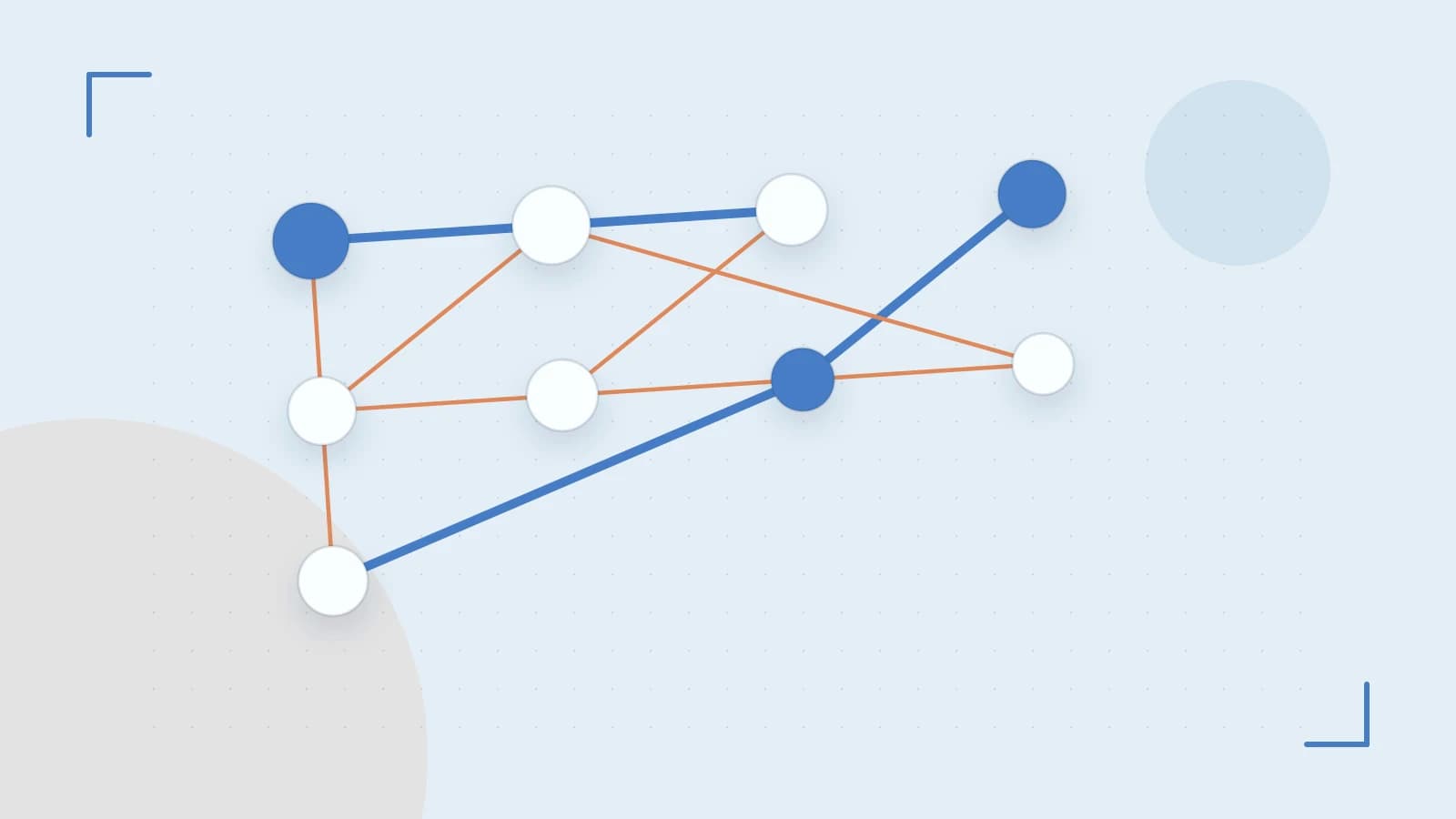
Problem: Initial render lag with deep static trees
When a menu or file‑explorer UI needs to display thousands of nodes, passing the entire hierarchy to Ant Design’s treeData prop forces React to render every node on mount. This inflates the initial bundle work, delays time‑to‑interactive, and can cause dropped frames on low‑end devices.
Thesis: Use the loadChildren callback for on‑demand subtree fetching
The Tree component accepts a loadChildren prop that is invoked only when a user expands a node whose children are not yet present. By moving data retrieval to this callback you keep the initial render small and shift work to the moment the user actually needs it.
Worked example: Basic lazy‑loading Tree in Ant Design v5
import { Tree } from 'antd';
import { useState, useCallback } from 'react';

function LazyTree() {
  const [treeData, setTreeData] = useState([
    { title: 'Root 1', key: '0-0', isLeaf: false },
    { title: 'Root 2', key: '0-1', isLeaf: false },
  ]);

  const loadChildren = useCallback(async (treeNode) => {
    // Simulate an API call that returns children for the expanded node
    const resp = await fetch(`/api/tree?parent=${treeNode.props.eventKey}`);
    const children = await resp.json();
    // Append children to the existing treeData immutably
    setTreeData(prev => {
      const newData = [...prev];
      const parentIdx = newData.findIndex(n => n.key === treeNode.props.eventKey);
      if (parentIdx >= 0) {
        newData[parentIdx] = { ...newData[parentIdx], children };
      }
      return newData;
    });
  }, []);

  return (

  );
}

export default LazyTree;
Key points:
treeDataholds only the nodes that have been fetched so far.- The
loadChildrenfunction receives atreeNodeobject; itseventKeyidentifies the parent. - State is updated immutably to trigger a re‑render of just the affected branch.
Trade‑off: Imperative useTree hook vs declarative treeData updates
Ant Design v5 also exposes a useTree hook that lets you imperatively insert, remove, or modify nodes via returned functions (add, remove, etc.). This gives fine‑grained control (e.g., optimistic UI updates) but requires more boilerplate and careful synchronization with server state. Declarative updates—replacing treeData as shown above—are simpler to reason about and play nicely with React’s rendering lifecycle, though they may cause a re‑render of the entire subtree each time data changes.
If your UI needs frequent drag‑and‑drop reordering or inline editing, useTree may reduce the amount of state you manage manually. For pure lazy‑loading scenarios, the declarative approach keeps the codebase lighter.
Verification and practical checks
- DevTools event log: Open React DevTools, enable the profiler, expand a node beyond the first level, and confirm that
loadChildren appears only once per expansion. - Console tracing: Add a
console.log('loadChildren called for', treeNode.props.eventKey)inside the callback; verify it does not fire on initial mount. - Bundle analysis: Run
npm run buildand inspect the output withwebpack-bundle-analyzer. The initial chunk should be noticeably smaller than a version where the full 2000‑node tree is passed viatreeData.
Limitation: Potential N+1 fetch pattern
If loadChildren is not memoized or debounced, rapid successive expansions (e.g., via programmatic expansion of many nodes) can trigger many individual requests, increasing server load and latency. Mitigate this by wrapping the callback with useCallback (as in the example) and, if needed, adding a debounce or request‑batching layer on the client side.
Actionable closing
Start by moving only the top‑level nodes into treeData and implement a loadChildren that fetches children from your API. Verify with React DevTools that the callback fires only on user‑driven expansions, then measure the impact on time‑to‑interactive. If you later need imperative node manipulation, evaluate the useTree hook against the added complexity.
 antdesign
 react
react0 replies
A thoughtful contribution can make all the difference. Be the first to share one.