Karma’s Browser‑Based Test Orchestration: Architecture, Trust, and Operational Checks
Karma runs tests in real browsers via WebSocket. This guide explains its core architecture, minimal design, trust boundaries, operational checks, failure modes, and when you should rethink the setup for CI or large‑scale runs.
29 Sept 2025, 13:31 UTC
Problem & Takeaway
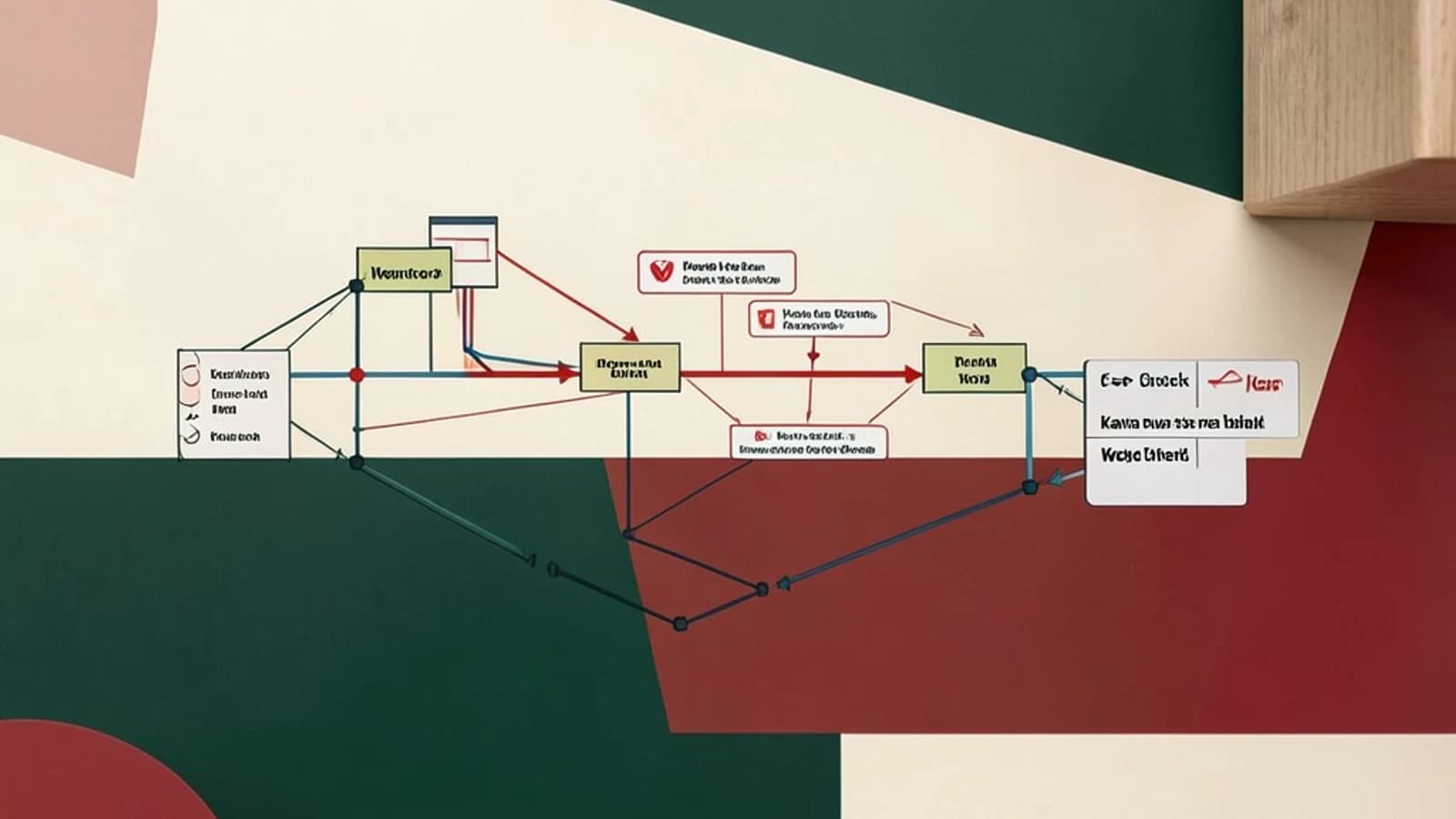
Developers need a reliable way to execute JavaScript tests inside real browsers while keeping the test runner lightweight. Karma solves this by acting as a thin server that serves test assets and talks to browsers over WebSocket. The key takeaway: Karma’s architecture is intentionally decoupled – the server orchestrates, the browser runs, and results flow back via a persistent socket. Understanding this flow clarifies what to test, how to verify, and when the default design is insufficient.
Requirements for a Minimal Karma Setup
- Node.js (>=12) and npm/yarn installed.
- A test framework (Jasmine, Mocha, etc.) and assertion library.
- At least one real browser or headless instance (Chrome, Firefox).
- Network access between the Karma server process and the browser (same machine or LAN).
Smallest Suitable Design
The simplest architecture follows the "client‑server" model:
- Karma Server starts on
localhost:9876, spawns an internal HTTP server. - It serves the application bundle, test files, and a small
karma-client.jsshim to the browser. - The browser loads
http://localhost:9876/karma.conf.js, establishes a WebSocket tows://localhost:9876/. - JavaScript test files run inside the browser’s V8/SpiderMonkey engine; results are sent back over the socket.
- The server aggregates results and prints a summary in the console.
Below is a minimal karma.conf.js that demonstrates the core pieces.
module.exports = function(config) {
  config.set({
    basePath: '',
    frameworks: ['jasmine'],
    files: [
      'src/**/*.js',           // application code
      'test/**/*.spec.js'      // test files
    ],
    browsers: ['ChromeHeadless'],
    reporters: ['progress'],
    port: 9876,
    colors: true,
    logLevel: config.LOG_INFO,
    autoWatch: false,
    singleRun: true
  });
};
Trust and Data Boundaries
In this setup the boundary between the trusted and untrusted realms is clear:
- Trusted side: Node.js process running Karma, owns the test configuration, and aggregates results.
- Untrusted side: Browser instances. Although they execute test code, they cannot influence the Karma server beyond what the WebSocket protocol allows.
Because the browser loads resources from a local server, no external URLs are fetched unless explicitly configured. This isolation protects against accidental exposure of internal code or test data.
Operational Checks
Verify that the system is functioning correctly with these steps:
- Start Karma:
Ensure the process listens on port 9876.npx karma start karma.conf.js - Inspect WebSocket:
Open the browser’s DevTools, go to the Network tab, filter by
WS, and confirm a connection tows://localhost:9876/is established. The socket should stay open until tests finish. - Check console output: The Karma server should print test progress and a final summary. Look for lines like "Executed 10 of 10 tests".
- Validate file serving:
In the browser, navigate to
http://localhost:9876/and ensure the test bundle loads without 404 errors.
Failure Modes and Conditions
- WebSocket drop: If the socket closes prematurely, Karma will report an error and stop. Check firewall rules or network policies that might interrupt TCP connections.
- Browser crash: A crash resets the socket; Karma will retry based on configuration. Use
browserDisconnectTimeoutto control tolerance. - Test timeouts: Long‑running tests can cause Karma to abort. Adjust
browserNoActivityTimeoutor usejasmine.DEFAULT_TIMEOUT_INTERVAL. - Duplicate results: Running the same test suite in multiple browsers can lead to duplicated output if
singleRunis false. Ensure each browser instance reports to a unique channel. - Environment drift: Headless browsers may render differently than headed ones. If visual tests are critical, run a parallel headed instance for comparison.
When the Design Should Change
Below are scenarios that push the minimal architecture beyond its limits:
- CI/CD Pipelines: On Jenkins or GitHub Actions you need deterministic, parallel runs. Switch to
ChromeHeadlessorFirefoxHeadlessand disableautoWatch. Use--browsersflag to specify multiple browsers in one invocation. - Large Test Suites: When thousands of tests run, the internal HTTP server becomes a bottleneck. Consider a separate static file server (e.g., nginx) and point Karma’s
filesto that host. - Distributed Execution: If you need to run tests across a grid (e.g., Selenium Grid), replace the local WebSocket with a remote endpoint. Karma offers plugins like
karma-selenium-webdriver-launcher. - Security‑Sensitive Code: When tests must not expose internal API keys, run Karma in a sandboxed Docker container and mount only the test files.
- Real‑time Feedback: For live debugging, enable
autoWatch: trueand connect multiple developers’ browsers to the same Karma instance. Remember to isolate sensitive data.
Practical Verification Checklist
| Check | Command / Action | Expected Result |
|---|---|---|
| Server listening | netstat -tln | grep 9876 | LISTEN on 0.0.0.0:9876 |
| WebSocket open | DevTools → Network → WS | Connection established, no errors |
| Test summary | Console output | "Executed X of X tests" |
| Parallel browsers | Run npx karma start karma.conf.js --browsers ChromeHeadless,FirefoxHeadless | Results aggregated from both |
Conclusion
Karma’s lightweight orchestration model works well for small to medium projects, especially when manual debugging in a real browser is valuable. By keeping the architecture simple—server serves files, browser runs tests, results flow over a WebSocket—you can quickly verify operation and detect failures. However, as test suites grow, CI demands increase, or security constraints tighten, you should consider scaling the design: move to headless browsers, offload static files, or integrate with distributed grids. The design trade‑offs are clear: simplicity and speed versus scalability and isolation.
 karma
karma0 replies
A thoughtful contribution can make all the difference. Be the first to share one.