k3OS Immutable Node Design: Trust Boundaries and Upgrade Safety
Run K3s on immutable k3OS nodes by configuring through cloud-init, protecting the cluster token, and verifying writable state partitions.
10 Oct 2026, 00:40 UTC
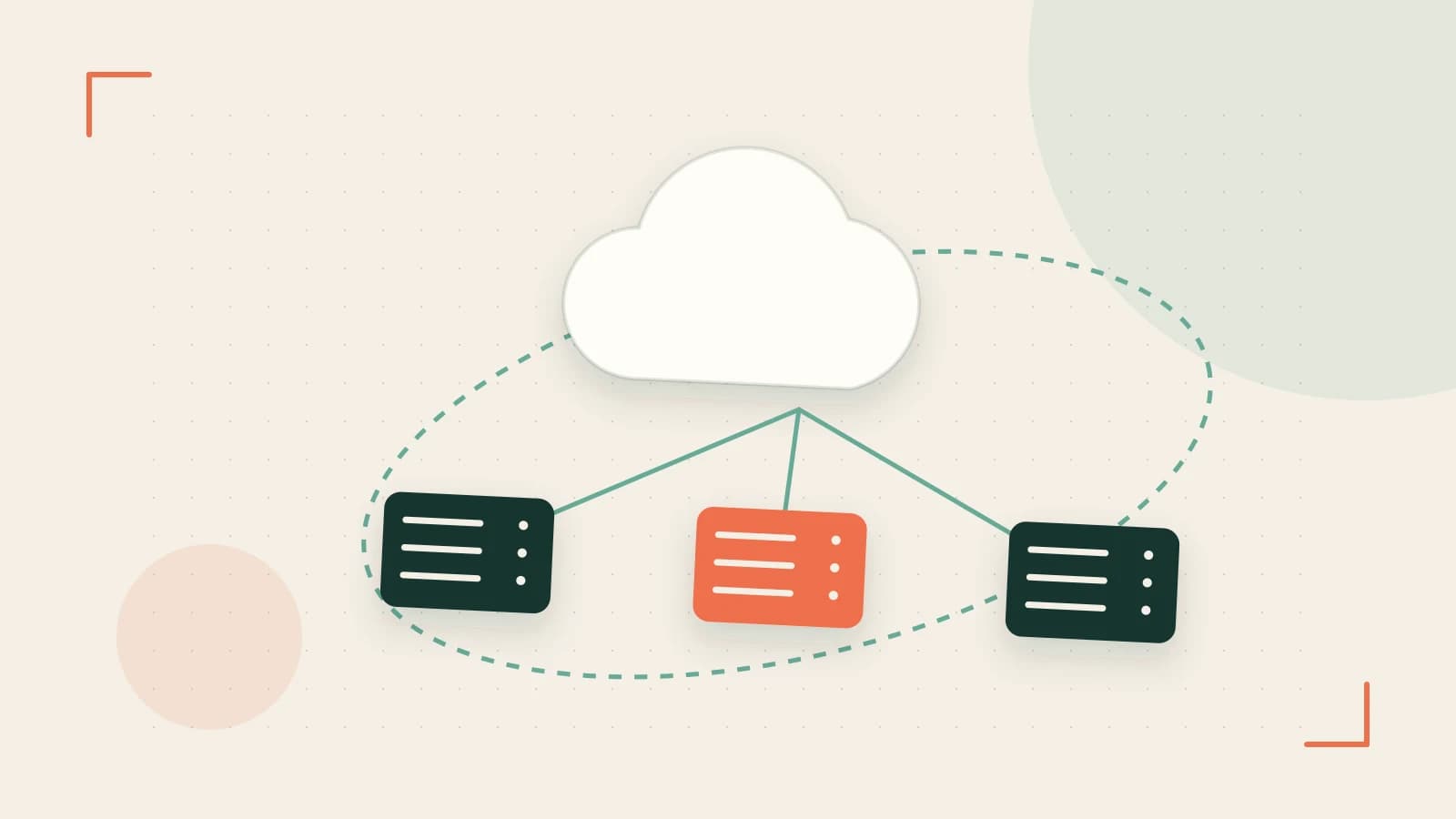
The problem: mutable habits break an immutable node
k3OS is an immutable operating system built to run K3s, the lightweight Kubernetes distribution. It boots a read-only root filesystem and confines persistent state to designated writable areas such as /var/lib/rancher and /etc/rancher. You do not install packages, edit system files, or manage nodes over SSH the way you would on Ubuntu or CentOS. If you try, changes vanish on reboot—or worse, they persist in a way that breaks the next rootfs replacement.
Use k3OS when you want appliance-like K3s nodes that upgrade as a unit and do not drift. Do not use it when you need a general-purpose Linux shell for custom daemons, compilers, or ad-hoc debugging outside the cluster.
Requirements
- Bare-metal or virtual machines that can boot from an ISO, PXE, or cloud image.
- A way to deliver cloud-init user-data on first boot (config drive, metadata service, or attached ISO).
- One server node to run the K3s control plane and zero or more agent nodes.
- Network reachability on port 6443 from agents to the server.
- Acceptance that day-two operations happen through
kubectland the Kubernetes API, not through node login.
Smallest suitable design
Start with one k3OS server and one agent. The server initializes the cluster; the agent joins using the cluster token and server URL supplied in cloud-init. All node-specific configuration—hostname, SSH keys, network settings, K3s flags—belongs in that first-boot user-data. After boot, manage workloads through the Kubernetes control plane.
Representative cloud-init user-data
Prepare this file on your provisioning host. Field names vary by k3OS release; verify them against the release you are using before copying into production.
#cloud-config
hostname: k3os-server-01
ssh_authorized_keys:
  - ssh-rsa AAAA... [contact removed]
k3os:
  token: ""
  server_url: "https://:6443"
write_files:
  - path: /etc/rancher/k3s/config.yaml
    content: |
      tls-san:
        - ""
        - "k3s.example.com"
Where to run: Your provisioning laptop or CI runner. Permissions: root or sudo to write the cloud-init ISO or config drive. Expected check: after the node boots, run kubectl get nodes from a machine with cluster credentials and confirm the node appears as Ready. Risk: the cluster token is a shared secret. Storing it in plaintext user-data means your cloud platform, hypervisor logs, or version control may retain it.
Trust and data boundaries
| Boundary | What crosses it | How to protect it |
|---|---|---|
| Cloud platform to node | cloud-init user-data including cluster token | Treat user-data like a password file; avoid committing it to git; prefer encrypted secret delivery where the platform supports it. |
| Agent to server | K3s join token and TLS certificate exchange | Rotate the token if you suspect leakage; rejoin agents with a new token. |
| Rootfs to state partition | K3s state in /var/lib/rancher and configuration in /etc/rancher | Do not back up or modify the read-only rootfs; back up state partitions separately if you need etcd or cluster data recovery. |
| Administrator to node | kubectl commands and optional local console | Manage through the Kubernetes API; use the local console only for break-glass debugging. |
Operational checks
- Confirm the immutable rootfs: on the node, run
findmnt /and expectroin the options column. - Confirm writable state: run
mount | grep rancheror inspect/proc/mountsfor bind mounts under/var/lib/rancherand/etc/rancher. - Confirm cluster membership: run
kubectl get nodesfrom outside the node and verify the new node is listed andReady. - Confirm first-boot configuration: check cloud-init logs if the node fails to join; there is no interactive installer to rerun.
Failure modes
- Lost or corrupted state partition: because the rootfs is immutable and state lives on a separate partition, losing that partition means the node loses its K3s identity and must be reprovisioned from cloud-init.
- Bad cloud-init: a typo in the token or server URL produces a node that boots but never joins. You cannot fix it by editing files on the node; you must correct user-data and reprovision.
- Token exposure: if the cluster token appears in platform logs, rotate it and rejoin all agents. Nodes using the old token cannot be patched in place.
- Interrupted upgrade: k3OS upgrades by replacing the rootfs image while preserving state. If the replacement image fails to boot, the node is unavailable until you roll back to the previous image (if your bootloader retains it) or reprovision.
- Manual rootfs edits: installing packages or changing files outside the writable state areas is unsupported and can break the next upgrade.
Rollback
An upgrade changes state by swapping the rootfs image. If the new image does not boot, select the previous k3OS rootfs entry in the bootloader if one is retained. If no previous entry exists, reprovision the node from the last known-good cloud-init user-data; there is no in-place package downgrade.
Conditions that would change the design
- You need to run custom systemd services or install packages on the host: use a standard Linux distribution with K3s installed on top instead of k3OS.
- You cannot verify the project's current maintenance status: treat k3OS as experimental until you confirm active releases and security updates.
- You need strong secret governance: avoid putting the cluster token in user-data; use an external secrets injection mechanism or manage tokens through your platform's secret store.
- You require interactive debugging shells on every node: k3OS exposes a local API/console for debugging but is designed to be managed through Kubernetes, not SSH configuration management.
Practical verification before production
Boot a k3OS ISO or virtual machine with an attached cloud-init ISO. Confirm the node joins the cluster and appears in kubectl get nodes without manual SSH. Inspect /proc/mounts after boot to confirm the root filesystem is mounted read-only. If an upgrade path is available, trigger it and verify that /etc/rancher and /var/lib/rancher persist across reboot while the rootfs version changes. The project's active maintenance status is uncertain; check the repository before adopting in production.
 k3s
k3s k3os
k3os0 replies
A thoughtful contribution can make all the difference. Be the first to share one.