Isolating Workloads in RocksDB with Column Families
Learn how to partition RocksDB data into Column Families, tune MemTable and compaction settings independently, and avoid common initialization and resource-leak pitfalls.
14 Sept 2026, 12:10 UTC
The problem: one database, many workloads
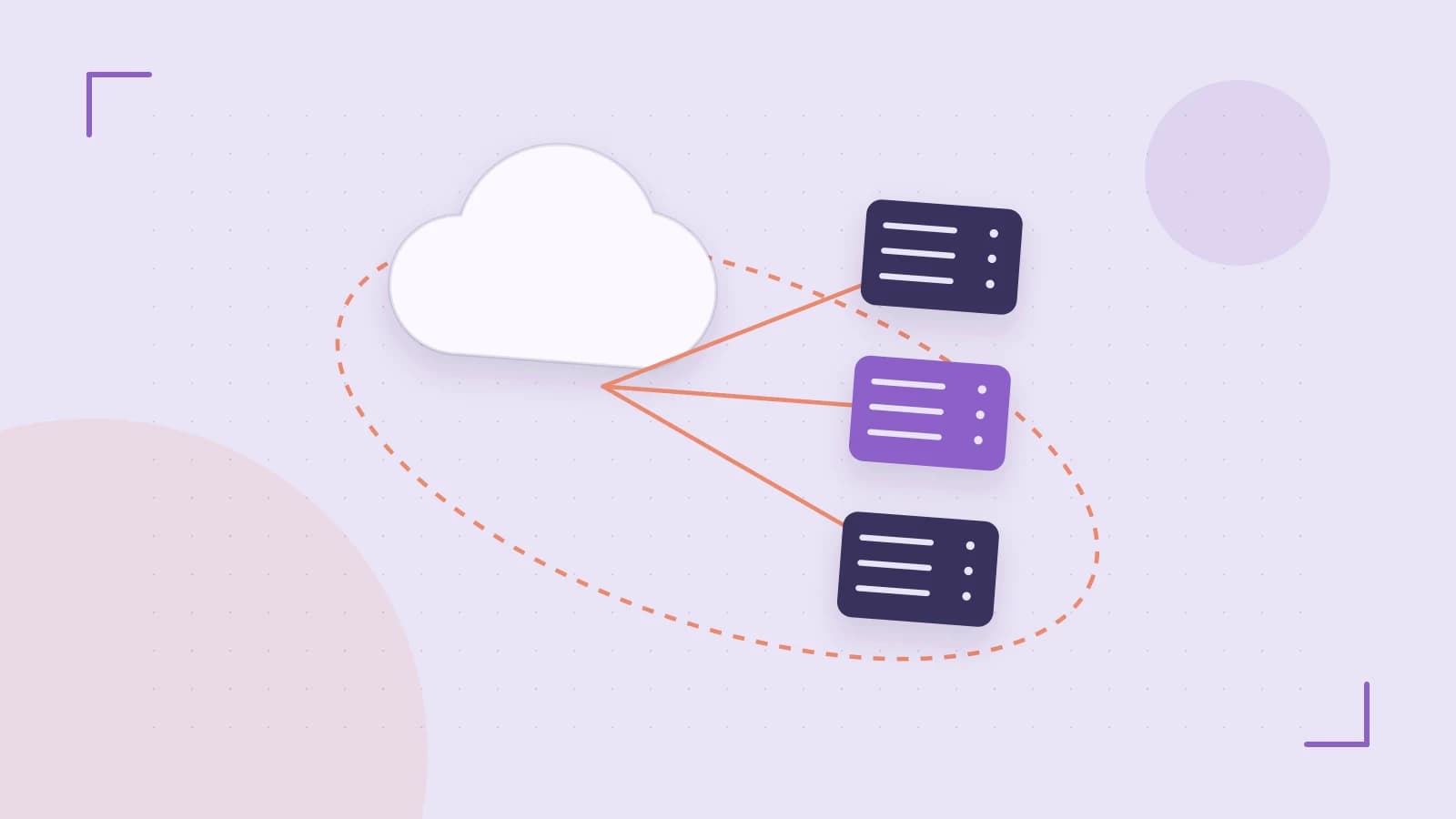
A single RocksDB instance often stores unrelated datasets—user profiles, session tokens, analytics counters—that need different compaction, compression, and write patterns. Running separate database processes adds operational overhead. Column Families solve this by letting you partition data logically inside one instance while keeping each partition's MemTable and SST files independent.
What you will achieve
By the end of this guide you will have a RocksDB database where two logical datasets live in separate Column Families, each with its own compression and compaction settings, and you will know how to verify isolation and recover from common initialization errors.
Prerequisites
- RocksDB development headers and library linked into your application. The examples below use C++; Java and Python bindings expose the same concepts through different object lifecycles.
- A writable data directory, for example
/var/lib/rocksdb/data. Your process must have read/write permissions on this path. - Awareness that the default Column Family (index 0) always exists and cannot be dropped. Every database has it, even if you never write to it explicitly.
Step 1: Open the database with Column Family descriptors
When you open a database that already contains Column Families, you must supply every existing family name. RocksDB will return an error if you omit one. The pattern is to build a vector of ColumnFamilyDescriptor objects—one per family—and pass them to DB::Open.
// Application process; requires write access to DB_PATH
rocksdb::Options options;
options.create_if_missing = true;

// Independent options for the custom family
rocksdb::ColumnFamilyOptions profile_cf_options;
profile_cf_options.compaction_style = rocksdb::kCompactionStyleLevel;
profile_cf_options.compression = rocksdb::kSnappyCompression;

std::vector<rocksdb::ColumnFamilyDescriptor> column_families;
column_families.push_back(rocksdb::ColumnFamilyDescriptor(
    rocksdb::kDefaultColumnFamilyName, rocksdb::ColumnFamilyOptions()));
column_families.push_back(rocksdb::ColumnFamilyDescriptor(
    "user_profiles", profile_cf_options));

std::vector<rocksdb::ColumnFamilyHandle*>* handles = nullptr;
rocksdb::DB* db = nullptr;
rocksdb::Status s = rocksdb::DB::Open(
    options, "/var/lib/rocksdb/data", column_families, handles, &db);
if (!s.ok()) {
  // Handle initialization failure; see Recovery options below.
}
The handles vector receives one ColumnFamilyHandle* per descriptor, in the same order. Keep these pointers; every subsequent read and write requires the handle for the target family.
Step 2: Route reads and writes through handles
A ColumnFamilyHandle is the only way to tell RocksDB which logical partition should receive an operation. Writing to the default family and the custom family keeps the key spaces separate even if keys collide.
// Write to the default family (handles[0])
db->Put(rocksdb::WriteOptions(), handles[0], "shared_key", "default_value");

// Write to the custom family (handles[1])
db->Put(rocksdb::WriteOptions(), handles[1], "shared_key", "profile_value");

// Read from the custom family only
std::string value;
s = db->Get(rocksdb::ReadOptions(), handles[1], "shared_key", &value);
// value == "profile_value"
Because each family maintains its own MemTable and SST files, a compaction or flush in one family does not block writes to another.
Step 3: Tune compaction and compression per family
The real value of Column Families is independent configuration. A write-heavy cache family might use universal compaction with no compression, while a read-heavy profile family uses leveled compaction with Snappy or ZSTD.
| Setting | Default family | Custom family example |
|---|---|---|
| Compaction style | Leveled (typical default) | Universal |
| Compression | Snappy or LZ4 | ZSTD |
| Write buffer size | Shared default | Larger for bursty writes |
Adjust these through the ColumnFamilyOptions passed at open time, or use SetOptions on an open handle when the API supports it.
Step 4: Remove a Column Family safely
Dropping a family is a metadata operation. RocksDB marks the associated SST files for deletion, but physical removal happens during compaction.
// Requires an open DB and a valid handle for the target family
s = db->DropColumnFamily(handles[1]);
if (s.ok()) {
  // Handle is no longer valid after drop; do not use it.
}
After a successful drop, reads using that handle return a non-OK status such as Status::InvalidArgument or Status::NotFound, depending on the binding and version.
Expected checks
- Data isolation. After the writes above,
Getonhandles[0]returns"default_value"andGetonhandles[1]returns"profile_value". The same key in two families does not overwrite the other. - Separate storage. Use the
ldbtool included with RocksDB to list live files and their owning family:
ldb --db=/var/lib/rocksdb/data list_column_families
Alternatively, callGetLiveFilesMetaData()in your application and inspect thecolumn_family_namefield for each SST file. - Drop verification. After
DropColumnFamily, attempt aGetwith the old handle. Expect a non-OK status, and confirm the family no longer appears inlist_column_families.
Recovery options
- Open fails with a missing-family error. If the process crashes and restarts without the original descriptor list,
DB::Openmay reject the data directory. UseDB::ListColumnFamilies()(orldb list_column_families) to discover the exact names, then rebuild the descriptor vector and retry. - Resource leaks or crashes on shutdown. In C++, you must
deleteeveryColumnFamilyHandlebefore callingdelete db. Some language bindings garbage-collect handles asynchronously; close the database only after handles are explicitly released or closed according to that binding's documentation. - Unwanted family still present. If a drop did not complete before shutdown, the family may reappear on next open. Re-open with all discovered families, drop the unwanted one again, and allow compaction to finish before closing.
Limitations and version notes
- Memory overhead. Every Column Family allocates its own MemTable and block cache structures. Hundreds of families can consume significant memory even when idle. Start with a small number and measure.
- API drift. Exact
DB::Opensignatures andColumnFamilyOptionsdefaults have changed across RocksDB releases. Verify the header files for your linked version before compiling. - Default family is permanent. You can write to it, but you cannot drop it.
- Asynchronous cleanup. Dropped families do not free disk space immediately. If disk usage remains high after a drop, trigger a manual compaction or check that background compaction is enabled.
 rocksdb
0 replies
A thoughtful contribution can make all the difference. Be the first to share one.