Integrating NHibernate Second-Level Cache with Redis for Distributed Session Management
Integrate NHibernate's second-level cache with Redis to share cached entities across multiple application instances, reducing database load in distributed .NET applications.
02 Oct 2026, 09:57 UTC
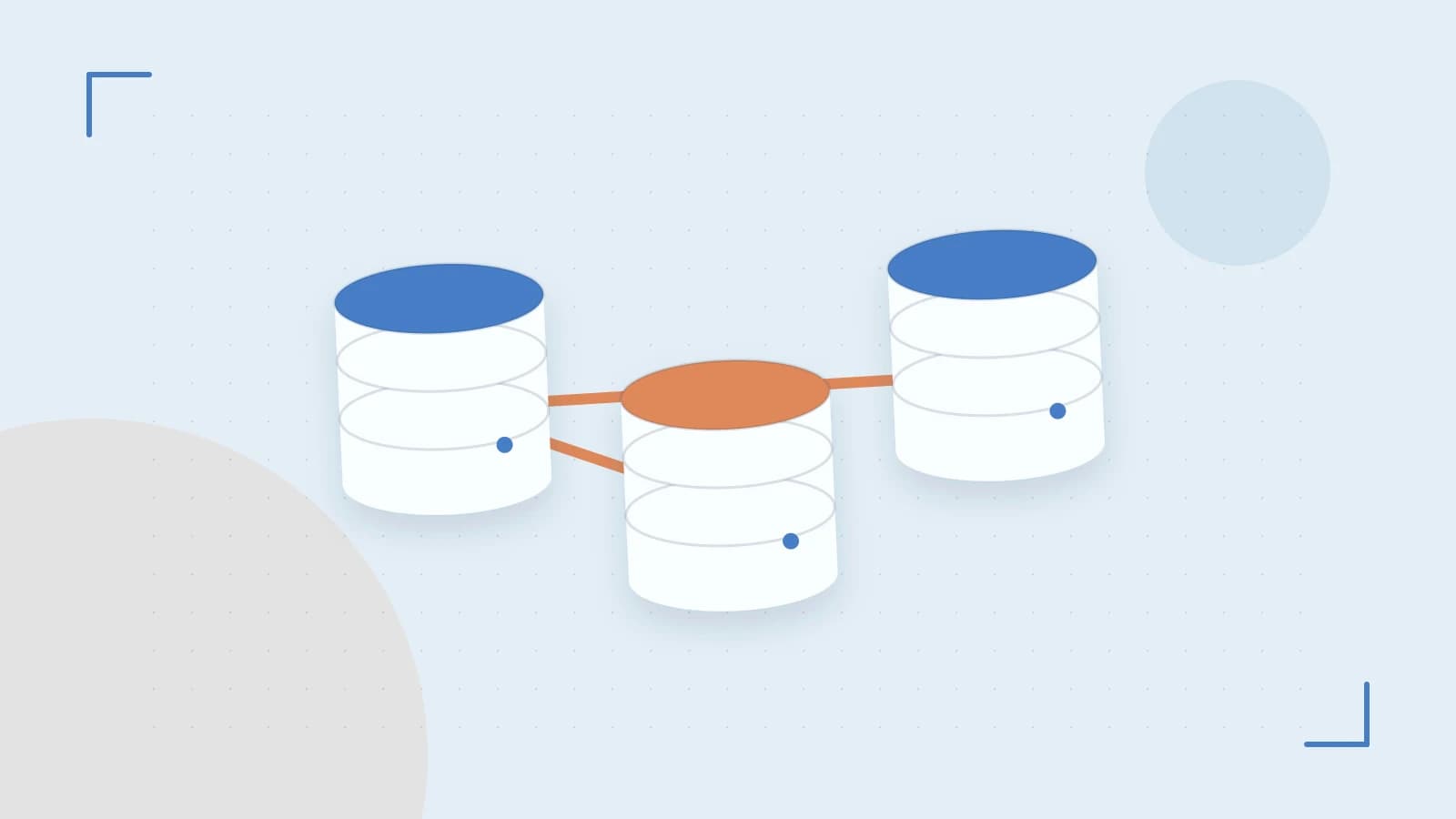
The Problem: Scaling NHibernate Beyond Single-Instance Caching
When a .NET application scales across multiple instances, each with its own L1 (session-level) cache, entities loaded by one instance aren't available to others. This causes repeated database hits for the same data. NHibernate's second-level cache (L2) solves this by storing entities and query results in a shared location accessible to all instances.
Why Redis for NHibernate L2 Cache
Redis provides an in-memory data store with sub-millisecond latency, perfect for caching. The NHibernate.Redis.Cache provider integrates Redis with NHibernate, enabling distributed caching across your application tier. Unlike local cache, Redis persists across application restarts and handles concurrency safely.
Prerequisites
- NHibernate 5.x+ - Ensure compatibility with Redis provider version
- Redis server 6.0+ - Running and accessible from your application
- Connection string - Redis endpoint with authentication if required
- Entity serialization support - Entities must be serializable or have custom mapping
Configuration Steps
- Install NuGet packages:
Install-Package NHibernate.Redis.Cache Install-Package StackExchange.Redis - Configure Redis connection in
appsettings.json:{ "Redis": { "ConnectionString": "your-redis-host:6379,password=your-password", "Database": 0 } } - Set up NHibernate configuration with cache provider:
var configuration = new Configuration() .Configure() .SetProperty("cache.use_second_level_cache", "true") .SetProperty("cache.provider_class", "NHibernate.Redis.Cache.RedisCacheProvider, NHibernate.Redis.Cache") .SetProperty("cache.connection_string", ConfigurationManager.AppSettings["Redis:ConnectionString"]) .SetProperty("cache.default_cache_concurrency_strategy", "read-write"); // Enable caching for specific entities configuration.AddXmlClass(typeof(YourEntity)).SetCacheConcurrencyStrategy<YourEntity>("read-write"); - Verify entity mapping includes cacheable flag:
<class name="YourEntity" table="YourTable" cache="read-write"/>
Expected Checks and Verification
After deployment, validate the integration:
- Enable NHibernate logging to observe cache hits/misses:
<logger name="NHibernate CACHE" level="DEBUG"/> <logger name="NHibernate SQL" level="DEBUG"/> - Use Redis CLI to inspect keys:
redis-cli -h your-host keys "*YourEntity*" redis-cli -h your-host ttl YourEntity:1 - Monitor cache hit ratio via application metrics or logs
Common Issues and Recovery
Serialization errors: Complex entities with circular references may fail serialization. Solution: Implement ISerializable or use JSON serialization with reference handling.
Cache staleness: If Redis cluster nodes aren't synchronized, stale data may appear. Ensure Redis cluster mode is properly configured for your topology.
Network timeouts: High latency between app servers and Redis causes cache misses. Place Redis in the same region/datacenter as your application servers.
Memory pressure: Redis may evict keys under memory pressure. Configure appropriate eviction policy:
redis-cli CONFIG SET maxmemory-policy allkeys-lruPractical Example: Caching a Product Catalog
Consider an e-commerce application where product data is frequently read but rarely updated:
public class Product
{
    public virtual int Id { get; set; }
    public virtual string Name { get; set; }
    public virtual decimal Price { get; set; }
}

// NHibernate mapping
<class name="Product" table="Products" cache="read-write">
    <id name="Id" column="Id" />
    <property name="Name" column="Name" />
    <property name="Price" column="Price" />
</class>
This configuration ensures product data is cached across all application instances, reducing database load during catalog browsing.
Limitations and Considerations
- Data consistency: Cache invalidation relies on proper transaction synchronization. Long-running transactions may see stale data.
- Network dependency: Redis unavailability causes cache misses and potential performance degradation.
- Serialization overhead: Complex object graphs may serialize slowly. Consider DTOs for cache storage.
- Memory costs: Redis stores all cached data in memory. Monitor and size appropriately.
 redis
redis nhibernate
0 replies
A thoughtful contribution can make all the difference. Be the first to share one.