Inside KaratLabs’ Real‑Time Whiteboard: From WebSockets to Conflict Resolution
KaratLabs’ real‑time whiteboard keeps interviewers and candidates in sync with WebSockets, Redis pub/sub, and a simple last‑write‑wins conflict strategy. Learn how the architecture works, test it, and avoid common pitfalls.
21 May 2026, 05:45 UTC
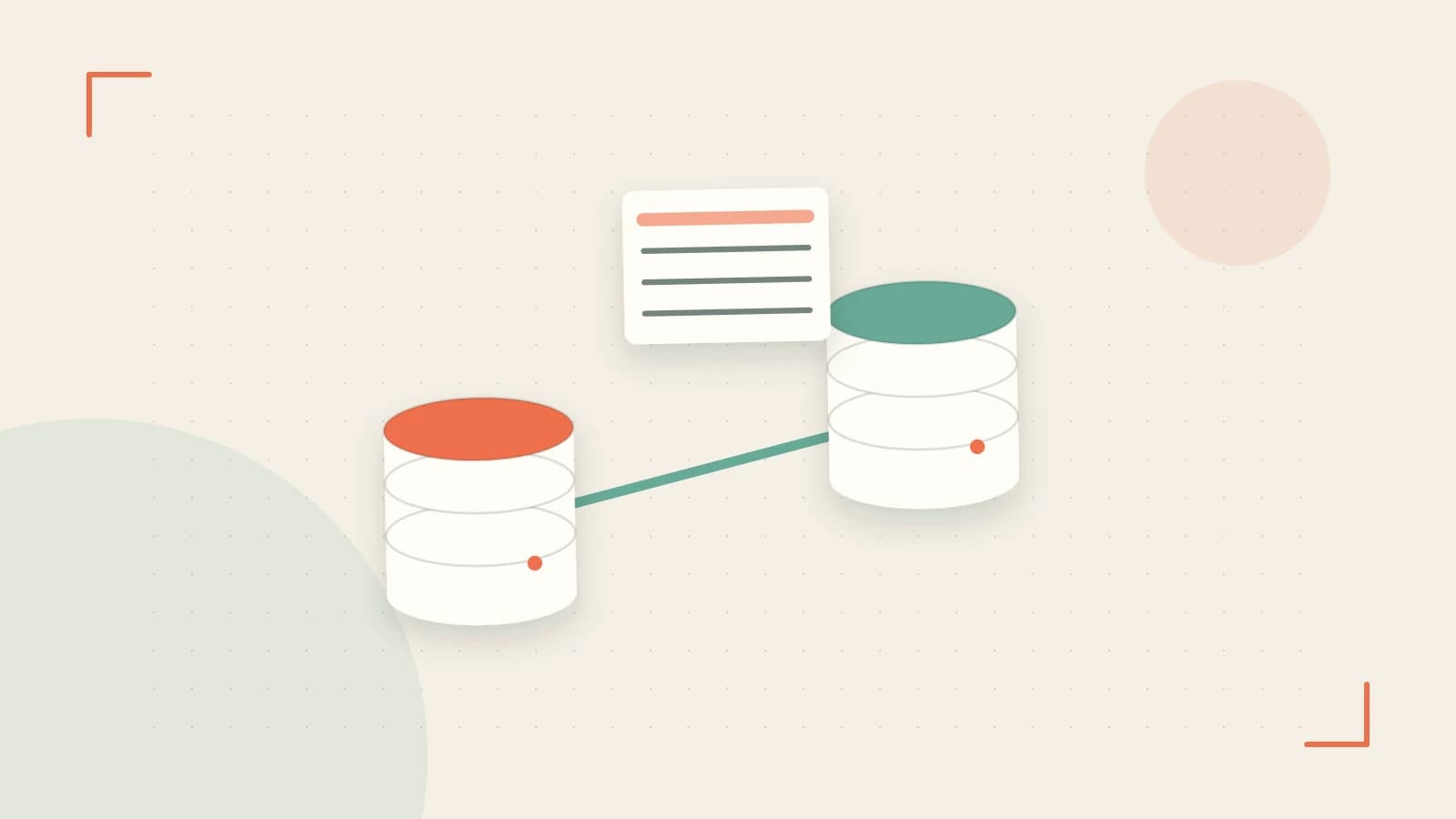
Problem: How do interviewers and candidates stay in sync on a shared canvas?
Live technical interviews often involve drawing diagrams or writing code together. If the shared surface lags, diverges, or crashes, the whole session can stall. KaratLabs’ real‑time whiteboard solves this with a lightweight, low‑latency architecture that keeps every participant’s view identical.
Architecture Overview
The whiteboard is a client‑side Monaco editor wrapped in a vector‑graphics layer. All drawing and code edits are sent over a single WebSocket connection to a stateless gateway. The gateway forwards changes to a Redis‑backed pub/sub cluster. Each interview session is a logical shard; only clients in that shard receive events.
1. WebSocket‑Based Sync Layer
Every edit event is serialized as JSON and pushed to the server:
{
  "seq": 12345,
  "type": "draw",
  "payload": {
    "points": [[10,20],[30,40]],
    "color": "#ff0000"
  }
}
Clients listen for message events and apply the payload immediately. Under typical network conditions the round‑trip time (RTT) is 50–80 ms, which is imperceptible for most users. The server simply echoes the event to all replicas; no heavy computation is involved.
2. Append‑Only Event Log
To maintain a deterministic order across distributed clients, each event receives a monotonically increasing seq number. This log is stored in a Redis list per session. If a client reconnects after a drop, the server sends the missing slice of the log so the client can catch up without re‑rendering the entire canvas.
3. Horizontal Scaling with Redis Pub/Sub
Each interview session runs in its own shard. The gateway publishes events to session:{id} channels. Redis handles the distribution; the overhead is O(1) per event. Load tests with 100 concurrent sessions show message throughput stays below 1 ms per publish, keeping latency in the WebSocket layer the bottleneck.
4. Conflict Resolution on Partitions
When packet loss or a network partition occurs, two clients may diverge. The system falls back to a last‑write‑wins strategy: the event with the highest seq replaces the local state. After reconnection, a modal dialog lists both divergent states and offers a side‑by‑side diff. Users can cherry‑pick changes or merge manually.
Concrete Example: Simulating a Partition
To validate the conflict‑resolution path, run the following in a staging environment:
- Start two browser instances connected to the same interview session.
- In Client A, draw a rectangle.
- In Client B, open the browser’s dev tools, go to
Network, and enableOfflinemode. - While offline, Client B draws a triangle.
- Re‑enable network in Client B and observe the conflict dialog.
Check that the dialog shows both the rectangle and the triangle, and that merging preserves both shapes. No message loss should occur; the Redis log will contain both events with distinct seq values.
Trade‑Offs & Limitations
- Latency vs. Complexity: WebSocket + Redis offers <80 ms RTT but relies on a single point of failure (gateway). Adding a CRDT (Conflict‑Free Replicated Data Type) would reduce the need for last‑write‑wins but would increase client‑side complexity.
- Last‑Write‑Wins: Simple to implement but can overwrite user intent in rapid‑edit scenarios. UI must warn users when a conflict is detected.
- High Packet Loss: In environments with >30 % packet loss, visual drift can become noticeable. The fallback dialog mitigates this, but the user experience degrades.
Practical Checklist for Interviewers
- Latency Test: Run
pingfrom the interview location to the KaratLabs server; RTT < 150 ms is acceptable. - Redis Health: Monitor
redis-cli INFOforpubsub_channelsandconnected_clients; spikes may indicate a bottleneck. - Network Simulation: Use a tool like
tcor Browser DevTools to emulate packet loss and ensure the conflict dialog appears. - Backup Plan: Have a screen‑share fallback ready if the whiteboard stalls.
Actionable Takeaway
KarateLabs’ whiteboard demonstrates that a well‑designed WebSocket + Redis architecture can deliver sub‑100 ms real‑time collaboration at scale. By sharding sessions, using an append‑only log, and providing a clear conflict‑resolution UI, the system balances simplicity with reliability. For teams building similar features, consider:
- Implementing an event sequence to guarantee order across clients.
- Choosing a lightweight pub/sub broker for horizontal scaling.
- Providing a user‑friendly merge dialog rather than silently discarding edits.
With these principles, you can create a collaborative canvas that feels as fluid as a face‑to‑face whiteboard, even over the web.
 karatelabs
0 replies
A thoughtful contribution can make all the difference. Be the first to share one.