Implementing Secure Event Delivery with Google Cloud Pub/Sub Push Subscriptions
Learn how to implement Google Cloud Pub/Sub push subscriptions to eliminate polling overhead, secure endpoints with OIDC tokens, and manage reliability using dead-letter topics.
12 Aug 2025, 21:56 UTC
Solving the Polling Overhead Problem
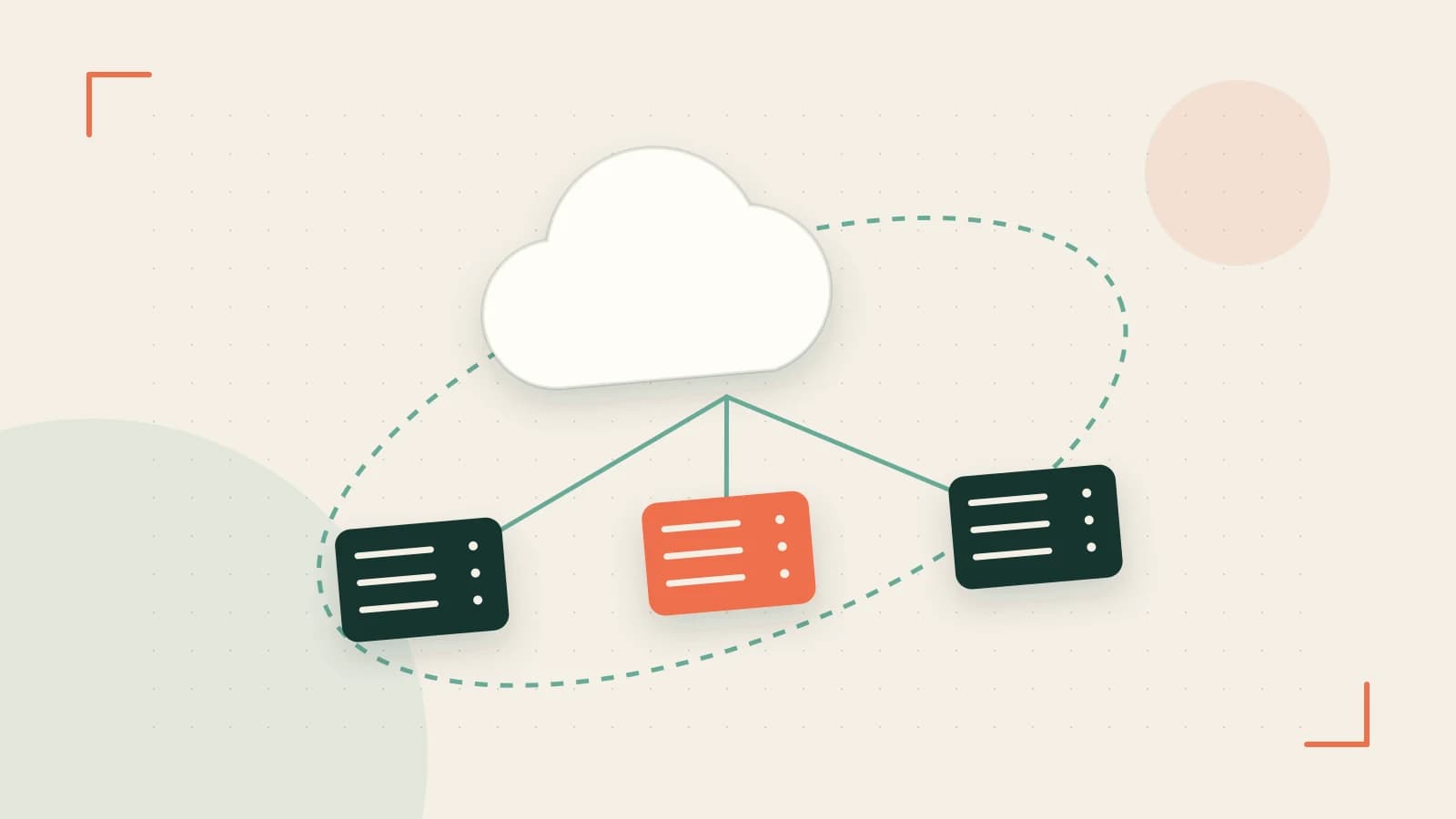
Building event-driven systems often requires a choice between polling a queue for new data or receiving data via a webhook. Polling introduces latency and wastes compute resources on empty requests. Google Cloud Pub/Sub Push subscriptions solve this by transforming the Pub/Sub service into an HTTP client that pushes messages to your endpoint the moment they arrive.
The primary takeaway for engineers is that Push subscriptions shift the burden of connectivity and retry logic from your application to the Google infrastructure, provided your endpoint is reachable via HTTPS and can handle the incoming request volume.
How Push Delivery Works
When a message is published to a topic, Pub/Sub identifies all associated push subscriptions. It then sends an HTTPS POST request to the configured endpoint. The payload is a JSON object containing a message field, where the actual data is base64 encoded to ensure binary compatibility.
Authentication via OIDC Tokens
Because push endpoints are often public-facing, you must verify that requests originate from Google and not a malicious actor. Pub/Sub uses OpenID Connect (OIDC) tokens for this. You associate a service account with the subscription; Google then signs a JSON Web Token (JWT) and includes it in the Authorization: Bearer [TOKEN] header of every request.
Configuration Example: Secure Push Subscription
To set up a push subscription with authentication, use the gcloud CLI. This example assumes you have a service account created for the purpose of signing tokens.
# Run this on your local machine or Cloud Shell with Project Editor permissions
# Replace [TOPIC_ID], [ENDPOINT_URL], and [SERVICE_ACCOUNT_EMAIL] with your actual values

gcloud pubsub subscriptions create my-push-sub \
    --topic=[TOPIC_ID] \
    --push-endpoint=[ENDPOINT_URL] \
    --push-auth-service-account=[SERVICE_ACCOUNT_EMAIL]
The Expected Payload Structure
Your receiving server should expect a POST body formatted as follows:
{
  "message": {
    "data": "SGVsbG8gUmVhZE1lRmVlZCE=",
    "messageId": "123456789",
    "publishTime": "2026-10-13T18:14:52Z"
  },
  "subscription": "projects/my-project/subscriptions/my-push-sub"
}
Note: The data field must be base64 decoded by your application to retrieve the original message string.
Managing Reliability and Retries
Pub/Sub determines the success of a delivery based on the HTTP response code returned by your endpoint:
- Success:
200 OK,201 Created,202 Accepted,204 No Content. The message is acknowledged and removed from the subscription. - Retry: Any other status code (e.g.,
500 Internal Server Error,429 Too Many Requests). Pub/Sub will redeliver the message based on the subscription's retry policy.
Preventing Infinite Loops with Dead-Letter Topics
If a message is malformed (a "poison pill"), it may cause your server to crash or return a 500 error repeatedly. To prevent this from clogging your pipeline, configure a Dead-Letter Topic (DLT). After a specified number of failed attempts (e.g., 5), Pub/Sub moves the message to the DLT for manual inspection instead of retrying indefinitely.
Critical Limitations and Risks
| Risk | Impact | Mitigation |
|---|---|---|
| Endpoint Saturation | Cascading failure if message spikes exceed server capacity. | Implement autoscaling or set a maximum delivery rate in the subscription settings. |
| Public Exposure | Unauthorized access to the webhook endpoint. | Strictly validate the OIDC token using Google's public keys before processing the body. |
| Timeout Limits | Messages may be retried if the server takes too long to respond. | Process the message asynchronously; return a 202 Accepted immediately and handle logic in the background. |
Verification Process
To verify your implementation, perform the following checks:
- Connectivity Check: Publish a test message via the GCP Console. Check your server logs for an incoming POST request.
- Auth Check: Temporarily disable OIDC verification in your code. If the request arrives, enable it and ensure the request is rejected when the
Authorizationheader is missing or invalid. - Retry Check: Force your server to return a
500error for a specific message ID. Observe the GCP Console to see the "Unacked message count" increase and verify the message is redelivered after the backoff period.
Rollback Procedure
If the push subscription causes instability in your downstream service, delete the subscription to stop the flow of traffic immediately:
gcloud pubsub subscriptions delete my-push-sub google
0 replies
A thoughtful contribution can make all the difference. Be the first to share one.