Immutable by Default: How Talos Linux Makes Kubernetes Nodes Safer to Operate
Talos Linux makes Kubernetes nodes safer by using a read‑only root filesystem and declarative MachineConfig to reduce node drift and enable safe atomic updates.
01 Jul 2026, 14:49 UTC
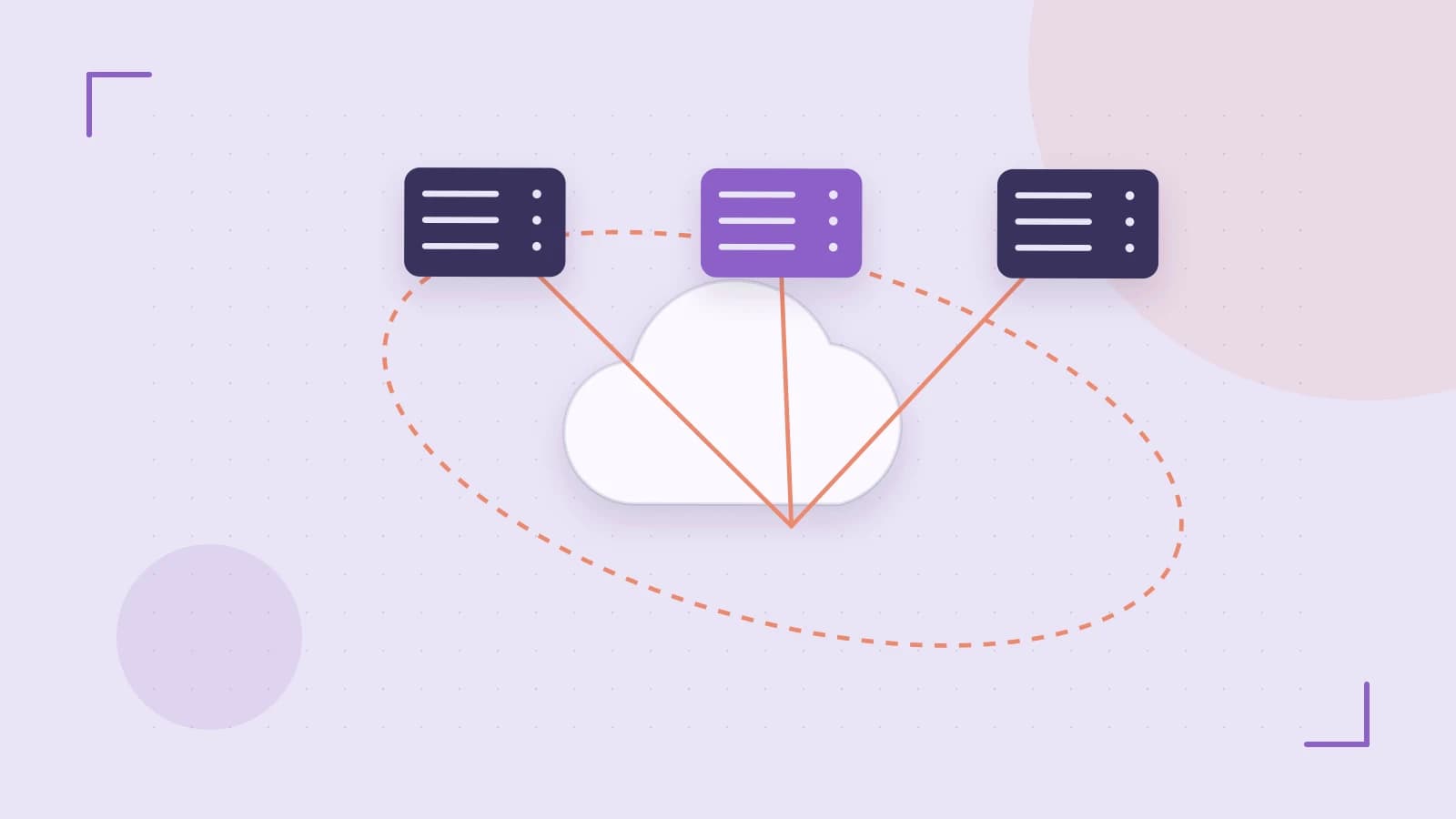
Production Kubernetes nodes drift. Someone SSHes in as root to install a debug tool, a kernel tweak sticks around, and the next control‑plane upgrade fails on a handful of snowflakes. Talos Linux removes that class of problem by making the node immutable and declarative.
The engineering decision is simple: the root filesystem is read‑only, there is no package manager, and the only supported way to change the node is a MachineConfig applied through the Talos API. You lose ad‑hoc mutability. You gain reproducible nodes and safe updates.
Read‑only root and no package manager reduce runtime mutation
Talos ships with a read‑only root filesystem and no general‑purpose package manager. That means the OS image cannot be changed at runtime by installing packages or editing files under /. Ephemeral state is confined to explicit writable mounts defined in config.
Removing traditional user accounts and SSH root login by default closes the usual interactive mutation path. Administration happens over the Talos API with mTLS, not over a shell. The attack surface for node workloads shrinks because the OS cannot be altered in place.
Limitation: tools that assume a writable root or apt/yum will not work. Ad‑hoc debugging that requires installing a package must be done via a sidecar container, a node‑level DaemonSet, or by updating the MachineConfig and image.
MachineConfig is the single source of truth
System state is managed declaratively via MachineConfig. The config describes machine type, network, disks, and services. It is applied through the Talos API and becomes the desired state for the node.
From an admin workstation with talosctl installed and API access credentials, a typical apply looks like:
talosctl apply-config --insecure --nodes <NODE_IP> --file machineconfig.yamlRun this from a workstation with network access to the node’s API port and a valid client certificate. Required permissions are API access for the target node. Applying a config that changes kernel parameters or mounts can trigger a reboot. Validate the config schema for your Talos release before applying, as schemas are version‑sensitive.
A minimal example config focuses on identity and storage, not secrets:
machine:
  type: worker
  install:
    disk: /dev/sda
  kernel:
    modules:
      - name: overlay
  files:
    - path: /etc/hosts
      permissions: 0644
      contents:
        inline: |
          127.0.0.1 localhost
Check result by inspecting applied config status via the Talos API, e.g. talosctl machineconfig show --nodes <NODE_IP>. The node reports the applied config hash and whether it matches the desired config.
Atomic image updates with A/B partitions
Updates are image‑based and atomic. Talos uses A/B partitions for the OS. A new image is written to the inactive partition, verified, and the bootloader switches on reboot. If health checks fail, automatic rollback to the previous partition is possible.
This design supports safe upgrades of control plane and worker nodes without in‑place package upgrades. The rollback capability is only useful if you monitor update status and node health after a switch.
Verification in a lab: review the machine configuration schema for read‑only mounts and disabled services, then apply a test update to observe partition swap and rollback behavior without production traffic.
Trade‑offs to plan for
Immutable design complicates emergency fixes that expect a writable filesystem. TPM and secure boot integration for disk encryption may limit compatibility with older or virtualized hardware. Feature behavior is version‑sensitive; API schemas and config options change across releases.
Operational safety comes from treating nodes as cattle: define them in MachineConfig, version the config, and apply changes through the API. Keep debugging tools in containers, not on the host, and test updates in a lab that mirrors your hardware and secure boot requirements.
 talos
talos0 replies
A thoughtful contribution can make all the difference. Be the first to share one.