Identifying Network Bottlenecks: Choosing the Right Centrality Measure in NetworkX
Stop guessing which nodes are important. Learn how to use NetworkX centrality measures to distinguish between 'popular' hubs and critical 'bridge' nodes that control network flow.
09 Dec 2025, 02:07 UTC
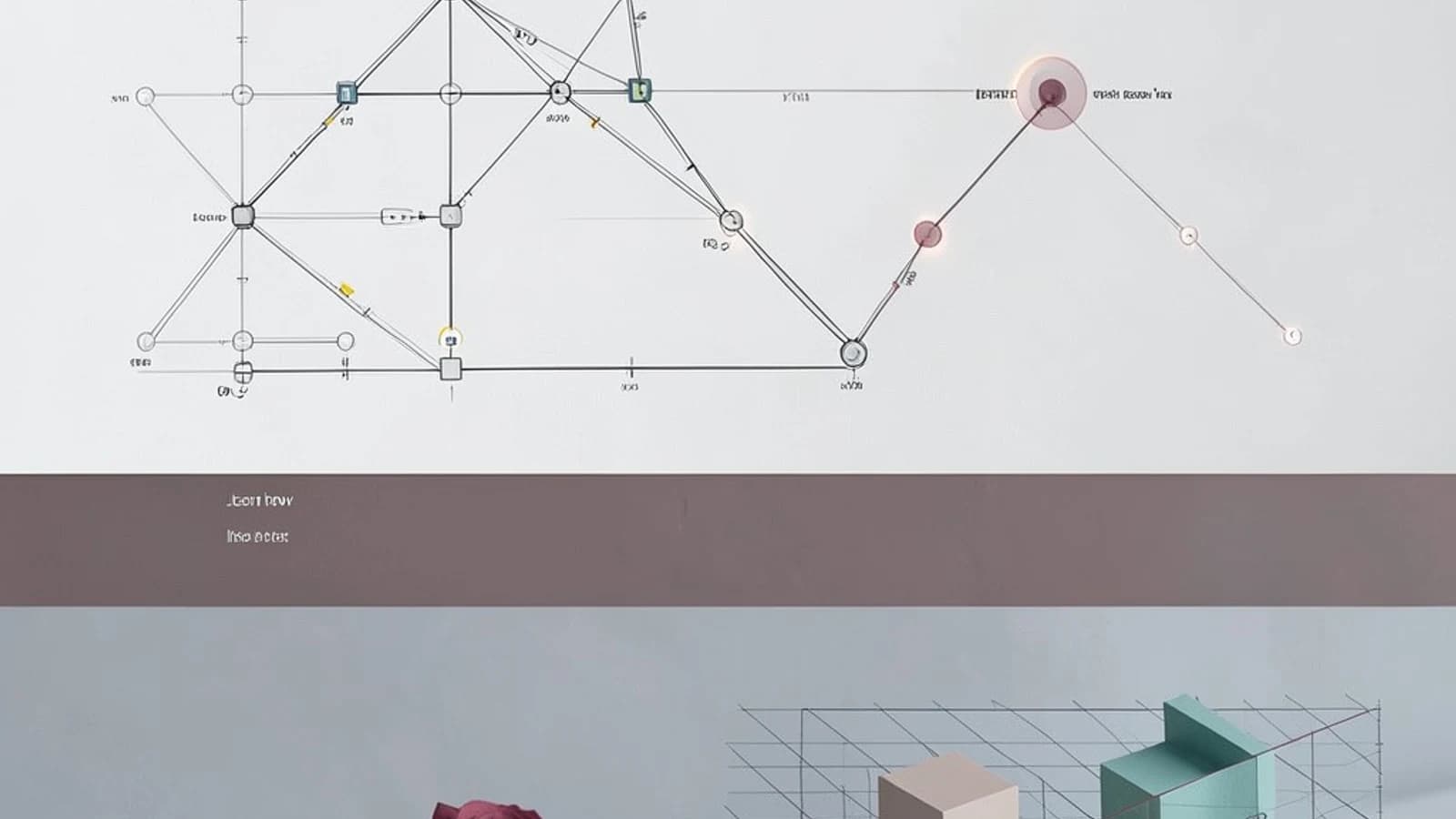
The Problem: Who Actually Controls the Flow?
When analyzing a complex network—whether it is a corporate communication map, a routing table, or a social graph—simply knowing who has the most connections isn't enough. A node with a hundred connections might be a "hub," but it isn't necessarily the most influential. If that hub is removed, the network might stay intact. However, if you remove a single node that acts as the only bridge between two large clusters, the entire system fragments.
The challenge is selecting the correct centrality measure to identify these critical points of failure or influence without wasting computational resources on the wrong algorithm.
Degree vs. Betweenness vs. PageRank
NetworkX provides several ways to quantify "importance," but they measure fundamentally different behaviors.
Degree Centrality: The Popularity Metric
Degree centrality is the simplest measure: it counts how many edges are connected to a node. In a directed graph, you can distinguish between in_degree (incoming) and out_degree (outgoing). It is computationally inexpensive and serves as a baseline for identifying high-traffic nodes.
Betweenness Centrality: The Gatekeeper Metric
Betweenness centrality identifies "bridge" nodes. It calculates the fraction of all-pairs shortest paths that pass through a specific node. If a node has high betweenness, it controls the flow of information between different parts of the network. Removing these nodes typically increases the average path length of the entire graph or splits it into disconnected components.
PageRank: The Prestige Metric
Unlike degree centrality, PageRank considers the quality of connections. A node is important if it is linked to by other important nodes. This is essential for directed graphs where the direction of the edge implies a transfer of value or trust.
Implementation: Finding the Bridge Node
To implement these, you will need networkx installed in your Python environment. The following example demonstrates how to identify a bridge node in a graph consisting of two distinct clusters connected by a single edge.
import networkx as nx

# Create a graph with two clusters (0-2 and 3-5) connected by node 2 and 3
G = nx.Graph()
G.add_edges_from([
    (0, 1), (1, 2), (0, 2), # Cluster 1
    (2, 3),                 # The Bridge
    (3, 4), (4, 5), (3, 5)  # Cluster 2
])

# 1. Degree Centrality (Who has the most friends?)
deg_cent = nx.degree_centrality(G)

# 2. Betweenness Centrality (Who controls the flow?)
bet_cent = nx.betweenness_centrality(G)

print(f"Node 2 Degree: {deg_cent[2]:.2f}, Betweenness: {bet_cent[2]:.2f}")
print(f"Node 0 Degree: {deg_cent[0]:.2f}, Betweenness: {bet_cent[0]:.2f}")
Expected Result: In this topology, Node 2 and Node 3 will have the highest betweenness scores because every path from Cluster 1 to Cluster 2 must pass through them, even though their degree (number of connections) might be similar to other nodes in the cluster.
Performance Trade-offs and Limitations
Choosing the wrong measure can lead to significant performance degradation as your dataset grows.
| Measure | Complexity | Best Use Case | Risk |
|---|---|---|---|
| Degree | O(V) | Quick snapshots of activity | Ignores network structure |
| Betweenness | O(V*E) | Finding bottlenecks/bridges | Very slow on large graphs |
| PageRank | Iterative | Ranking influence/authority | Sensitive to damping factor |
The Computational Wall: Betweenness centrality is computationally expensive. For a graph with thousands of nodes, calculating all-pairs shortest paths can become prohibitive. In such cases, consider using nx.betweenness_centrality(G, k=100), which estimates the score using a sample of k nodes rather than the entire set.
Practical Verification
To verify your results, check the relative scores rather than the absolute numbers. Centrality scores are normalized based on the number of possible pairs in the graph. If you suspect a node is a bridge, remove it using G.remove_node(n) and check if nx.is_connected(G) returns False. If the graph fragments, your betweenness analysis was correct.
 python
 networkx