How Vitest’s Vite Dev Server Delivers Instant Test Feedback
Vitest’s default watch mode launches a Vite dev server, giving tests instant HMR feedback without extra configuration.
05 Feb 2026, 09:18 UTC
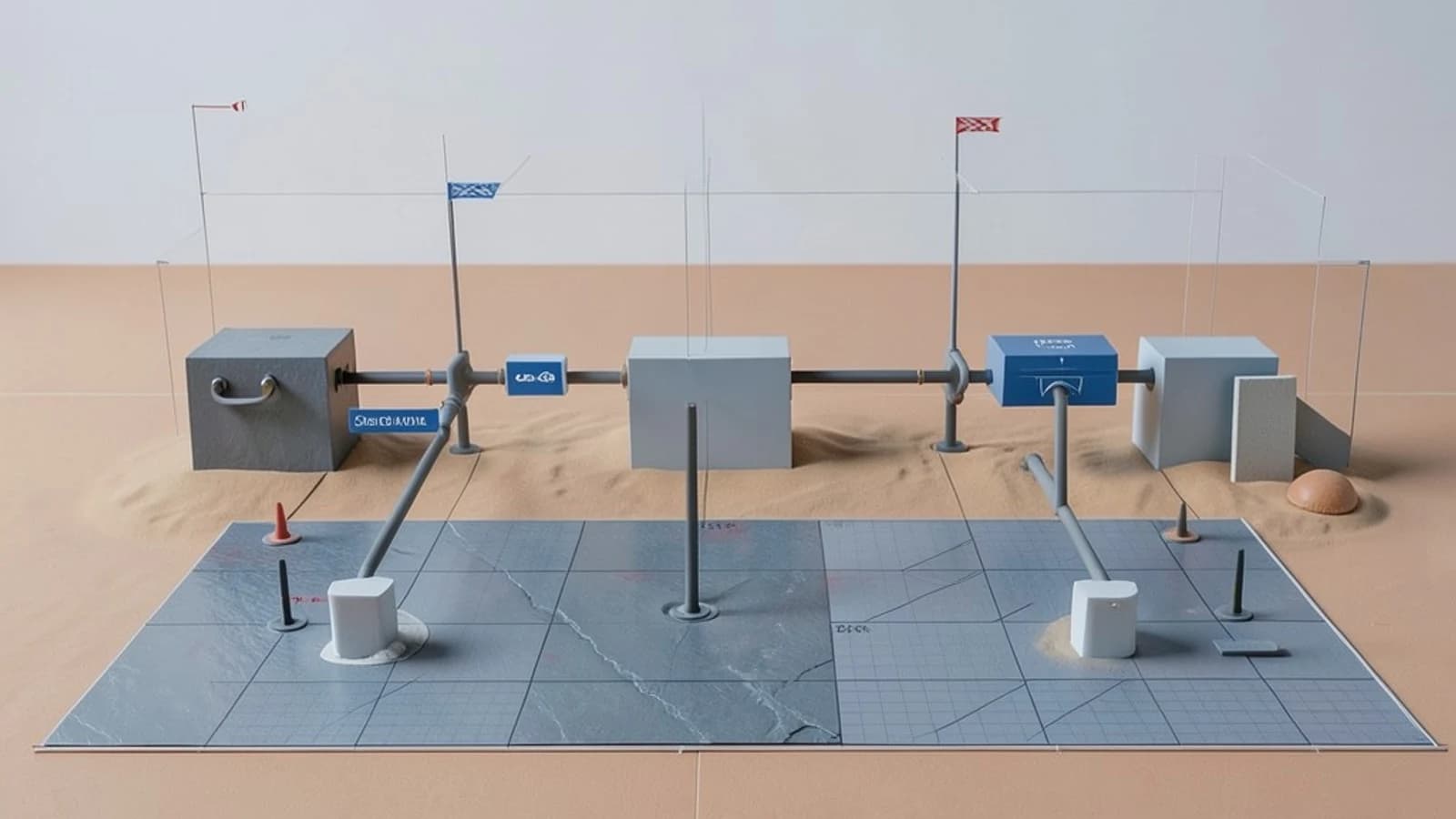
The problem: slow test loops break developer flow
When you write unit tests for a frontend project that uses Vite, you often face a choice: run tests with a traditional test runner that requires extra configuration for TypeScript, JSX, or CSS modules, or keep the fast Vite dev server for the app but lose that speed in tests. Switching between configurations adds friction and slows down the feedback loop.
Thesis: Vitest’s default watch mode re‑uses the Vite dev server, giving you HMR‑powered test runs without extra setup
By launching a Vite dev server that serves your source files through the same pipeline as the application, Vitest makes TypeScript, JSX, CSS modules, and any Vite plugins available to tests automatically. When you edit a source or test file, the server’s Hot Module Replacement (HMR) triggers a re‑run of only the affected tests, keeping the loop under a second for most medium‑sized projects.
How it works under the hood
Dev server launch
Running vitest (without --run) starts a Vite dev server on a random port. The server uses Vite’s esbuild‑based transformer, so files are transformed on‑demand just like in vite dev. Test files are imported as ES modules, allowing them to benefit from the same alias resolution and plugin pipeline as your source code.
Hot Module Replacement for tests
When a watched file changes, Vite sends an HMR update to the Vitest process. Vitest then invalidates the module graph for the impacted test file(s) and re‑executes only those tests. This selective re‑run is what yields the near‑instant feedback you see in the terminal.
Switching to CI mode
Adding --run tells Vitest to bypass the dev server and execute tests in a plain Node environment. This is useful for CI pipelines where you want a clean, isolated run. Because the configuration file (vitest.config.ts) is shared, you can keep a single setup for both local development and CI.
Worked example: testing a Vue component with CSS modules
Assume you have a Vite+Vue project with a component Button.vue that uses a CSS module Button.module.css.
// tests/Button.test.js
import { mount } from '@vue/test-utils'
import Button from '@/components/Button.vue'

test('renders button with correct class', () => {
  const wrapper = mount(Button)
  expect(wrapper.classes()).toContain('button--primary')
})
Run Vitest in watch mode:
# In the project root
vitest
You should see output similar to:
vite v4.5.0 ready in 320ms
✓ tests/Button.test.js (1)
Test Files 1 passed (1)
Now edit Button.vue or Button.module.css and save. Vitest will re‑run only Button.test.js and report the result within a couple of seconds, demonstrating HMR in action.
To verify the CI path, run:
vitest --run
The same test should pass, confirming that the configuration works without the dev server.
Trade‑offs and limitations
- Memory usage in watch mode: The dev server stays alive and caches transformed modules. Large projects with heavy plugins (e.g., image optimizers, heavy CSS post‑processing) can cause memory to grow over time. Periodically restarting
vitestmitigates this. - Build‑only plugins: Plugins that run only during Vite’s build phase (such as rollup‑based minifiers) do not execute in the dev server, so minification‑related bugs won’t be caught by tests in watch mode. You need to rely on
--runor a separate build step for those checks. - Dev‑only plugins: If a plugin is intended for development only (e.g., a mock server), you must conditionally exclude it when using
--runto avoid mismatches between local and CI test results.
Actionable closing
Start by adding Vitest to your Vite project (npm i -D vitest) and create a basic test file that imports a component with a CSS module or JSX. Run vitest and observe the instant feedback. When you’re ready for CI, add --run to your npm script and verify that the same suite passes. Keep an eye on memory consumption during long watch sessions and restart the process if needed. With this setup you gain a unified configuration that serves both fast local development and reliable CI pipelines.
 vite
vite vitest
0 replies
A thoughtful contribution can make all the difference. Be the first to share one.