Hibernating Gardener Shoots to Cut Cloud Costs Without Losing Cluster State
Gardener shoot hibernation scales worker nodes to zero and suspends control‑plane components while preserving etcd and persistent volumes. Here is how to apply it safely to non‑production clusters.
25 Jul 2026, 08:48 UTC
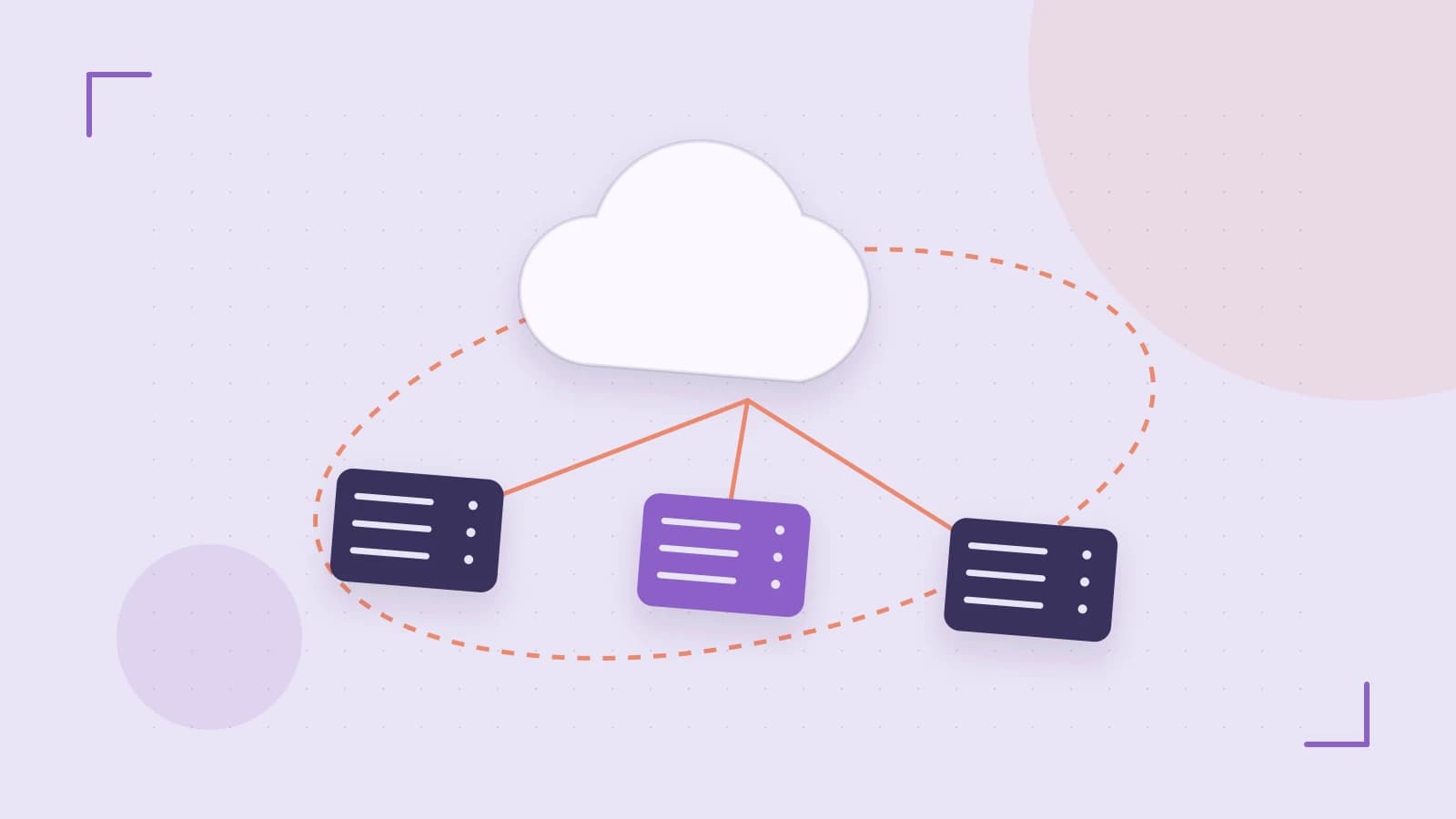
Your non-production Kubernetes clusters are likely burning budget around the clock. A development shoot that sits idle from 6 p.m. Friday until 9 a.m. Monday still pays for its control plane and worker nodes. Deleting the cluster reclaims the spend but destroys the configuration, and recreating it from scratch is slow and error-prone. Gardener's shoot hibernation offers a middle path: it suspends the running infrastructure while preserving the cluster's state, so you can stop paying for compute without losing the shoot definition.
This article explains what hibernation actually does to a Gardener shoot, how to toggle it, and how to automate the schedule for development environments. The exact API fields and supported behavior vary across Gardener versions and infrastructure providers, so treat the commands below as patterns to verify against your running release.
What hibernation changes on a shoot
When you hibernate a shoot, Gardener scales the worker node pool to zero and suspends the control‑plane components. The cluster stops serving workloads. What remains is the stored state: the etcd database backing the cluster and any persistent volumes attached to the shoot. In other words, you keep the cluster's identity and data, but you no longer pay for virtual machines or load balancers that are running.
The trade‑off is latency. Waking a hibernated shoot requires a reconciliation cycle that can take several minutes, depending on the cloud provider and the size of the original cluster. During that window the Kubernetes API is unreachable and no pods can run.
Toggling hibernation and automating the schedule
Hibernation is configured on the Shoot resource itself. You can change the setting through the Kubernetes API, the Gardener Dashboard, or CLI tooling that talks to the Gardener API server. Because the Shoot is a Kubernetes custom resource, the change is declarative: you patch the spec, and Gardener's controllers reconcile the infrastructure to match.
The exact field path for the hibernation flag has moved between Gardener releases, so confirm the schema in your version's Shoot API reference before applying anything. The pattern, however, looks like this:
kubectl patch shoot <shoot-name> -n <project-namespace> --type merge -p '{"spec":{"hibernation":{"enabled":true}}}'Run this from a machine or CI job that has kubectl access to the Gardener project namespace where the shoot lives. You need edit permissions on the Shoot resource. Replace <shoot-name> and <project-namespace> with your actual values. After patching, check that the workers have scaled to zero and the control‑plane pods are no longer running. If the field path is wrong for your version, the API server will reject the patch; that is your signal to consult the API reference rather than guessing.
Manual toggling works for one‑off maintenance windows, but the real savings come from a predictable schedule. A common pattern is to run an external scheduler—often a Kubernetes CronJob in a management cluster or a GitOps controller—that flips the hibernation flag on Friday evening and off again on Monday morning. Gardener does not ship a built‑in cron scheduler for shoot hibernation in every version, so you may need to bring your own tooling. The engineering decision is not whether you can automate it, but whether the startup latency is acceptable for the team that uses the cluster on Monday morning.
Trade‑offs and limitations
Hibernation is not a universal cost‑saving tool. It works well for stateless development and test clusters where a few minutes of downtime on Monday is harmless. It is a poor fit for shared staging environments that run stateful applications with continuous availability requirements, because any in‑flight workloads will be interrupted and persistent connections will drop when the cluster wakes up.
There is also operational overhead. You need to own the schedule, handle failures in the automation, and communicate the wake‑up window to developers. If a team member needs the cluster at 8 a.m. and the schedule wakes it at 9 a.m., the automation becomes a bottleneck rather than a benefit.
Verifying the result
Before rolling hibernation out broadly, test it on a single non‑production shoot. Measure two things: how long the scale‑down takes, and how long the wake‑up reconciliation takes. Then log into your cloud provider's billing console and confirm that compute instances are actually terminated during the hibernation window. If the instances are still running, the patch did not apply correctly or your provider does not support full hibernation for that shoot configuration.
For teams that can tolerate the downtime, hibernation turns idle non‑production clusters from a fixed cost into a scheduled one. The key is to verify the API fields for your Gardener version, automate the toggle with tooling you control, and keep the wake‑up window inside your team's tolerance for latency.
 gardener
 kubernetes
0 replies
A thoughtful contribution can make all the difference. Be the first to share one.