Harnessing Pulumi ComponentResources: Reusable, Versioned Infrastructure Modules
Pulumi ComponentResources let you bundle cloud resources into reusable, version‑controlled modules. Learn how to define, export, and publish a component, link it to downstream resources, and avoid common pitfalls.
03 May 2026, 22:49 UTC
Why ComponentResources Matter
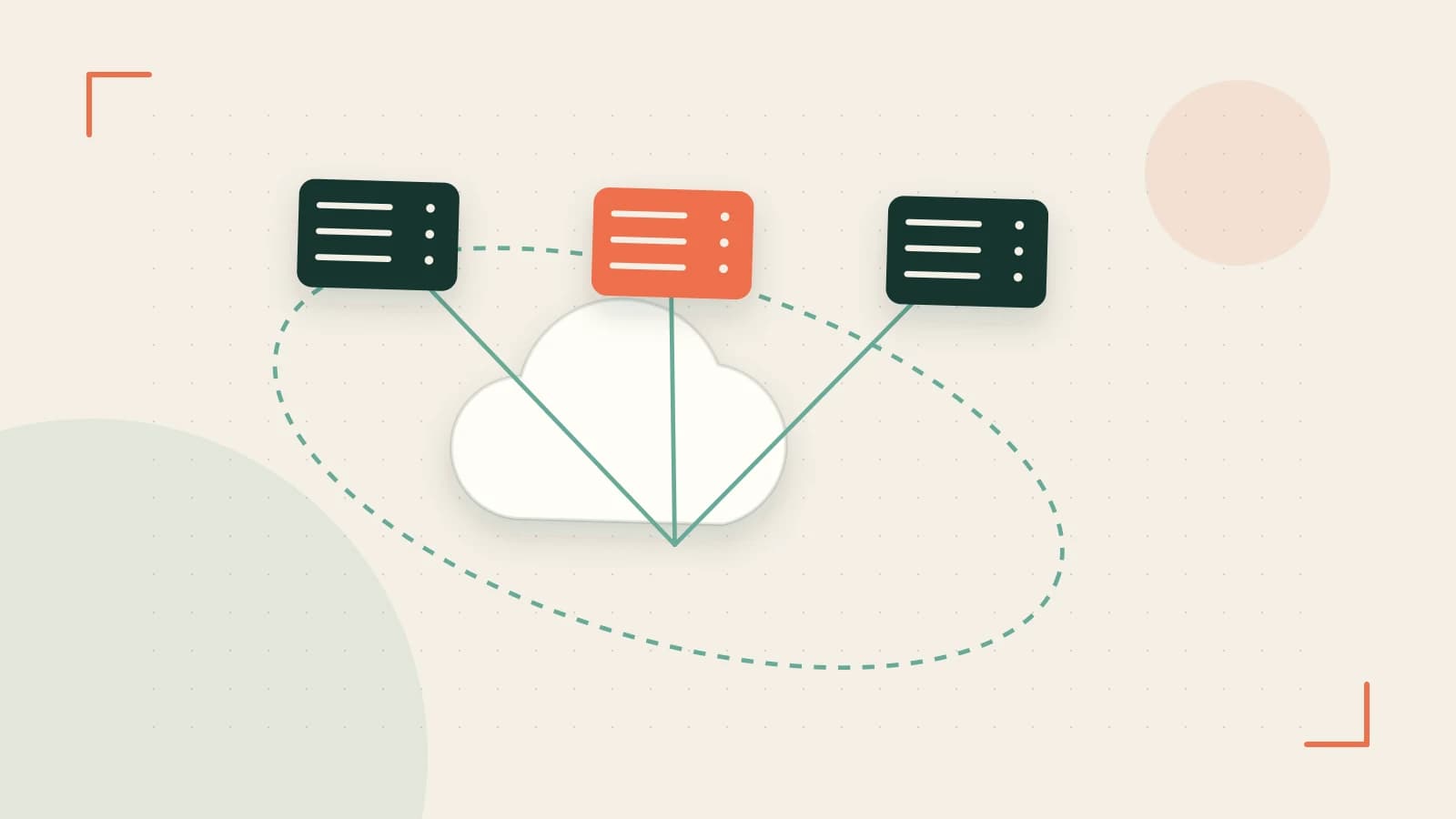
When you start a Pulumi project you often end up writing the same set of resources over and over: a VPC, a database cluster, an S3 bucket, a Lambda function. ComponentResource lets you bundle those resources into a single, reusable class. Think of it as a library function that returns a logical unit you can instantiate anywhere, just like a constructor in object‑oriented programming.
How a Component is Structured
A Pulumi component is a TypeScript (or Go, Python, etc.) class that extends pulumi.ComponentResource. Inside the constructor you declare the child resources and optionally export values that callers can consume. The component itself is treated as a resource by Pulumi, which means its lifecycle, dependencies and outputs are fully integrated into the stack’s dependency graph.
import * as pulumi from "@pulumi/pulumi";
import * as aws from "@pulumi/aws";

export interface SimpleBucketArgs {
    bucketName?: pulumi.Input;
}

export class SimpleBucket extends pulumi.ComponentResource {
    public readonly bucket: aws.s3.Bucket;
    public readonly bucketName: pulumi.Output;

    constructor(name: string, args: SimpleBucketArgs, opts?: pulumi.ComponentResourceOptions) {
        super("custom:resource:SimpleBucket", name, {}, opts);

        this.bucket = new aws.s3.Bucket(name, {
            bucket: args.bucketName,
        }, { parent: this });

        // Export the bucket name so other resources can depend on it
        this.bucketName = this.bucket.bucket;
        this.registerOutputs({ bucketName: this.bucketName });
    }
}
Explicit Dependencies Keep the Graph Clear
Because the component declares its own outputs, any resource that needs the bucket name can reference myBucket.bucketName. Pulumi will automatically add a dependency edge from that resource to the bucket, preventing race conditions. If you forget to expose an output, the downstream resource will fail with a vague “resource not found” error, making debugging hard.
Example: Linking a Bucket to a Lambda
Below is a minimal stack that imports the SimpleBucket component, creates a bucket, and then creates a Lambda that reads the bucket name from the component’s output.
import * as pulumi from "@pulumi/pulumi";
import * as aws from "@pulumi/aws";
import { SimpleBucket } from "./components/simple-bucket";

const bucket = new SimpleBucket("appBucket", { bucketName: "my-app-logs" });

const lambda = new aws.lambda.Function("logProcessor", {
    runtime: aws.lambda.NodeJS12dXRuntime,
    handler: "index.handler",
    code: new pulumi.asset.AssetArchive({
        "index.js": new pulumi.asset.StringAsset(`exports.handler = async () => { console.log("Bucket:", process.env.BUCKET); };`),
    }),
    environment: {
        variables: {
            BUCKET: bucket.bucketName, // explicit dependency
        },
    },
}, { dependsOn: [bucket] });
Running pulumi preview will show a clear dependency chain: lambda depends on bucket, which in turn depends on the underlying S3 bucket resource.
Versioning and Reuse Across Teams
Once a component is stable, you can publish it to the Pulumi Registry or a private npm registry. Because the component is a standard npm package, you can lock to a specific version using package.json and npm install. This gives teams the ability to upgrade in a controlled way and ensures that all stacks use the same implementation of the infrastructure logic.
| Approach | Pros | Cons |
|---|---|---|
| Publish to Pulumi Registry | Easy discovery, built‑in versioning | Requires public access or registry token |
| Private npm registry | Full control over access, compatible with existing npm tooling | Need to maintain registry infrastructure |
Trade‑Offs to Keep in Mind
- Over‑engineering a component: If a component tries to manage too many unrelated resources, it becomes hard to test and maintain. Keep components focused on a single business domain.
- Missing outputs: Without
registerOutputs, downstream resources cannot reference the component’s values, leading to confusing errors. - Dependency graph opacity: While components encapsulate resources, they can hide the internal structure. Use
pulumi previewand the--graphflag to visualize the graph if you need more insight.
Actionable Checklist
- Define a component class that extends
pulumi.ComponentResourceand declares child resources. - Export any values that other stacks will need via
registerOutputs. - Publish the component to a registry and lock the version in consuming projects.
- Use
pulumi previewto verify dependencies before runningpulumi up. - Periodically run
pulumi stack outputto confirm exported values are present.
By following these steps you can turn ad‑hoc resource definitions into clean, versioned modules that scale with your organization’s growth.
 pulumi
0 replies
A thoughtful contribution can make all the difference. Be the first to share one.