Harbor proxy cache: fronting Docker Hub to tame rate limits and add governance
Harbor can front Docker Hub (or other OCI registries) as a pull-through cache, reducing rate-limit hits and adding centralized scanning and retention--but stale 'latest' tags and version-specific behavior require careful handling.
28 Jul 2026, 12:58 UTC
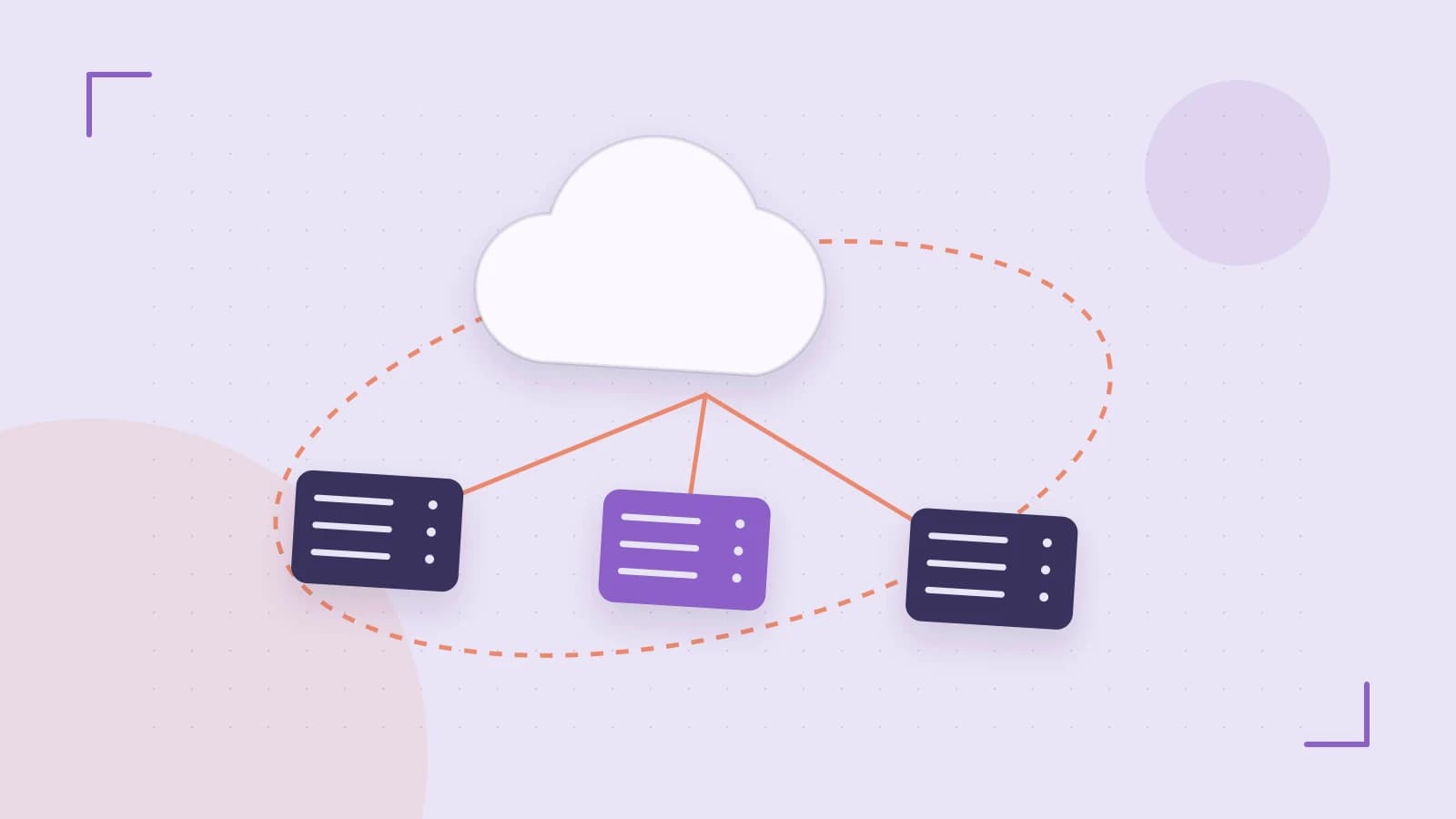
The pull-rate crunch
Modern CI pipelines and Kubernetes clusters often start many pods simultaneously, each pulling the same base image from a public registry like Docker Hub. Anonymous pulls are limited to 100 requests per 6 hours, and even authenticated accounts hit quotas during spikes. Beyond rate limits, every pull adds latency--especially when the upstream is geographically distant--and there is no guaranteed point for vulnerability scanning or retention enforcement.
Why this matters
- Rate-limit exhaustion: CI jobs fail or block downstream builds when the quota is reached.
- Variable latency: pulls from a US-based registry add seconds to minutes for EU-based workloads.
- Governance gaps: without a central cache, each node pulls independently, making it hard to enforce scanning or retention consistently.
Harbor proxy cache in a nutshell
Harbors proxy cache feature lets you create a project that acts as a pull-through cache for an upstream OCI-compliant registry. When a client pulls an image using the path /proxy-project/library/image:tag, Harbor forwards the request upstream on first access, stores the artifact in its own storage, and serves subsequent pulls from the cache. This single choke point can apply Harbors policy surface: vulnerability scanning, retention rules, and RBAC to third-party images without requiring them to be pushed into Harbor first.
Configuration basics
- In the Harbor administration UI, add a registry endpoint credential for the upstream (e.g., Docker Hub). Credentials are optional for public registries, but authenticated pulls may be needed for rate-limit-aware deployments.
- Create a new project, enable the Proxy Cache option, and bind it to the upstream endpoint.
- Pull images using the project path: /proxy-project/library/nginx:latest. The first pull reaches Docker Hub; subsequent pulls are served from Harbors storage.
Required permissions: project creation and proxy-cache configuration are admin-level tasks. If using the CLI, the harborctl command or API endpoints require a user with the create-project and configure-proxy capabilities.
Worked example: fronting Docker Hub
# Example: create a proxy project for Docker Hub
# (UI steps are preferred for first-time setup; CLI equivalents are noted)
#
# 1. Add Docker Hub as an upstream registry credential:
#    - Admin > Registry Credentials > Add
#    - Name: dockerhub
#    - Endpoint: https://registry-1.docker.io
#    - Authentication: optional for public images; provide a Docker Hub token for higher quotas
#
# 2. Create a project:
#    - Projects > New Project
#    - Name: library-proxy
#    - Enable Proxy Cache
#    - Upstream Registry: dockerhub
#
# 3. Pull a cached image:
#    $ curl -O https:///proxy-project/library/nginx:1.25
#    # First pull: fetches from Docker Hub, stores locally
#    # Second pull: served from Harbor storage
#    # Verification check: in the Harbor project UI, the artifact nginx:1.25 should appear under the projects artifact list after the first pull.
Important notes on permissions: the above steps assume Harbor 2.9 or later, where proxy cache configuration is exposed in the UI. Earlier versions may require Helm values or API calls. Always consult the release notes for your specific Harbor version.
Proxy cache vs replication: which model fits?
| Aspect | Proxy cache | Replication |
|---|---|---|
| Pull behavior | Pull-through on demand; first access fetches upstream | Scheduled or event-driven copy of existing artifacts |
| Stale content risk | High if upstream tags are mutable (e.g., latest) and not re-pulled | Low; replicated content is a point-in-time copy |
| Offline capability | Requires upstream connectivity for first pull; pre-populate via replication for fully disconnected setups | Artifacts must be replicated before going offline |
| Governance surface | Inherited immediately (scanning, RBAC, retention) | Applied at replication time; ongoing governance depends on schedule |
If your use case requires every node to always have the latest image and you can tolerate a brief upstream fetch, proxy cache is the lighterweight choice. If you need pre-staged content for air-gapped environments or want to batch-move large volumes across regions, replication is the appropriate tool.
Trade-offs and limitations
- Stale latest tags: upstream registries frequently mutate tags like latest. Harbors cache does not actively synchronize; it serves the artifact until the next pull-through event. Pinning digests (nginx@sha256:...) eliminates this risk.
- Version-specific behavior: exact cache invalidation, supported upstream registry types, and authentication options vary across Harbor releases. Harbor 2.9+, 2.10, and upcoming versions have different UI flows and CLI commands. Confirm the behavior against the release notes of the version you run.
- Offline environments: a pure proxy cache cannot function in a fully air-gapped setup. The very first pull for any image requires upstream connectivity. For disconnected workloads, pre-populate the cache using replication rules or manually push the desired images into a Harbor project before isolating the cluster.
Verification checklist
- Create a proxy cache project against Docker Hub in a test Harbor instance.
- Pull a public image (e.g., busybox:1.35) twice. Confirm the second pull is served from Harbors storage--check the project artifact list or the browser network tab for a 200 OK from the Harbor host rather than a redirect to Docker Hub.
- Enable Prevent vulnerable images from pulling on the proxy project. Attempt to pull an image with a known critical CVE (e.g., an older tag with a published CVE). The pull should be blocked, confirming that scanning policy is enforced.
- Compare the proxy cache behavior with a replication rule for the same upstream image. Note whether you need pre-stage content (replication) or lazy caching (proxy cache) for your environment.
Running these checks in a non-production Harbor instance before rolling out to CI clusters or edge nodes is the recommended path. The time invested in verification pays off in avoided rate-limit failures and more predictable governance.
 harbor
0 replies
A thoughtful contribution can make all the difference. Be the first to share one.