Gulp's Streaming src-pipe-dest Pipeline for Automated Asset Minification
Gulp's in-memory streaming pipeline offers a lightweight alternative to full bundlers for straightforward asset minification. Learn how to wire up gulp.src, pipe, and gulp.dest.
04 Oct 2025, 12:41 UTC
Why a Streaming Pipeline Still Makes Sense
You need production-ready JavaScript and CSS, but the only thing standing between your source files and deployment is minification. Reaching for a full module bundler like Webpack or Rollup can feel like hiring a moving company to carry a single box: you get dependency graphs, code splitting, and development servers, but also a thick configuration file and a slower feedback loop. If your task is simply to shrink assets, Gulp's streaming pipeline is often the lighter tool.
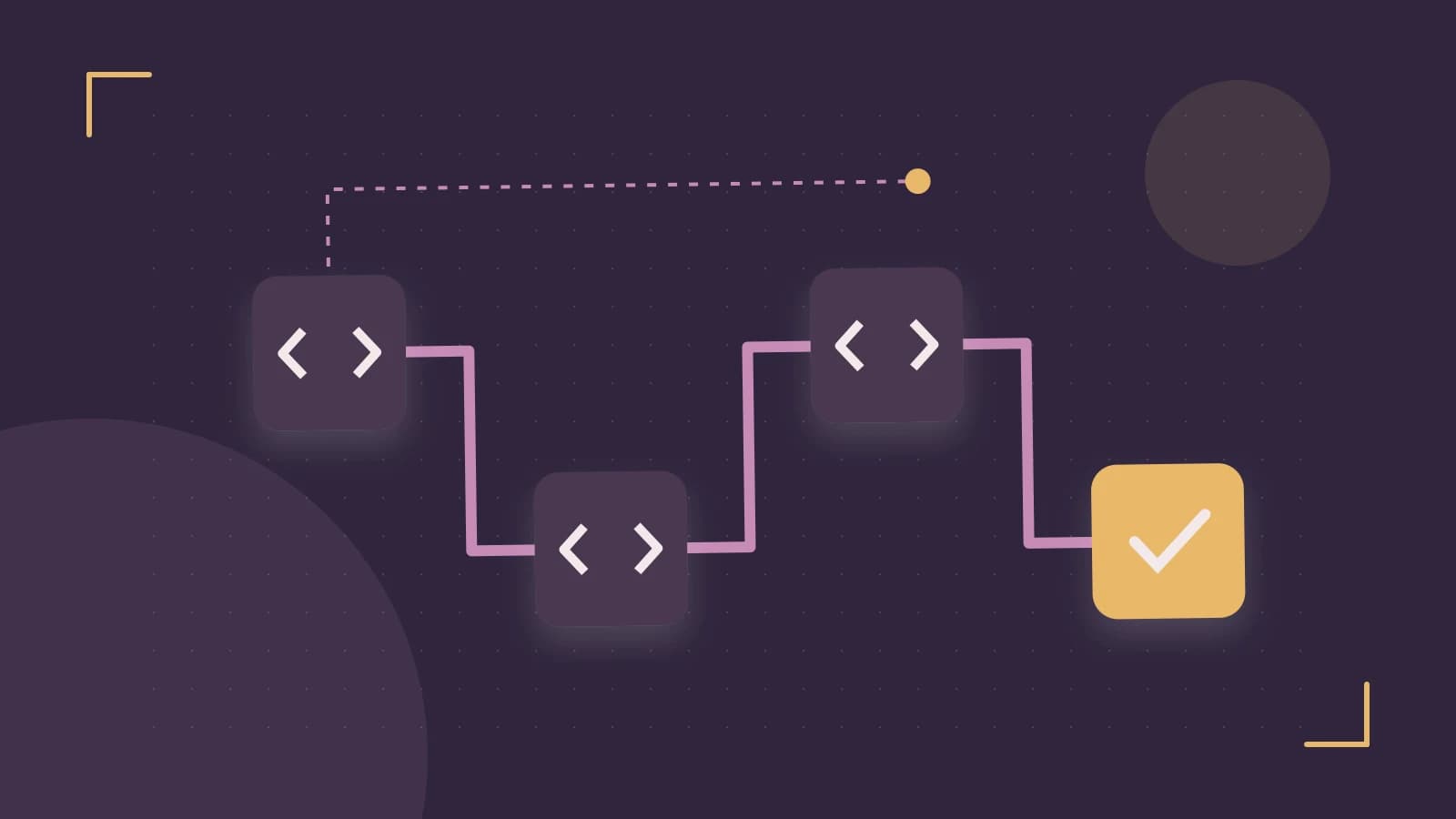
The useful takeaway is that Gulp treats files as Node.js streams. A stream is a sequence of data that can be read, transformed, and written without loading the entire payload into memory at once or spilling intermediate results to temporary files on disk. In practice, this means gulp.src() reads your raw files, pipe() passes them through a minification plugin, and gulp.dest() writes the final bytes. The whole operation stays in memory until the last step.
Wiring Up src, pipe, and dest
Assume you are working in a project directory with a recent Node.js LTS release and Gulp 4.x installed. If you do not yet have a package.json, create one by running npm init -y in your terminal at the project root. Then install Gulp and a JavaScript minifier:
npm install --save-dev gulp gulp-terserThis command requires network access and local write permissions. Next, create a gulpfile.js in the project root:
const { src, dest } = require('gulp');
const terser = require('gulp-terser');

function scripts() {
  return src('src/js/**/*.js')
    .pipe(terser())
    .pipe(dest('dist/js'));
}

exports.default = scripts;
The glob pattern src/js/**/*.js is a placeholder; adjust it to match your actual source layout. Likewise, dist/js is a placeholder for your output directory. Run the pipeline with npx gulp from the project root. The expected check is straightforward: open the files in dist/js and confirm they contain no unnecessary whitespace or comments, and that their byte size is smaller than the originals.
One risk to note: if the glob matches zero files, gulp.src() throws an error by default. If your source directory may legitimately be empty, pass an options object as the second argument, such as src('src/js/**/*.js', { allowEmpty: true }).
Orchestration, Watch, and Error Handling
Real projects rarely have a single transform. Gulp 4 coordinates tasks with series() and parallel(). Use series when order matters—for example, cleaning a destination folder before writing new files. Use parallel when tasks are independent, such as minifying JavaScript and CSS at the same time.
A common addition is a watch task that reruns the pipeline whenever a source file changes. This is convenient, but it exposes a sharp limitation: if a plugin emits a stream error—say, gulp-terser encounters a syntax error—and no error handler is attached, the Node.js process exits. Under a watch task, that means your file watcher dies silently after the first bad edit. A conservative mitigation is to attach an error listener to the stream, or to use a dedicated error-handling plugin that keeps the pipe alive and logs the problem without crashing the process.
Limitations and a Practical Verification
Gulp is a task runner and stream processor, not a module bundler. It will not resolve import statements, perform tree shaking, or split code into asynchronous chunks. If your front-end architecture depends on those features, Gulp can still prepare assets, but you will need a dedicated bundler as well. Over-relying on Gulp for bundling tends to recreate, poorly, what Webpack or Rollup already do well.
Version compatibility is another trap. Gulp 3 used callback-based gulp.task() definitions, whereas Gulp 4 uses exported functions composed with series and parallel. Mixing the two syntaxes leads to confusing failures. Before you commit to a new build script, confirm your installed version by running npx gulp --version in your terminal.
To verify the approach fits your project, copy a representative sample of your source assets into a scratch directory and run the worked example above. Check two things: first, that the minified output is functionally identical by running your existing test suite against it; second, that the pipeline completes quickly enough for your workflow. If both hold, you have a lean, maintainable minification step. If you find yourself needing dependency graphs or module resolution, that is your signal to reach for a bundler instead.
 gulp
gulp nodejs
0 replies
A thoughtful contribution can make all the difference. Be the first to share one.