GitBook Git Sync: Making Docs-as-Code Work Without the Friction
GitBook's Git Sync enables two-way synchronization between its visual editor and Git repositories. This post covers setup, branching strategies for versioned docs, a worked PR example, conflict behavior, and the limitations that shape real-world adoption.
20 Feb 2026, 20:48 UTC
The problem: documentation drift between writers and engineers
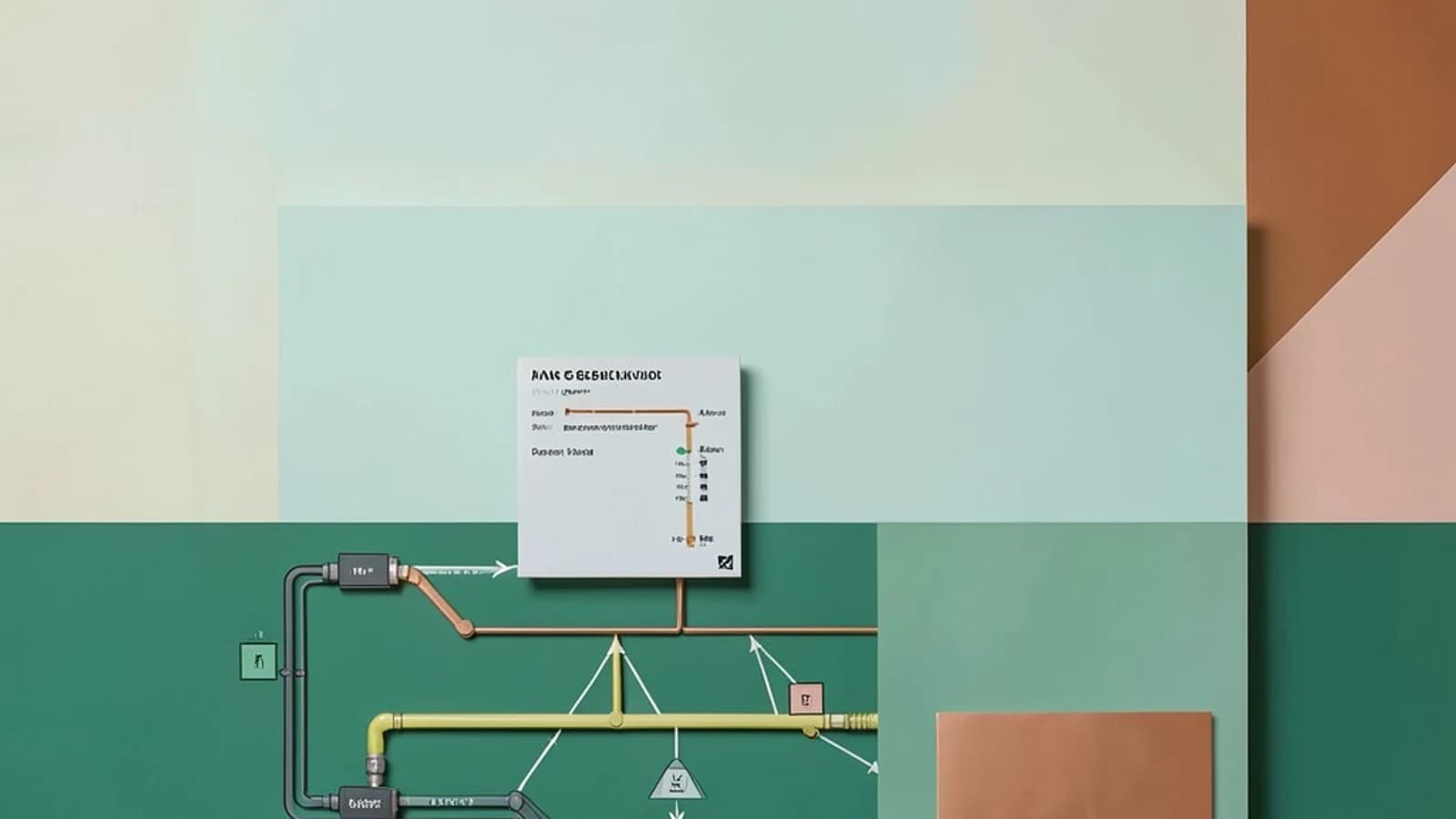
Technical writers prefer a visual editor. Engineers want documentation in the same repository as code, reviewed through pull requests. GitBook's Git Sync feature promises to bridge this gap with two-way synchronization between a GitBook space and a Git repository (GitHub or GitLab). The idea is appealing: writers edit in GitBook's UI, engineers review changes in Git, and both sides stay current without manual copy-paste.
In practice, the feature works well for many teams, but the defaults and constraints shape how you should structure your workflow. This post walks through the setup, the branching model that maps cleanly to versioned docs, a concrete conflict scenario, and the trade-offs you'll hit at scale.
How the synchronization works
Git Sync is bidirectional. When you edit a page in the GitBook UI, the service commits the change to the connected repository using a GitBook bot account. When a commit lands in the repository — whether pushed directly or merged via pull request — a webhook notifies GitBook, which pulls the update into the space. The sync latency is typically under 30 seconds for UI-to-Git pushes; Git-to-GitBook updates arrive on the next webhook delivery.
You connect a GitBook space to a single repository. Each Git branch maps to a GitBook space version. The default mapping links the repository's default branch (usually main) to the space's primary version. Additional branches like v1.0 or develop become separate versions in GitBook, letting you maintain docs for multiple product releases alongside your code branches.
Requirements: a GitBook Pro or Enterprise plan, and the GitHub App or GitLab integration installed with write permissions on the target repository. Branch protection rules that require status checks can block GitBook's automated commits unless you allow the GitBook bot to bypass them.
Branching strategy that matches release cycles
A practical pattern is to mirror your code branching model:
main→latestversion (current release)release/v1.2→v1.2version (maintenance branch)develop→nextversion (upcoming features)
When you cut a release branch in code, create the corresponding version in GitBook and map it. Writers can then switch versions in the UI to edit docs for that release. Engineers working on a feature branch open a PR against develop; the doc changes travel with the code. After merge, the next version updates automatically.
One caveat: GitBook versions are independent spaces for editing. A fix applied to latest does not propagate to v1.2 automatically — you'll need to cherry-pick or backport in Git, then let the sync carry it over.
Worked example: adding a configuration page via pull request
Scenario: an engineer wants to document a new environment variable. They prefer working in their IDE and using the team's PR review process.
- Create a feature branch from
develop:git checkout -b docs/add-api-timeout develop. - Add a new Markdown file
docs/config/api-timeout.mdwith front matter and content. - Commit and push:
git push origin docs/add-api-timeout. - Open a PR targeting
develop. Reviewers see the diff alongside code changes. - Merge the PR. The GitHub webhook fires; within ~30 seconds the
nextversion in GitBook shows the new page. - Optional: a technical writer opens the page in GitBook, adds a hint block (GitBook-specific Markdown extension), and saves. GitBook commits the enhancement back to
developas a new commit from the GitBook bot.
Run this test in a private repository first. Verify the bot commit appears in git log and the page renders in the next version. Then merge a PR and confirm the GitBook space updates without manual intervention.
Conflict resolution and the "last writer wins" trap
When the same content block changes in both GitBook and Git before a sync cycle completes, GitBook favors the UI edit. The incoming Git commit is applied, but the conflicting block retains the GitBook version. No merge commit is created; the Git history shows the bot's commit followed by the external commit, but the content reflects the UI change.
This behavior avoids broken Markdown but can silently drop engineering edits. Mitigation: keep PRs small and short-lived. Encourage writers to pull latest (refresh the space) before editing sections engineers are touching. For high-risk pages, use a convention: engineers edit via PR only, writers suggest changes via PR comments rather than direct UI edits.
Limitations that affect adoption
- GitBook-specific Markdown extensions (hints, tabs, code groups) render only in GitBook. In GitHub's file viewer they appear as raw HTML or custom syntax, reducing readability for reviewers.
- Large repositories (thousands of files) slow the initial sync and can cause webhook delivery delays. GitBook recommends keeping the docs folder focused; avoid syncing the entire monorepo.
- No automatic backporting across versions. You must manage version-specific fixes in Git.
- Bot commit noise in history. Every UI save creates a commit. Some teams squash-merge PRs to keep history clean, but bot commits remain on the target branch.
Actionable next steps
Start with a pilot: one documentation space, one private repository, two versions (latest and next). Connect via Git Sync, then run the worked example end-to-end. Measure the round-trip time from PR merge to GitBook update. Check that branch protection rules allow the GitBook bot. Document your team's convention for handling GitBook-only Markdown — either accept reduced GitHub readability or restrict extensions to pages engineers rarely review.
If the pilot succeeds, expand to additional versions matching your release branches. Treat the sync as infrastructure: monitor webhook deliveries in GitHub's integration settings, and alert on repeated failures. The feature removes the manual handoff, but it doesn't eliminate the need for editorial process — it just moves the collaboration point into the pull request.
 gitbook
0 replies
A thoughtful contribution can make all the difference. Be the first to share one.