Gardener Seed Clusters: Managing Shoot Lifecycles at Scale
Gardener's Seed clusters host Shoot control planes as custom resources, turning cluster fleet management into declarative Kubernetes operations. This post walks through provisioning an AWS Shoot, scaling its node pool, and the operational trade-offs of Seed density.
17 Mar 2026, 03:00 UTC
The Problem: Too Many Clusters, Too Little Control
Platform teams running Kubernetes across multiple clouds know the pain: each new environment needs its own control plane, its own upgrade cadence, and its own isolation guarantees. Managing dozens of clusters with tools like Cluster API or raw kubeadm means stitching together controllers, handling etcd backups per cluster, and chasing version skew across providers. The operational surface area grows faster than the team.
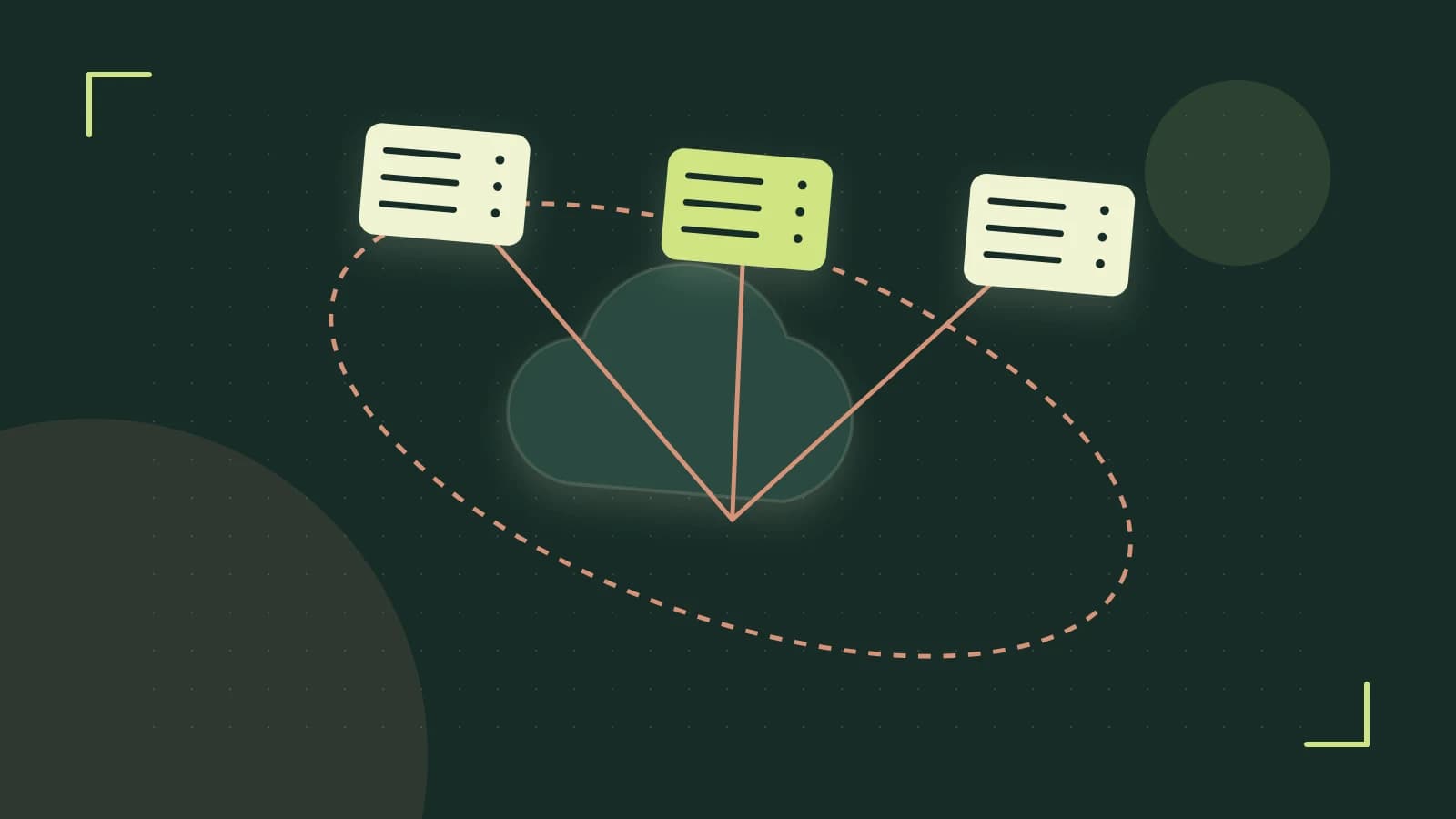
Gardener reframes this by introducing Seed clusters — dedicated Kubernetes clusters that host the control planes (API server, controller manager, scheduler, etcd) of Shoot clusters as custom resources. Instead of managing each control plane individually, you manage Seeds, and Shoots become declarative objects you create, scale, and delete like any other Kubernetes resource.
How Seeds Change the Game
A Seed cluster runs the Gardener controller manager and the gardener-resource-manager. When you apply a Shoot manifest, the Seed's controllers reconcile it: they provision infrastructure (via provider-specific actuators), spin up the Shoot's control plane components as pods inside the Seed, and register the Shoot's kubeconfig so workloads can target it. The Shoot's worker nodes — MachineDeployments — run in the target cloud, not in the Seed.
This architecture gives you three concrete levers:
- Isolation per Shoot: Each Shoot gets its own API server and etcd instance inside the Seed. A misbehaving Shoot workload cannot starve another Shoot's control plane.
- Unified upgrade path: Upgrading Kubernetes across 50 Shoots means upgrading the Seed's control plane components once, then rolling Shoots through their
.spec.kubernetes.versionfield. - Centralized policy: Network policies, pod security standards, and resource quotas applied at the Seed level automatically govern all hosted Shoots.
Worked Example: Provisioning prod-web on AWS
Assume you have a Seed cluster named seed-aws-eu already registered in the garden namespace. You want a production Shoot with three m5.large workers in eu-central-1.
cat <<'EOF' | kubectl apply -f -
apiVersion: core.gardener.cloud/v1beta1
kind: Shoot
metadata:
  name: prod-web
  namespace: garden
spec:
  seedName: seed-aws-eu
  region: eu-central-1
  kubernetes:
    version: "1.29"
  provider:
    type: aws
    workers:
    - name: cpu-worker
      machineType: m5.large
      volume:
        type: gp3
        size: 50Gi
      maximum: 5
      minimum: 3
      maxSurge: 1
      maxUnavailable: 0
  networking:
    type: calico
    pods: 10.244.0.0/16
    services: 10.96.0.0/16
EOF
Where to run: Any machine with kubectl access to the garden cluster (the cluster hosting the Gardener API server). Permissions: create/update on shoots.core.gardener.cloud in the garden namespace.
Watch the reconciliation:
kubectl get shoot prod-web -n garden -w
You'll see the Shoot transition Pending → Reconciling → Ready. Once Ready, fetch its kubeconfig:
kubectl get secret prod-web.kubeconfig -n garden -o jsonpath='{.data.kubeconfig}' | base64 -d > prod-web.kubeconfig
export KUBECONFIG=prod-web.kubeconfig
kubectl get nodes
Now scale the node pool from 3 to 5:
kubectl patch shoot prod-web -n garden --type=merge -p='{"spec":{"provider":{"workers":[{"name":"cpu-worker","minimum":5}]}}}'
Verify the MachineDeployment in the Shoot's namespace (auto-created as shoot--prod-web):
kubectl get machinedeployments -n shoot--prod-web
# NAME           REPLICAS   READY   UPDATED   AVAILABLE
# cpu-worker     5          5       5         5
Trade-offs: Seed Overhead vs. Shoot Density
Every Seed cluster is itself a Kubernetes cluster that needs patching, monitoring, etcd backup, and capacity planning. A single Seed can host dozens of Shoots, but each Shoot's API server and etcd consume CPU, memory, and network resources on the Seed. If you pack too many Shoots onto an undersized Seed, control-plane latency spikes and etcd compaction stalls.
Guidelines from production teams:
- Start with a Seed sized for 20–30 small Shoots (e.g., 3 control-plane nodes, 8 vCPU / 32 GiB each).
- Monitor
apiserver_request_duration_secondsandetcd_db_total_size_in_byteson the Seed; alert at 70% capacity. - Separate Seeds by blast radius: one for dev/test, one for prod, or one per cloud region.
Another subtle risk: Seed-level policies apply to Shoot control planes. A restrictive PodSecurityPolicy (or its PSA equivalent) on the Seed can prevent the Shoot's own API server pod from starting. Review Seed namespace labels and admission configuration before onboarding Shoots.
Actionable Closing: Start Small, Automate Upgrades
Don't over-engineer the first Seed. Spin up a shared Seed for development Shoots, register it in Gardener, and deploy a handful of test Shoots. Use the verification steps above to confirm each Shoot reaches Ready and node pools scale cleanly.
Once the pattern is proven, enable Gardener's Seed Lifecycle Controller (available since Gardener v1.70) to automate Seed Kubernetes version upgrades. It drains Shoot control planes, upgrades the Seed, then rolls Shoots to the new version — all declaratively. Configure a SeedTemplate with your desired update strategy and let the controller handle the choreography.
Check Seed readiness anytime:
kubectl get seeds -n garden
# NAME            STATUS   AGE
# seed-aws-eu     Ready    14d
If STATUS shows NotReady, inspect the Seed's conditions (kubectl describe seed seed-aws-eu -n garden) — common causes are etcd quorum loss or version mismatch between Seed and Shoot .spec.kubernetes.version.
With Seeds, the mental model shifts from "manage clusters" to "manage the platform that manages clusters." That's the leverage Gardener offers.
 gardener
 kubernetes
0 replies
A thoughtful contribution can make all the difference. Be the first to share one.