FireDAC Connection Pooling for PostgreSQL: Configuration, Limits, and How to Verify It Works
A practical look at configuring FireDAC connection pooling for PostgreSQL in RAD Studio, including sizing trade-offs, session-state pitfalls, and verification steps.
18 Apr 2026, 03:06 UTC
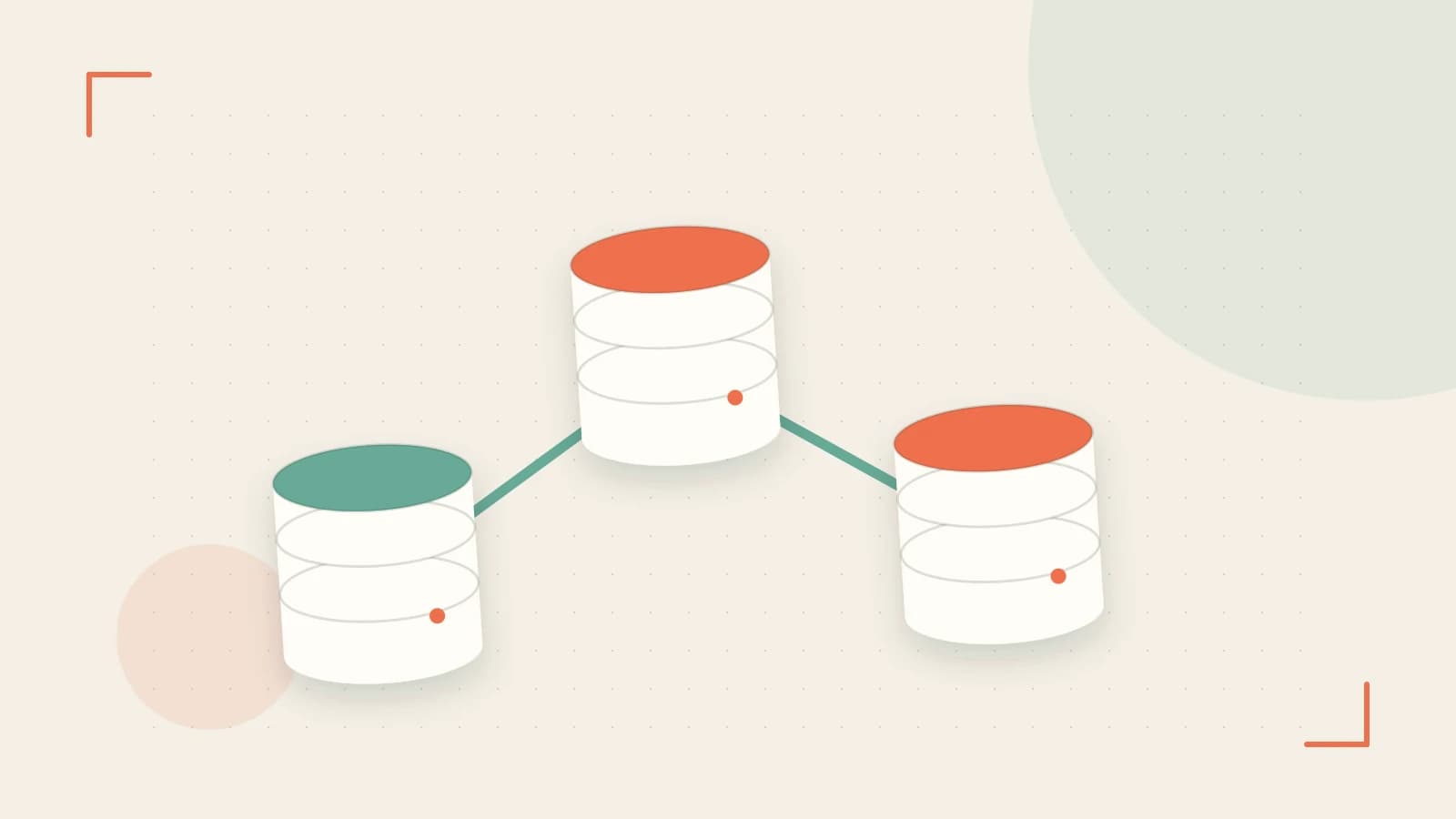
If your RAD Studio application opens and closes a TFDConnection for every query, you are paying PostgreSQL’s connection tax on every single request. That tax includes TCP handshakes, authentication round-trips, and the server-side cost of spawning a new backend process. FireDAC’s built-in connection pooling removes most of that overhead, but simply flipping Pooled to True is not enough. You need to size the pool deliberately, understand what state survives reuse, and measure the effect on your PostgreSQL server.
The hidden cost of a cold connection
Every time TFDConnection.Connected is set to True, FireDAC negotiates a new physical session with PostgreSQL. The server forks a dedicated backend process to serve that client. In a single-threaded utility that opens one connection and keeps it, this cost is irrelevant. In a multi-threaded service—or a high-frequency batch job that opens and closes connections in a loop—the repeated fork-and-authenticate cycle adds latency and consumes server memory.
The failure mode is sometimes called a connection storm: a burst of concurrent requests causes the application to open more physical connections than the database can handle. PostgreSQL’s max_connections setting acts as a hard ceiling; once reached, new clients are rejected outright. Pooling prevents this by decoupling the number of logical requests from the number of physical backends.
How FireDAC pooling works
FireDAC pools connections at the process level through the TFDManager component. When a TFDConnection with Pooled = True is closed or destroyed, its underlying physical link is not torn down. Instead, TFDManager places it in an idle pool. The next TFDConnection that requests a matching connection definition pulls an idle link from that pool rather than creating a new one.
Two parameters control the pool’s behavior:
- PoolSize — the maximum number of physical connections the pool will hold. This is your ceiling for concurrent PostgreSQL backends from this application instance.
- PoolLifetime — the maximum time, in seconds, a connection may remain idle in the pool before it is closed and removed. This prevents indefinitely stale sockets.
You can set these at design time in the Connection Editor or at runtime via Params. The example below assumes a recent RAD Studio release (10.4 or later) using the standard FireDAC PostgreSQL driver.
// Enable pooling and size it for expected concurrency
FDConnection1.Params.Values['Pooled'] := 'True';
FDConnection1.Params.Values['PoolSize'] := '10';
FDConnection1.Params.Values['PoolLifetime'] := '600';
FDConnection1.Connected := True;
A worked example: configuration and verification
Suppose you have a background worker that processes messages and previously opened a fresh connection per message. You enable pooling with the snippet above. How do you know it is actually working?
First, inspect the PostgreSQL server directly. Run the following in psql connected to the same database, using an account with pg_monitor or superuser privileges so that pg_stat_activity is fully visible:
SELECT count(*) AS backends
FROM pg_stat_activity
WHERE datname = 'app_db';
Replace app_db with your actual database name. If pooling is effective, this count should plateau near your PoolSize under sustained load. Without pooling, it will climb with every concurrent request. The query is read-only and safe, but on extremely busy servers avoid counting all rows without a datname filter, because the view itself can be expensive to scan.
Second, check the client side at runtime. TFDManager.ActiveConnections reports how many physical connections the pool currently holds. During a burst of activity, watch whether this value stabilizes instead of growing without bound.
Third, FireDAC can emit internal trace output that includes pool events. Enable tracing through your connection definition or the FireDAC trace settings for your installed version, then look for messages indicating that a connection was retrieved from the pool rather than opened fresh. Consult the official RAD Studio documentation for the exact trace parameter names in your version.
Trade-offs and limitations
Pooling is not free, and it introduces specific risks.
Server-side ceiling. PostgreSQL’s max_connections must be higher than the sum of all application pool sizes that connect to it. If three services each set PoolSize = 20, the database needs at least 60 connections available, plus headroom for administrative sessions. Exceeding this produces “too many clients” errors.
Over-allocation. A large PoolSize in a low-concurrency application wastes server memory. Each PostgreSQL backend allocates per-connection memory for sorting, temporary files, and query state. If your application rarely runs more than two queries at once, a pool of 50 connections is dead weight.
Session-state leakage. This is the subtlest trap. A pooled connection is reused by a different part of your application. If one code path executes SET search_path TO analytics or creates a temporary table, that state may still exist when another code path picks up the same physical connection. FireDAC resets some connection properties, but it cannot know about arbitrary session variables your SQL has changed. Audit your code for SET statements, temporary objects, and prepared statements before enabling pooling in shared code paths.
Lifetime tuning. A very short PoolLifetime causes unnecessary churn—the pool closes and reopens connections that were perfectly healthy. A very long lifetime may hold sockets through network interruptions or database restarts. FireDAC generally validates connections before handing them out, but an excessively long lifetime delays discovery of broken links.
What to do next
Start by measuring your actual peak concurrency, not your worst-case theoretical load. Set PoolSize to that number plus a small buffer. Confirm that PostgreSQL’s max_connections exceeds the total across all client instances. Then verify with pg_stat_activity and TFDManager.ActiveConnections that backend counts remain stable under load. Finally, grep your codebase for session-level SQL and either remove it or explicitly reset state before returning connections to the pool.
 radstudio
 postgresql
0 replies
A thoughtful contribution can make all the difference. Be the first to share one.