Exposing Internal Services Without Inbound Firewall Rules: An Engineering Look at Cloudflare Tunnel
Cloudflare Tunnel replaces inbound firewall exceptions with an outbound-only daemon. This post examines the architecture, a version-controlled replica setup, and the operational trade-offs before you commit.
19 Jun 2026, 16:14 UTC
The problem: a service that cannot accept inbound connections
You have an internal dashboard, a database replica, or a legacy API that needs to be reachable from outside the network. The security team blocks inbound firewall changes. The host sits behind NAT with a dynamic IP. You could request a VPN, but that adds client software and another identity provider to manage. Cloudflare Tunnel offers a different path: an outbound-only daemon that makes the internal service reachable without opening a single inbound port.
How the outbound-only model works
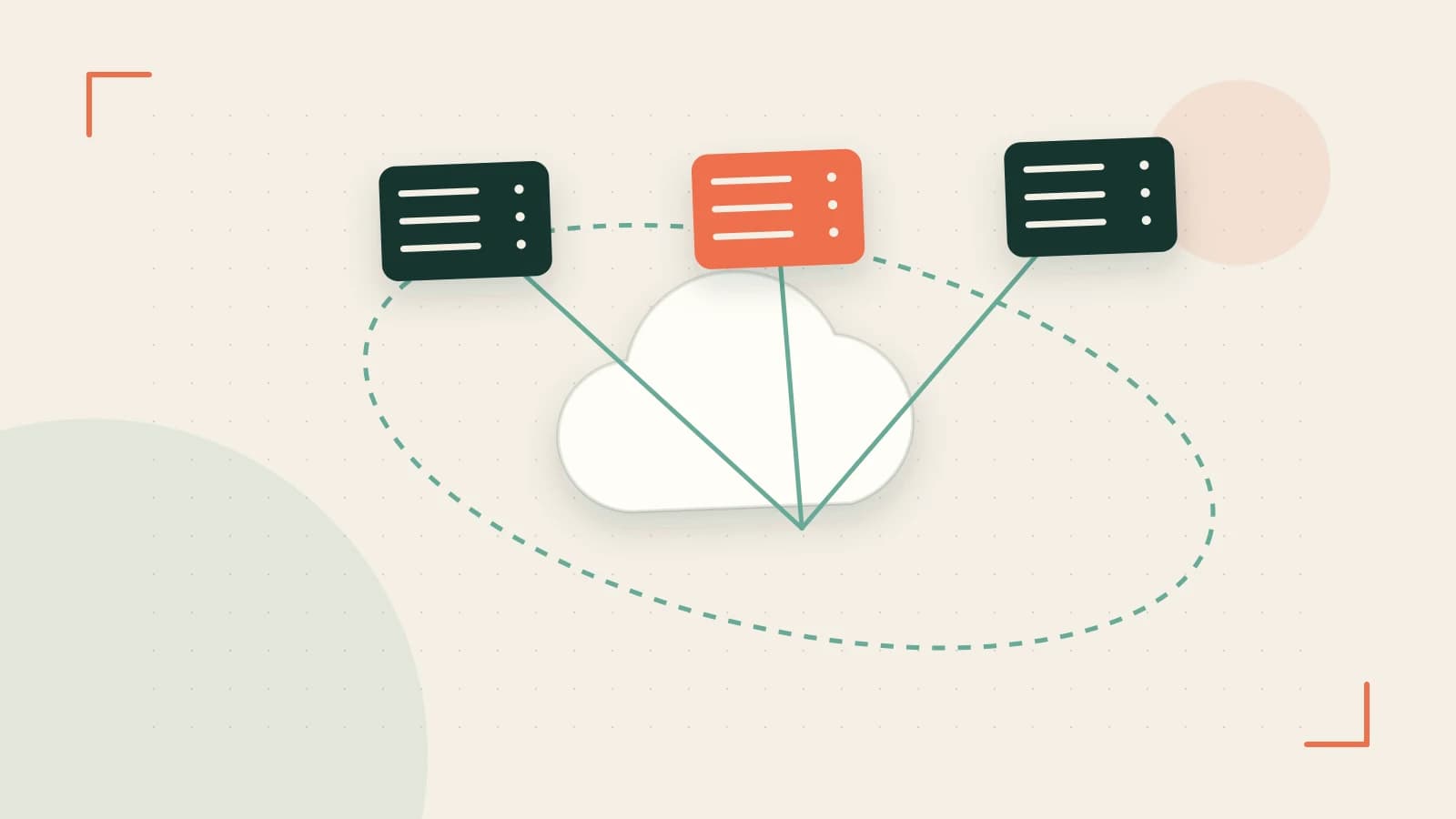
Cloudflare Tunnel relies on a daemon called cloudflared that you install on a host inside your network. Instead of listening for inbound traffic, the daemon initiates persistent outbound connections to Cloudflare's nearest edge. When a client requests your hostname, Cloudflare's edge routes that request back through the existing tunnel to the daemon, which then forwards it to the origin service.
This inversion solves the NAT and dynamic IP problem because connections always originate from inside. Your firewall only needs to allow outbound traffic from the daemon to Cloudflare's edge, not inbound traffic from the internet to your origin.
Cloudflare supports two primary patterns. A public hostname routes internet-facing traffic through a named tunnel. A private network route requires the Zero Trust client on the user's device and is intended for internal resources that should never be exposed to the open internet.
Worked example: a version-controlled tunnel with replicas
One-off CLI commands are convenient for testing but create drift. A better approach is to define the tunnel and its ingress rules in a configuration file that lives in version control alongside your other infrastructure code. The example below shows a minimal config.yml for a named tunnel that maps a public hostname to an internal service and a second hostname to a different port.
tunnel: <TUNNEL-UUID>
credentials-file: /etc/cloudflared/<TUNNEL-UUID>.json

ingress:
  - hostname: status.example.com
    service: http://localhost:8080
  - hostname: api.example.com
    service: http://10.0.1.50:3000
  - service: http_status:404
Placeholders such as <TUNNEL-UUID> must be replaced with the actual identifier generated when you create the tunnel. The final catch-all rule returns a 404 status so unmatched requests do not silently fall through to an unintended origin.
Because the tunnel connection is stateful, a single daemon is a single point of failure. High availability requires running multiple cloudflared replicas registered to the same tunnel UUID. You can deploy them as separate systemd units, containers, or pods across different hosts. After deployment, verify in the Zero Trust dashboard that the tunnel shows multiple active connections rather than one.
Trade-offs before you commit
The proxy architecture adds a network hop. Traffic flows from the client to Cloudflare's edge, through the tunnel to the daemon, and finally to the origin. That extra leg can increase round-trip latency compared to a direct connection, especially if your origin is geographically distant from the edge handling the request.
TLS termination happens at Cloudflare's edge by default. If your compliance requirements demand end-to-end encryption or strict origin certificate validation, you will need to configure the daemon and origin accordingly rather than relying on the default edge termination.
Plan tiers matter. Features such as private network routing, device posture checks, and advanced Zero Trust policies are gated by your Cloudflare plan. Validate your current tier before designing around those capabilities.
The daemon is also a runtime dependency. If cloudflared crashes or loses outbound connectivity, every route associated with that tunnel becomes unreachable until the process recovers. Finally, outbound-only tunnels can bypass inbound-focused security monitoring. Your SOC needs visibility into the daemon's process behavior and egress traffic patterns.
A practical way to check the result
Do not assume the tunnel is healthy because the config file parsed. Run a controlled failover test: terminate one replica and measure how long DNS and connection recovery take for the affected hostname. Inspect the Zero Trust dashboard for active connections, health metrics, and recent error logs for the tunnel UUID. Benchmark round-trip latency through the tunnel versus direct origin access from representative client locations to quantify the proxy overhead in your specific topology.
Cloudflare Tunnel is a sound engineering decision when inbound firewall changes are blocked and you can accept the added hop and runtime dependency. Treat the configuration as code, run at least two replicas, and verify the operational limits against Cloudflare's current documentation for your plan.
 cloudflare
0 replies
A thoughtful contribution can make all the difference. Be the first to share one.