Evaluating Towergit Features When Documentation Is Scarce
A practical framework for assessing Towergit's supported Git operations without relying on marketed claims, using verification steps and workflow testing.
31 May 2026, 22:39 UTC
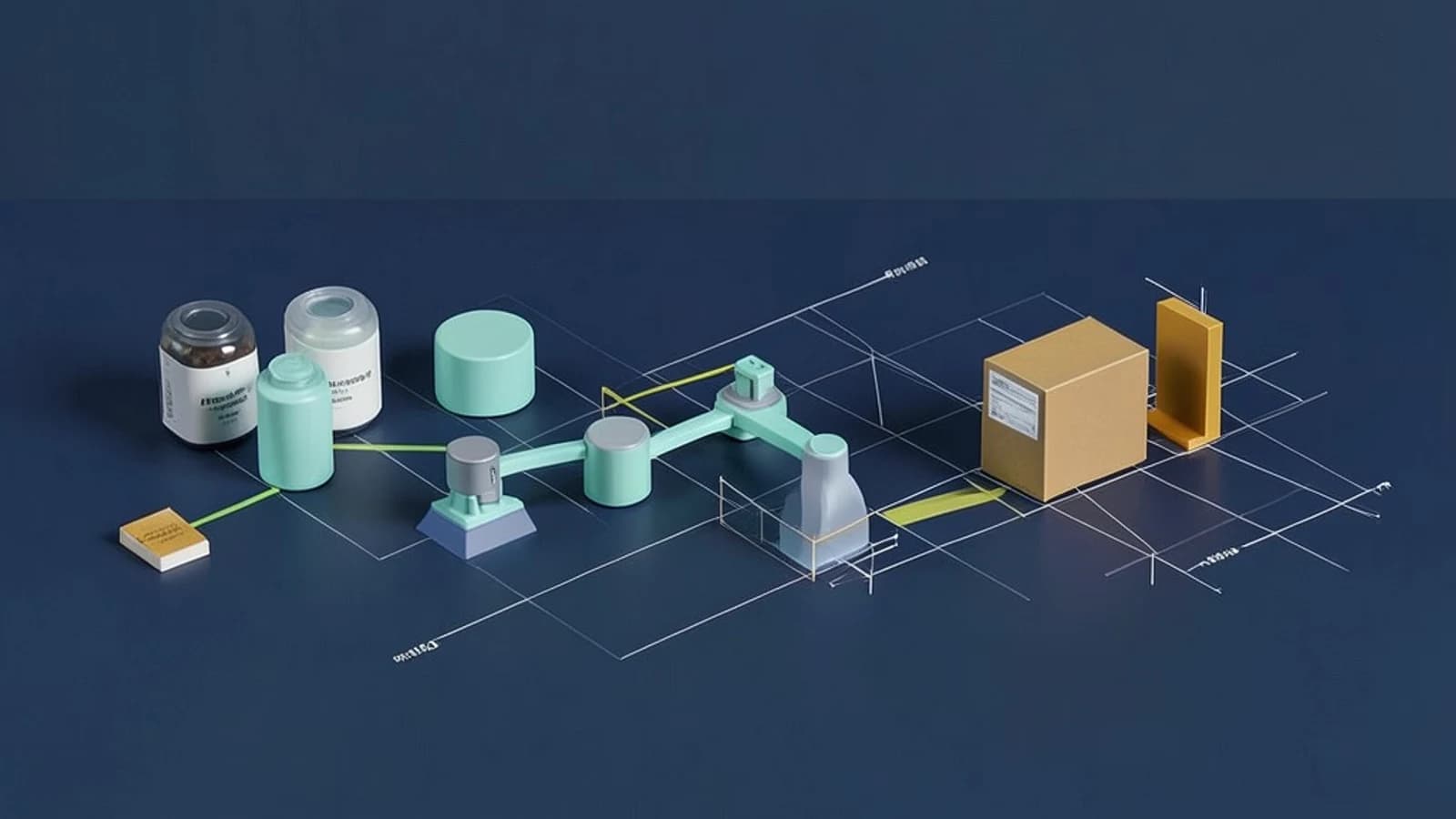
When Documentation Is Thin, Look Beyond the Name
Many engineers have encountered a new Git client that promises to simplify repository workflows, only to find that its feature set is not clearly documented. Towergit follows this pattern: the name hints at a connection to established Git tooling, but public records do not enumerate which operations it supports natively. This post provides a practical approach to assessing any Git client's capabilities when official sources are thin, using Towergit as a concrete case study.
Core Functionality Categories in Git Clients
Before diving into a specific application, it helps to know what most Git clients expose through their graphical interface and keyboard shortcuts. These categories form a baseline for comparison:
- Repository browsing and status visualization
- Remote push, pull, and fetch handling
- Branch creation, switching, and merge visualization
- Inline conflict resolution aids
How to Surface Undocumented Features
When a changelog or feature matrix is absent, you can surface what a client actually supports through targeted experimentation. Follow these steps in a temporary repository:
- Open the client's command palette or menu and locate entries for branch creation, commit, and push.
- Execute the full workflow: create a branch, make a one-line commit, push to a remote URL, and attempt to open a pull request if a hosted service is configured.
- Observe the output: does the interface invoke a Git binary in the background, or does it complete the action entirely within the application?
If the client logs references to git or creates temporary directories during the process, it is likely relying on an underlying installation. If the UI completes the task without shell interaction, the client has its own implementation—one that merits closer inspection for performance and safety characteristics.
# Example observation pattern (run in a terminal alongside the client)
$ git status
$ git branch -a
$ git push origin main
# Monitor process list or logs for git subprocesses during the above steps in Towergit
Verification Checklist and Practical Limitations
After testing, apply a short verification routine before depending on the client for daily work:
- Confirm which Git binary the client uses, if any, by checking preferences or running a process monitor during operations.
- Record exit codes or console output when performing core workflow steps in a throwaway repository.
- Cross-reference any observed behavior with the project's official repository, issue tracker, or community forum.
If those sources remain silent, treat the client as a provisional tool. Maintain a rollback plan such as keeping a terminal-based Git workflow on standby, especially for operations that modify repository history or push to protected branches.
A practical limitation is that undocumented actions may behave differently across operating systems, Git versions, or remote hosting configurations. No amount of local testing can replicate every edge case, so caution is warranted when integrating an unfamiliar client into production pipelines.
Actionable Takeaway
When evaluating Towergit or any lesser-known Git client, start with verification, not assumptions. Confirm the underlying Git binary, test critical workflows in isolation, and consult official sources before committing repository state to the application's management. If documentation does not exist, plan for a fallback workflow and monitor the client's behavior over time before designating it as a primary tool.
 towergit
0 replies
A thoughtful contribution can make all the difference. Be the first to share one.