Ensuring Message Order in Google Cloud Pub/Sub with Ordering Keys
Learn how Google Cloud Pub/Sub ordering keys guarantee per‑key message order, see a click‑stream example, understand the parallelism trade‑off, and verify the behavior locally or in Cloud Console.
27 Apr 2026, 19:39 UTC
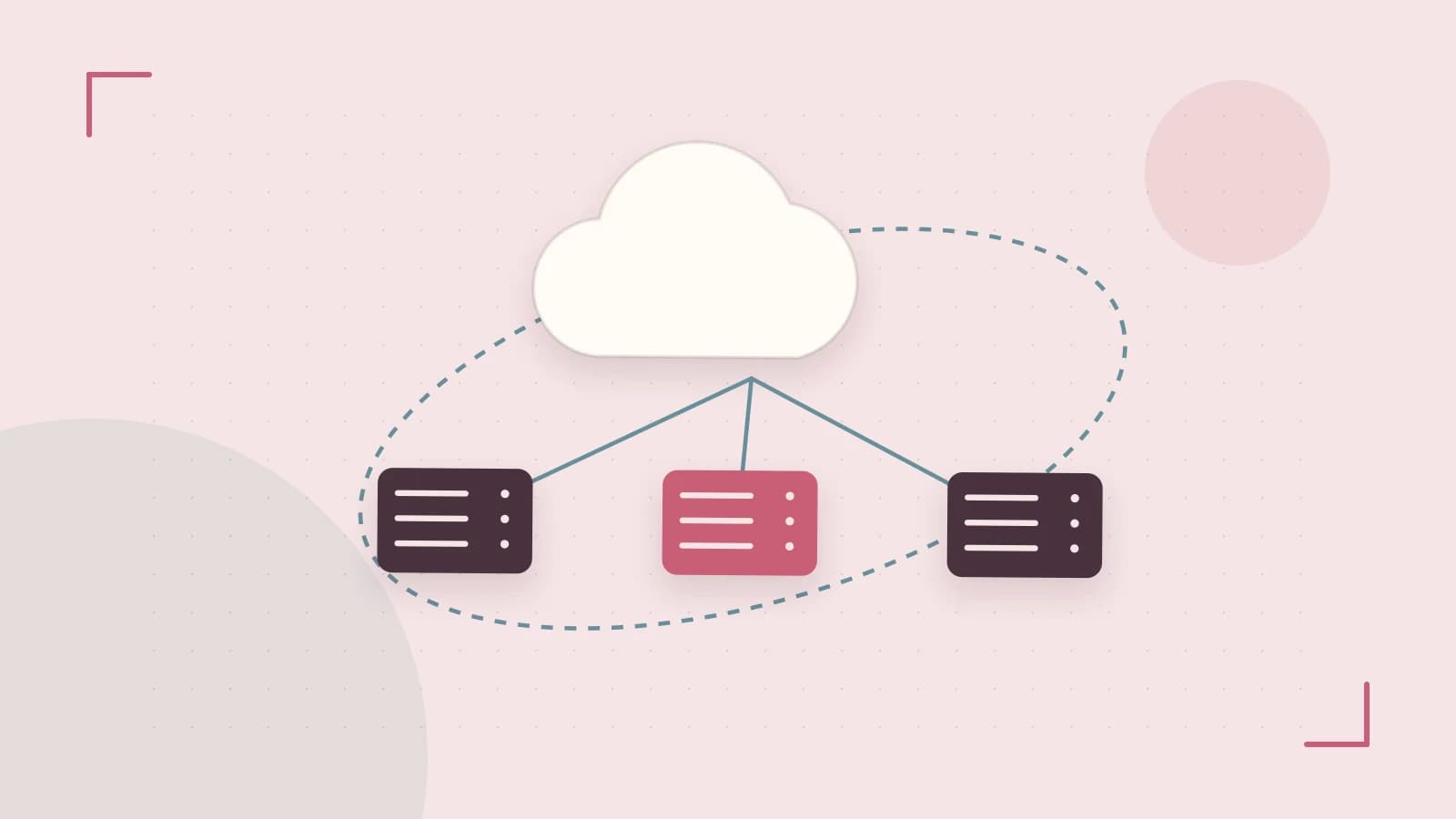
Problem: Out‑of‑order messages break causality
In a distributed system, multiple consumer instances pull messages from the same Pub/Sub subscription. Without any ordering guarantee, messages that belong to the same logical entity—such as a user’s click‑stream or a financial transaction—can be processed in a different order than they were published. This breaks causality and can lead to incorrect state, duplicate actions, or missed events.
Solution: Pub/Sub ordering keys
Google Cloud Pub/Sub lets the publisher attach an ordering-key attribute to each message. The service guarantees that all messages sharing the same key are delivered to a single subscriber in the exact publish order. Messages with different keys may still be processed in parallel, so ordering is scoped to the key rather than the whole topic.
Worked example: Click‑stream with user ID as ordering key
Imagine a mobile app that publishes a click event every time a user interacts with the UI. Using the user ID as the ordering key ensures that a Cloud Function (or any subscriber) updates the user’s session state in the exact sequence the clicks occurred.
# Set variables
PROJECT_ID=my-project
TOPIC=clicks
SUBSCRIPTION=clicks-sub

# Create topic and subscription with ordering enabled
gcloud pubsub topics create $TOPIC --project=$PROJECT_ID
gcloud pubsub subscriptions create $SUBSCRIPTION \
    --topic=$TOPIC \
    --message-ordering-enabled \
    --project=$PROJECT_ID

# Publish three clicks for user alice with the same ordering key
gcloud pubsub publish $TOPIC \
    --message='{\"event\":\"click\",\"page\":\"home\"}' \
    --attribute=ordering-key=alice \
    --project=$PROJECT_ID
gcloud pubsub publish $TOPIC \
    --message='{\"event\":\"click\",\"page\":\"product\"}' \
    --attribute=ordering-key=alice \
    --project=$PROJECT_ID
gcloud pubsub publish $TOPIC \
    --message='{\"event\":\"click\",\"page\":\"checkout\"}' \
    --attribute=ordering-key=alice \
    --project=$PROJECT_ID

# Pull messages in order (run in Cloud Shell or a local emulator)
gcloud pubsub subscriptions pull $SUBSCRIPTION \
    --limit=3 \
    --auto-ack \
    --project=$PROJECT_ID
The pulled messages should appear in the same order they were published: home → product → checkout. If you see a different order, check that the subscription was created with --message-ordering-enabled and that the same ordering key was used for all three publishes.
Trade‑off: Reduced parallelism
Because all messages with a given key flow through a single internal message path, throughput for that key is limited to the capacity of one partition. If the key space is too coarse (e.g., using a constant key for all messages) you lose the ability to scale out. Conversely, a very high‑cardinality key such as a UUID defeats the purpose of ordering and adds overhead without providing meaningful grouping.
Practical way to check the impact: publish a steady stream of messages with two different key cardinalities—one low (e.g., user ID with 1000 distinct values) and one high (e.g., random UUID)—and compare the messages‑per‑second reported by Pub/Sub metrics. You will typically see lower per‑key throughput when the key space is small, while overall topic throughput stays similar when the key space is large enough to keep partitions busy.
Verification steps
- Start the Pub/Sub emulator locally (
gcloud beta emulators pubsub start --project=test-project) or use a real topic in a test project. - Create a topic and a subscription with
--message-ordering-enabled. - Publish a batch of messages (e.g., 10) that share the same ordering key but have increasing timestamps or sequence numbers in the payload.
- Pull the messages (or use a push subscriber) and record the order they arrive.
- Confirm that the sequence numbers match the publish order; any deviation indicates a mis‑configuration.
- Optionally, view the
ordering/out_of_order_delivery_countmetric in Cloud Monitoring; it should stay zero for the tested key.
Closing: Choose keys that reflect natural grouping
Ordering keys are a lightweight way to regain causality for related events without building a custom sequencing service. Pick a key that maps to the entity you need to order—user ID, session ID, device ID, or a transaction group—and keep its cardinality high enough to allow parallelism but low enough to keep related messages together. Test with the emulator or a low‑traffic topic, verify the out‑of‑order metric stays zero, and then roll out to production with appropriate Pub/Sub Publisher and Subscriber IAM roles.
 google
0 replies
A thoughtful contribution can make all the difference. Be the first to share one.