Enabling KubePrism on Talos Linux for Internal Kubernetes API Load Balancing
Enable KubePrism on Talos Linux so in-cluster workloads reach the Kubernetes API through a node-local load-balanced endpoint, and verify it survives a control plane node outage.
27 Apr 2026, 18:35 UTC
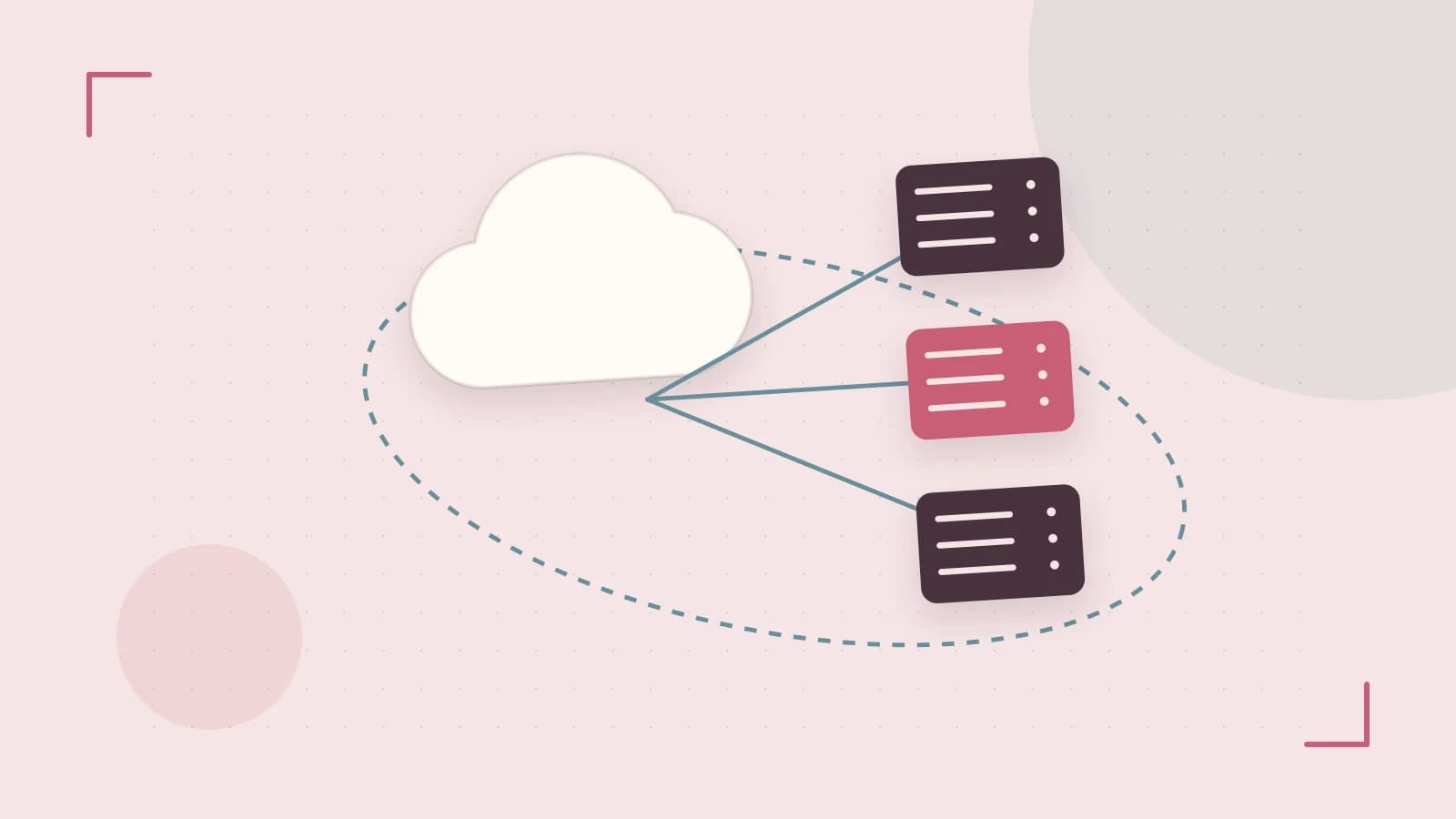
If your Talos cluster relies on a single external endpoint or VIP for the Kubernetes API, in-cluster workloads share that same single point of failure. When the VIP fails over or the load balancer hiccups, pods that talk to the API — controllers, operators, CSI drivers — stall even though the control plane nodes themselves are healthy. KubePrism solves this by giving workloads an internal, node-local path to the API that load-balances across all control plane nodes from inside the cluster.
This guide walks through enabling KubePrism, verifying it works, and confirming it survives a control plane node outage. It assumes a Talos release that supports machine.features.kubePrism; check the machine config reference for your installed version before editing, since keys and defaults have changed across releases.
What KubePrism actually does
KubePrism runs a lightweight load-balancing component on every node. Pods reach the API through the kubernetes.default service, which resolves to a loopback-style address (127.0.0.1) on the configured port. That local listener then distributes connections across the healthy control plane nodes. The practical effect: a pod's API traffic no longer depends on the external endpoint being reachable, and the loss of any single control plane node is handled locally.
Two things KubePrism does not do:
- It does not replace your external control plane endpoint. You still need stable DNS, a VIP, or a load balancer for
talosctlandkubectlaccess from outside the cluster. - It is not meant for external clients. Do not point outside kubectl configs at the KubePrism port.
Prerequisites
- A running Talos cluster with at least one healthy control plane node (three is the realistic target for testing failover).
talosctlinstalled and configured with an admin talosconfig for the cluster.- The ability to apply machine config changes. Depending on your Talos version, this may restart services or reboot nodes, so plan a maintenance window for production clusters.
- A test workload you can exec into (any pod with
curlorkubectlworks).
Enable KubePrism in machine configuration
Edit the machine config for every node — control plane and workers. KubePrism must run everywhere, because every node hosts the local listener that its pods use.
Add or update the features block:
machine:
  features:
    kubePrism:
      enabled: true
      port: 7445
Port 7445 is the commonly used value; confirm the default and any constraints in your version's config reference. Apply the patch with talosctl from your workstation, targeting each node:
talosctl -n <node-ip> patch machineconfig --patch @kubeprism-patch.yamlRun this once per node, or patch your generated config files and reapply them with talosctl apply-config if that matches your workflow. Watch for reboots or service restarts; on a live cluster, expect a brief disruption to in-cluster API connectivity while the feature comes up, which is why the maintenance window matters.
Verify the configuration landed
First, confirm the config is active on each node. From your workstation:
talosctl -n <node-ip> get machineconfig -o yaml | grep -A3 kubePrismYou should see enabled: true and your port. Then check that the KubePrism component is running on the node:
talosctl -n <node-ip> servicesLook for the KubePrism service in a healthy/running state, and inspect its logs with talosctl -n <node-ip> logs <service-name> if anything looks off. Also confirm cluster membership is intact with talosctl get members.
Test failover from inside a pod
The real test is behavioral: pods must keep reaching the API while a control plane node is down.
- Deploy a throwaway pod, for example
kubectl run nettest --image=alpine --restart=Never -- sleep 3600, then exec in and install curl. - Inside the pod, query the API through the in-cluster service:
curl -k https://kubernetes.default.svc/api(or use the pod's service account token for an authenticated call). Expect a JSON response listing API versions. - Power off or stop one control plane node (in a lab, not production).
- Repeat the API call from the pod. It should continue to succeed, now served through one of the surviving control plane nodes via the local KubePrism listener.
- Bring the node back and confirm it rejoins with
talosctl get membersandkubectl get nodes.
If calls fail during the outage, check that the pod is actually using the in-cluster service endpoint (not an external address baked into an environment variable), and that KubePrism is running on the node hosting that pod.
Limitations and caveats
- Exact config keys, default ports, and reboot behavior vary by Talos release. Verify against the machine config reference for your version before applying anything.
- KubePrism protects in-cluster traffic only. External tooling, cloud integrations, and kubelet bootstrap paths still depend on your external endpoint design.
- Applying the change on a live cluster can briefly interrupt API connectivity for in-cluster components. Treat it like any control plane-affecting change.
- Some workloads pin the API server address explicitly rather than using the
kubernetesservice; those will not benefit until reconfigured.
Once verified, KubePrism is a set-and-forget feature: the per-node listeners keep in-cluster API traffic flowing through control plane churn, which removes one of the more common hidden dependencies in Talos clusters.
 talos
talos kubernetes
0 replies
A thoughtful contribution can make all the difference. Be the first to share one.