Embedding Canva's Editor: A Pragmatic Alternative to Custom Design Tooling
Building a full design editor is expensive. Canva's Connect API offers an embedded editor and template autofill pipeline, but teams must treat templates as code and plan for platform quotas and branding constraints.
01 Dec 2025, 09:01 UTC
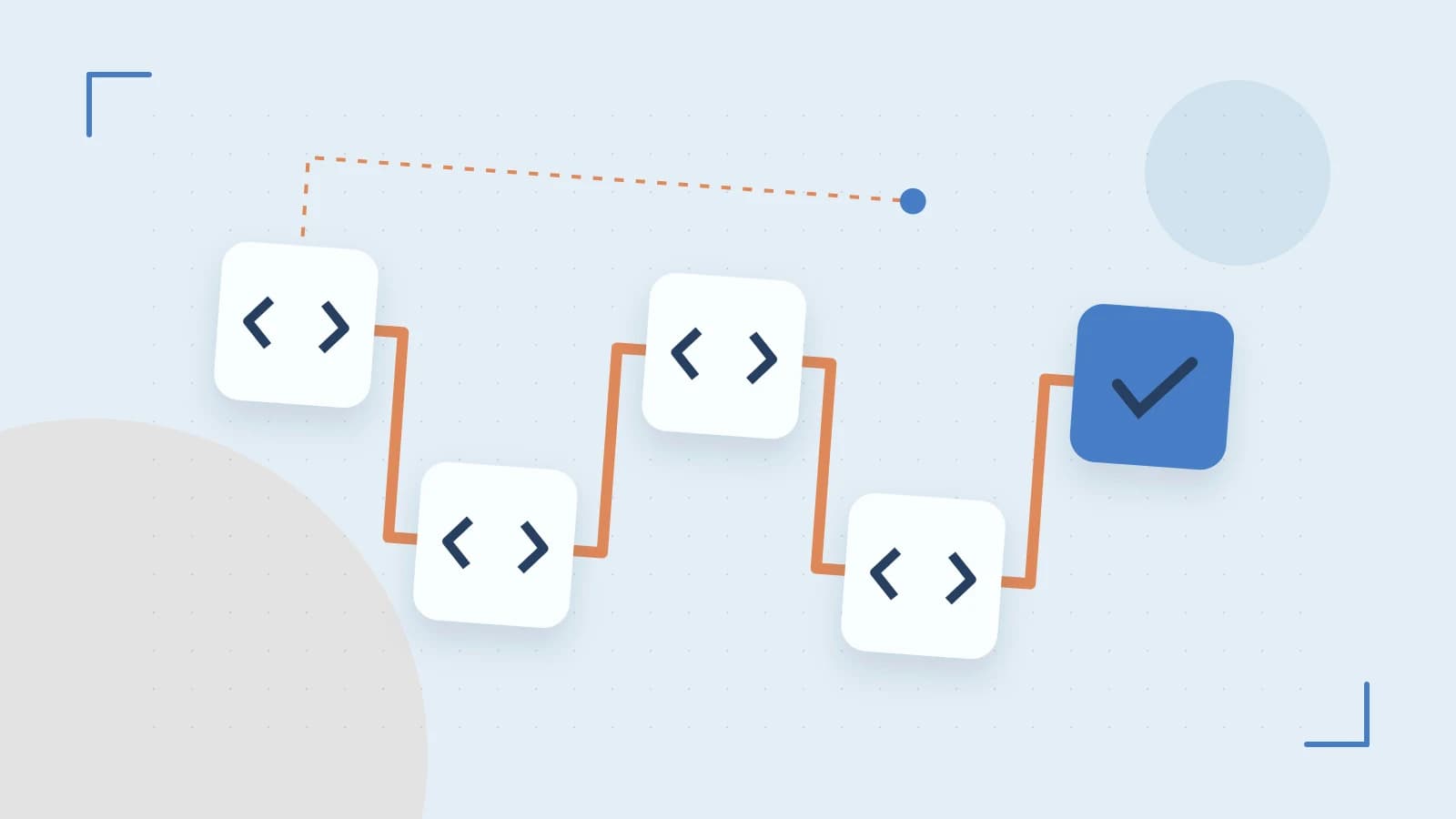
Your product team needs to let users generate branded certificates, social cards, or pitch decks. The obvious path—building a custom canvas editor with text layout, image masking, and PDF export—consumes quarters of frontend and rendering work. The less obvious path is embedding Canva's editor through the Connect API and using template autofill to turn structured data into finished assets. This approach trades granular control for delivery speed, but it introduces its own operational constraints: templates become code, and platform quotas become your throughput ceiling.
The Integration Pattern: OAuth and the Embedded Editor
Canva's Connect API provides an OAuth 2.0 integration path and a JavaScript SDK that embed the editing interface directly into third-party applications. In practice, the flow looks like this: your application presents a button or SDK call that opens a modal editor. The user creates or edits a design inside Canva's interface. When they finish, your integration receives a design identifier and export links for the finished asset.
Before writing code, register a test application in the Canva developer portal to confirm the current OAuth scopes and redirect URI requirements for your use case. OAuth client secrets and user access tokens must be stored securely; leaking them can allow unauthorized design creation or data exposure. Because API endpoints and available export formats are version-sensitive, validate every scope and endpoint against the current developer console before production rollout.
Template Autofill as a Data Pipeline
Template autofill maps structured data fields to placeholder elements, allowing teams to generate batches of personalized designs from a single source template. Instead of opening the editor for every record, you send a batch of data and let Canva render the variations.
Consider a certificate-generation workflow. A row of source data might map to template placeholders like this:
| Source field | Template placeholder | Example value |
|---|---|---|
| recipient_name | title_text | Alex Rivera |
| course_name | subtitle_text | Advanced Kubernetes |
| completion_date | date_text | 2026-10-16 |
| badge_image | logo_image | (binary or URL) |
An illustrative autofill payload might resemble the following structure, though exact property names and nesting must be verified against the current API reference:
{
  "design_id": "{{TEMPLATE_DESIGN_ID}}",
  "fields": {
    "recipient_name": "Alex Rivera",
    "course_name": "Advanced Kubernetes",
    "completion_date": "2026-10-16"
  }
}
Renaming or removing placeholder elements in a Canva template can break autofill mappings. Treat template changes as code changes: store template definitions in version control, and run regression checks whenever a template is edited. A single renamed text layer can silently fail an entire batch.
Throughput, Quotas, and the Cost of Complexity
The primary engineering trade-off is velocity versus control. You avoid building a full editor, but you inherit Canva's UI constraints, feature release cadence, and platform dependencies. Your users edit inside Canva's interface, not yours.
Scaling autofill jobs requires attention to template complexity and API quotas. Large numbers of layered elements or concurrent requests can degrade throughput. A useful diagnostic decision: if a batch slows down, compare the template's element count against your concurrent request volume before assuming the bottleneck is network latency. Inspect response headers or dashboard metrics for rate-limit information while running a moderate autofill job to gauge practical throughput. If you are exporting PDFs with many pages or high-resolution images, expect export time to dominate the pipeline.
Operational Limitations You Should Plan For
Removing Canva branding from exported assets may depend on the account subscription tier, which affects white-label and customer-facing deliverables. If your product promises unbranded output, confirm the tier requirements early.
Batch workflows often pair autofill with export endpoints to produce downloadable images or PDFs. Test the embedded editor and export flow in a staging environment across supported browsers to catch rendering or popup-blocking issues early. Popup blockers are a common failure mode for modal editors; ensure your integration handles blocked windows gracefully rather than failing silently.
An Actionable Path Forward
- Register a test application in the Canva developer portal and confirm current OAuth scopes and redirect URIs.
- Create a simple template with a handful of text and image placeholders, then run a small autofill batch to observe how data fields map to design elements.
- Inspect rate-limit headers or dashboard metrics during that batch to establish a baseline for your quota.
- Version-control your template definitions and add regression checks for placeholder names.
- Stage the embedded editor across supported browsers before production rollout.
Embedding Canva's editor is not a universal replacement for custom design tooling, but for teams that need reliable, branded asset generation without maintaining a rendering engine, it is a pragmatic engineering decision—provided you treat the template as a deployable artifact and the API as a versioned dependency.
 canva
canva0 replies
A thoughtful contribution can make all the difference. Be the first to share one.