DynamoDB Global Tables: When Active-Active Replication Fits Your Workload
DynamoDB Global Tables replicate data across AWS regions with last-writer-wins conflict resolution. Learn capacity limits, consistency trade-offs, and how to verify replication status.
20 May 2026, 11:51 UTC
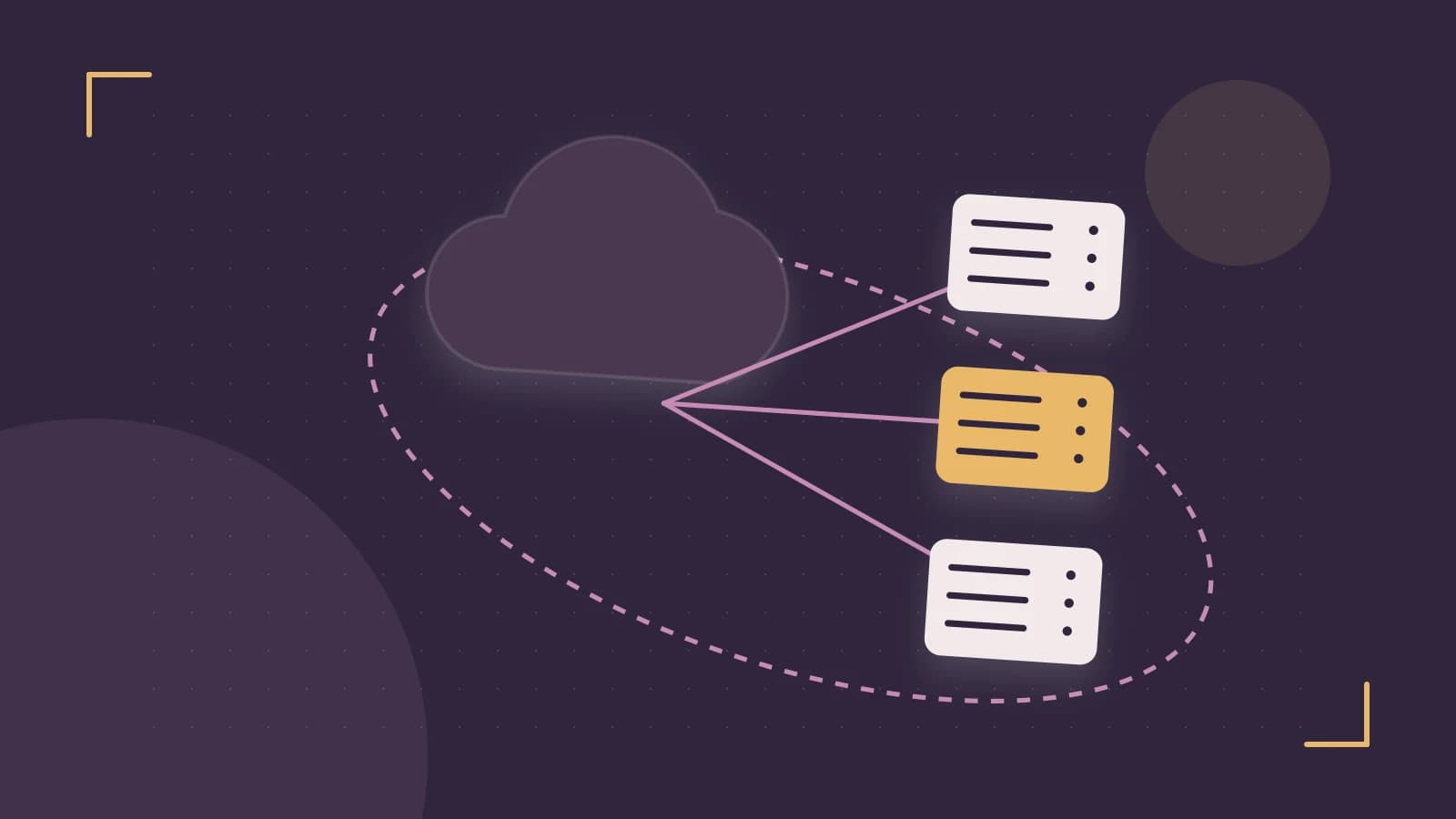
Problem: Low-Latency Reads and Writes Across Regions
Users in Frankfurt and Tokyo should not wait for requests to cross the ocean to a single database in Northern Virginia. A single-region DynamoDB table forces every read and write to travel to one location, adding latency and creating a regional failure point. The useful takeaway is that DynamoDB Global Tables let you run the same table in multiple regions, accepting reads and writes in each, with asynchronous replication between them.
Smallest Suitable Design
A global table is a collection of replica tables, one per AWS region. Each replica is a full copy of the data. Applications write to the nearest region, and DynamoDB propagates changes to the other regions. You need at least two regions, and AWS supports up to three. Each region can use its own capacity mode—on-demand or provisioned—so you do not have to match throughput settings across borders.
Trust and Data Boundaries
Replication copies items across region boundaries. If your data is subject to residency rules that forbid leaving a specific country or legal jurisdiction, a global table may place copies where you are not allowed to store them. Treat each replica as a trust boundary: an IAM principal with write access in one region can affect data that eventually appears in another.
Configuration Example
Suppose you run a player leaderboard for a game with users in us-east-1, eu-central-1, and ap-northeast-1. You create the table in us-east-1, then add replicas in the other two regions. From a machine with the AWS CLI and dynamodb:DescribeGlobalTable and dynamodb:DescribeTable permissions, run:
aws dynamodb describe-global-table --global-table-name PlayerLeaderboardLook for the Replicas array. Each entry should show RegionName and ReplicaStatus set to ACTIVE. You can also inspect an individual replica:
aws dynamodb describe-table --table-name PlayerLeaderboard --region eu-central-1Expected checks: TableStatus is ACTIVE, and the table is marked as a global table replica. Replication lag is typically under one second but is not guaranteed.
Operational Checks
- Verify all intended regions appear in the global table description with ACTIVE status.
- Write an item in one region, then read it from another region after a short delay to confirm replication.
- Review Amazon CloudWatch metrics such as ReplicationLatency and successful write throughput per replica.
- Confirm that global secondary indexes, if used, are defined identically in every region. Index schema changes must be coordinated manually.
Failure Modes
Conflict Resolution
When the same item is updated in two regions at nearly the same time, DynamoDB uses last-writer-wins based on a server-side timestamp. One update silently overwrites the other. This is acceptable for leaderboards or profile views, but not for financial balances where both updates must be preserved or merged.
Network Partitions
During a regional network issue, replication can stall or lag well beyond one second. Reads in a distant region may return stale data. Design your application to tolerate eventual consistency, or route users to their home region and avoid cross-region reads during partitions.
Capacity Miscalculation
Provisioned capacity is independent per replica. If your application writes 500 units per second in us-east-1 and 300 in eu-central-1, you must provision enough capacity in each region for its local traffic. Aggregate throughput across all replicas determines total cost, not just the busiest region.
Conditions That Change the Design
- You need strong consistency across regions. Global tables are eventually consistent. Use a single-region table with application-level coordination if immediate consistency is required.
- Your schema changes frequently. Global secondary indexes must match across all regions, and changes require manual coordination.
- Data cannot cross legal boundaries. Use separate regional tables instead of replication.
Verification
After setup, run describe-global-table from your deployment host and check that ReplicaStatus is ACTIVE for every region. Then perform a write in one region and a read in another, measuring the delay. If replication does not appear within seconds, check CloudWatch ReplicationLatency and CloudTrail for API errors.
This design changes state when you add or remove replicas. There is no simple rollback for a global table; removing a replica stops replication to that region and deletes its copy, so plan capacity and region selection before creating the table.
 dynamodb
 aws
aws0 replies
A thoughtful contribution can make all the difference. Be the first to share one.