Drupal Migrate API: Building a Restartable CSV-to-Node Import You Can Trust
A practical walkthrough of Drupal's Migrate API: source/process/destination plugins, a working CSV-to-node migration, rollback via map tables, and the trade-offs to plan for at scale.
21 Nov 2025, 07:03 UTC
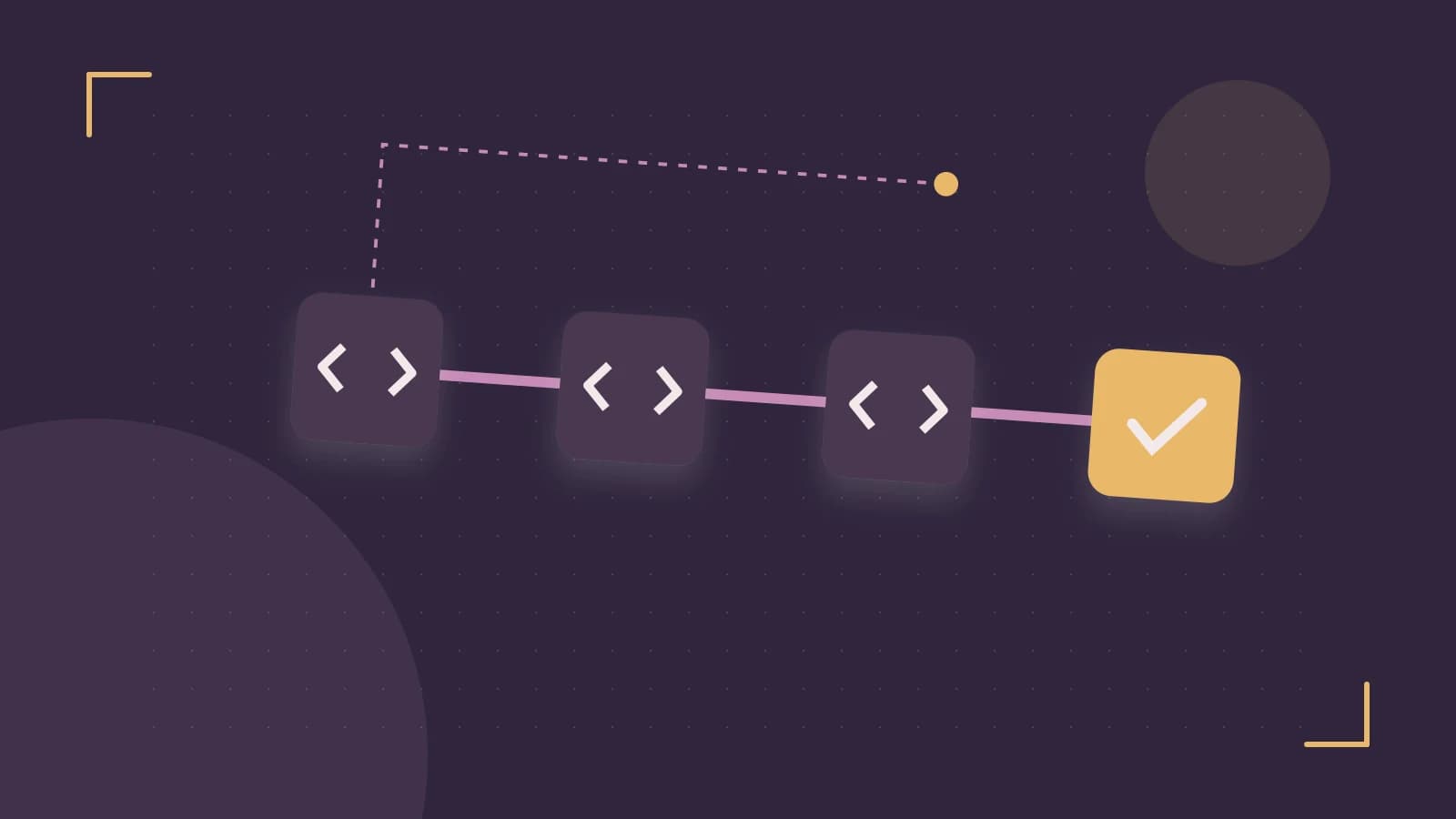
Your team needs to move 40,000 legacy articles into Drupal. The naive approach — a one-off script that creates nodes in a loop — works until it doesn't: no rollback, no record of what came from where, and a memory blowout halfway through. The Migrate API exists precisely for this. It gives you an ETL pipeline (extract, transform, load) with first-class rollback, per-row error handling, and YAML definitions you can version-control and deploy like any other configuration.
The thesis: treat migrations as configuration, not scripts, and you get idempotent, restartable imports almost for free.
How the pipeline actually fits together
Every migration is three plugin types chained together:
- Source plugin extracts rows —
sql,csv,json, orxml. Each row becomes a simple array of source fields. - Process plugins transform each field through a chain. A single destination property can pass through several plugins:
skip_on_empty,callback,default_value, and so on. Think of it as a per-field Unix pipe. - Destination plugin persists the result — typically
entity:node,entity:user, orconfig. Entity destinations run full validation, which is a feature, not overhead: bad rows fail loudly instead of silently corrupting content.
Behind the scenes, Migrate keeps a map table (migrate_map_<id>) linking each source ID to the destination entity it created. That table is what makes rollback and incremental re-runs possible.
A worked example: legacy articles from CSV
Place this in a custom module at config/install/migrate_plus.migration.legacy_articles.yml (requires the migrate_plus and migrate_tools contrib modules):
id: legacy_articles
label: Legacy article import
source:
  plugin: csv
  path: /var/migration-data/articles.csv
  header_row_count: 1
  ids: [legacy_id]
  fields:
    - name: legacy_id
    - name: title
    - name: body
    - name: published_on
process:
  title: title
  body/value: body
  body/format:
    plugin: default_value
    default_value: full_html
  created:
    plugin: callback
    callable: strtotime
    source: published_on
destination:
  plugin: entity:node
  default_bundle: article
Install the module (which imports the config), then run a small batch first. Run these as a user with permission to execute drush against the site (typically via drush from the project root):
drush migrate:import legacy_articles --limit=10
drush migrate:status legacy_articles
Check migrate:status shows 10 imported, then spot-check a few nodes in the admin UI. Only then run the full import. The --limit flag is your friend: never point an untested migration at 40,000 rows.
Rollback and incremental runs
Because of the map table, rollback is a real operation, not a hope:
drush migrate:rollback legacy_articlesThis deletes the created nodes and clears the map entries. Verify it worked:
drush sqlq "SELECT COUNT(*) FROM migrate_map_legacy_articles"That should return 0. This changes state — it deletes content — so run it deliberately, and be aware it removes all entities created by that migration, including any edited since import.
For re-runs, add track_changes: true under source. Migrate will then hash each source row and re-import only rows that changed. One caution: your source must be deterministic. For SQL sources, always ORDER BY a unique column, or re-runs can skip or duplicate rows.
Trade-offs you should know before committing
- No native parallelism. Migrate runs single-threaded. Migration groups help organize, but true concurrency needs external orchestration or experimental tooling. For very large sets, split by source range into multiple migrations.
- Validation can halt batches. Entity destination validation is strict.
skip_on_errorkeeps the batch moving but costs you the audit trail for skipped rows — prefer fixing data or pre-validating in a process plugin. - Side effects don't belong in process plugins. File writes or external API calls inside
callbackplugins break idempotency. Move them to a post-import event subscriber so re-runs stay safe. - Memory on file imports. For media, stream via temporary URIs rather than loading whole files into memory, and profile a 10k-row sample before the real run.
Actionable closing
Start small: write the YAML, import ten rows, inspect the map table, roll back, repeat. Once the pipeline is boring, scale the row count. Version assumptions here: behavior described applies to Drupal 9.5 through 11 with current migrate_plus/migrate_tools; check core change records for your exact minor version, since Migrate has picked up small additions (like structured message commands) in recent releases.
 drupal
0 replies
A thoughtful contribution can make all the difference. Be the first to share one.