Docker Multi-Stage Builds: Ship Small Production Images Without the Build Toolchain
Use Docker multi-stage builds to keep compilers, caches, and secrets out of production images. A worked Go/distroless example with verification and recovery steps.
28 Feb 2026, 12:20 UTC
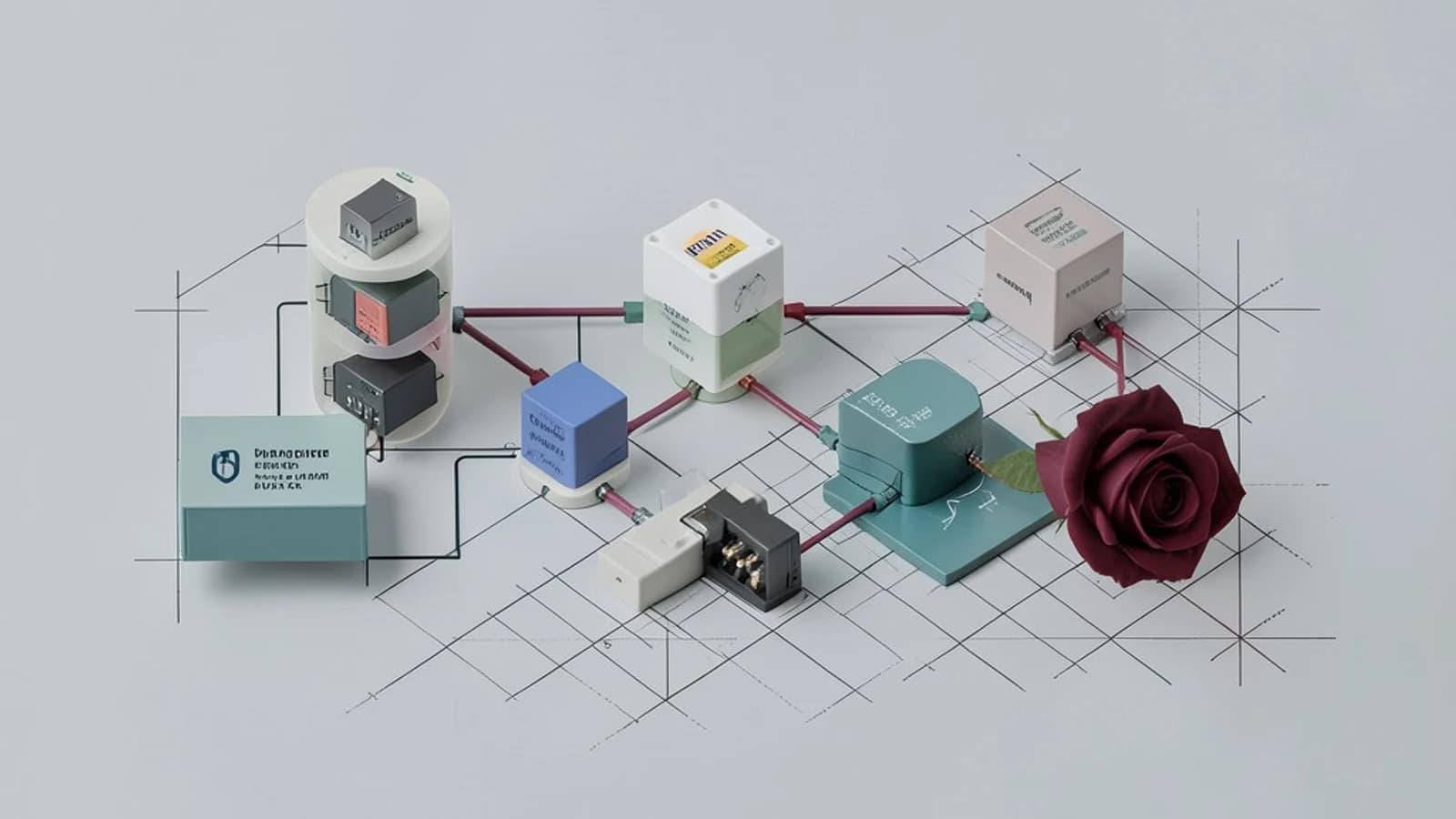
Your production image doesn't need a compiler, a package manager, or 800 MB of dependency caches — but if you build your app in the same image you ship, it carries all of that. Multi-stage builds fix this by letting one Dockerfile define separate build and runtime stages, then copying only the finished artifact into the final image. The result is a smaller image, a smaller attack surface, and no build secrets leaking into layer history.
What a multi-stage build actually does
Every FROM instruction in a Dockerfile starts a fresh stage with its own filesystem. Nothing carries over between stages except what you explicitly copy with COPY --from=<stage>. Earlier stages are used during the build and then discarded — they never become layers in the final image.
This has three practical consequences:
- Size: compilers, headers, and download caches stay in the discarded stage.
- Security: the shipped image contains no shell tooling or package manager for an attacker to abuse, and files used only at build time (including anything sensitive) are absent from the final layer history.
- Debuggability:
docker build --target <stage>lets you stop at any named stage, so the same Dockerfile can produce a debug image or a CI build image on demand.
Prerequisites
- Docker with BuildKit enabled. BuildKit is the default builder in current Docker Engine and Docker Desktop releases; verify with
docker buildx version. BuildKit adds parallel stage execution and cache/secret mounts used below. - An application whose build produces a self-contained artifact — ideally a statically linked binary, since
COPY --fromcopies files, not installed system packages. If your binary links shared libraries dynamically, those libraries must also exist in the final stage. - Pinned base image tags (a digest is even better). Floating tags like
latestmake builds non-reproducible.
Example: Go service, distroless runtime
Go is a clean first example because it compiles to a static binary, so the final stage needs almost nothing. Adjust versions to what you actually run:
# syntax=docker/dockerfile:1
FROM golang:1.22-bookworm AS builder
WORKDIR /src
COPY go.mod go.sum ./
RUN --mount=type=cache,target=/go/pkg/mod \
    go mod download
COPY . .
RUN --mount=type=cache,target=/go/pkg/mod \
    --mount=type=cache,target=/root/.cache/go-build \
    CGO_ENABLED=0 go build -o /out/server ./cmd/server

FROM gcr.io/distroless/static-debian12:nonroot
COPY --from=builder /out/server /server
USER nonroot
EXPOSE 8080
ENTRYPOINT ["/server"]
Points worth noting:
AS buildernames the stage soCOPY --from=buildercan reference it. You can also reference stages by index (--from=0) or copy from an external image (--from=nginx:1.27-alpine).--mount=type=cachegives the build a persistent cache directory for module downloads. The cache speeds up rebuilds but is not written into any image layer.CGO_ENABLED=0forces a static binary, which is what allows the final stage to be distroless — an image with no shell, no package manager, and no libc beyond what the binary needs.- Dependency files are copied before source files so the expensive
go mod downloadlayer is only invalidated when dependencies change.
Build from the directory containing the Dockerfile (no special permissions needed beyond Docker access):
docker build -t myservice:1.0.0 .Secrets: don't use build ARGs
Values passed with --build-arg persist in the image's history and config even in discarded stages' metadata — treat them as public. If a build step needs credentials (for example, a private package registry token), use a BuildKit secret mount instead:
RUN --mount=type=secret,id=npmrc,target=/root/.npmrc npm cidocker build --secret id=npmrc,src=$HOME/.npmrc -t myservice:1.0.0 .The secret is mounted only for that one RUN instruction and never written to a layer.
Verify the result
Don't assume the image is small and clean — check it:
- Compare sizes. Build the builder stage separately and compare:
docker build --target builder -t myservice:builder ., thendocker images myservice. The runtime image should be a small fraction of the builder (for a static Go binary on distroless, typically tens of megabytes versus ~1 GB). - Inspect history. Run
docker history myservice:1.0.0. You should see only the final stage's layers — nogo build, noapt-get, no ARG values. - Confirm the toolchain is gone.
docker run --rm myservice:1.0.0 which gccshould fail — on distroless there isn't even awhichor a shell, which is itself the point. Note this means you can'tdocker execinto a shell for debugging; use--target builderor a debug image variant instead. - Smoke-test the artifact. Run the container and hit its health endpoint, e.g.
docker run --rm -p 8080:8080 myservice:1.0.0thencurl -f http://localhost:8080/healthz. This catches the most common multi-stage failure: a dynamically linked binary missing its shared libraries in the final stage (the container exits immediately with a loader error).
Recovery options
Building an image changes no running state, so "rollback" is just pointing your deployment at the previous tag. The real recovery concerns are build-time:
- Broken final stage: rebuild with
--target builderanddocker run -it myservice:builder shto inspect the artifact and rerun the build steps interactively. - Missing runtime libraries: either switch the build to static linking, or copy the required libraries from the builder stage (e.g.
COPY --from=builder /usr/lib/x86_64-linux-gnu/...), or choose a final base that includes them, such asdebian:bookworm-sliminstead of distroless. - Non-reproducible builds: if a rebuild suddenly behaves differently, check whether a floating base tag moved; pin by digest (
golang:1.22-bookworm@sha256:...) to eliminate that variable.
Limitations
Multi-stage builds shrink images but don't remove the need to understand your runtime dependencies — COPY --from moves files, not package installations. Interpreted runtimes (Python, Node) need their site-packages or node_modules copied along with a matching runtime base, which narrows the size win. And the extreme-minimal final stages trade operability for size: no shell means no in-container debugging, so plan on debug targets or ephemeral debug containers before you need them in an incident.
 docker
0 replies
A thoughtful contribution can make all the difference. Be the first to share one.