Docker BuildKit Caching: Stop Reinstalling Dependencies in Every CI Build
BuildKit cache mounts and inline cache metadata turn dependency installs into a cacheable step — a few Dockerfile lines and one build flag, with verification steps.
11 Oct 2025, 20:12 UTC
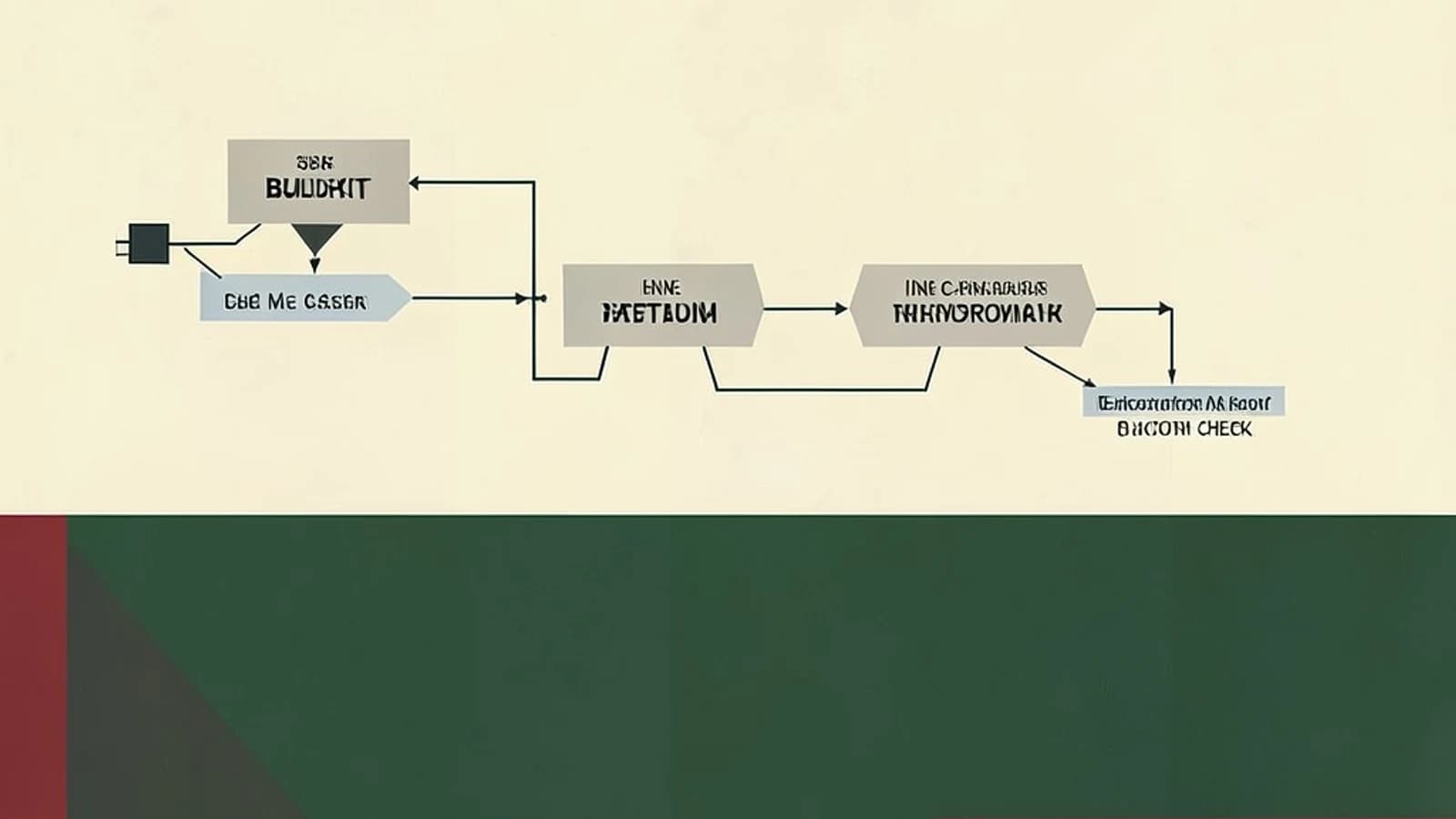
Picture the Python service every team has: a Dockerfile that copies the source, runs pip install -r requirements.txt, and ships. On CI, every push downloads the same wheels from PyPI again, because the legacy Docker builder can only cache whole layers — and one changed source file after COPY . . invalidates everything downstream. BuildKit, the builder that has shipped with Docker for years, changes the caching model so dependency installation survives changes it shouldn't care about. Two features do most of the work: cache mounts and inline cache metadata.
What BuildKit changes about caching
BuildKit replaced the legacy builder as the default in Docker Engine 23.0, and on Docker Desktop before that. On older engines you opt in with an environment variable — and an engine that's too old silently ignores it, so check before assuming it's on:
docker buildx version
# a recent version string confirms the BuildKit frontend is available
Three differences matter for CI. Stages build in parallel instead of serially. Stages the final image doesn't depend on are skipped entirely, so a debug or test stage costs nothing unless you target it. And the Dockerfile frontend gains instructions the legacy builder can't parse — including RUN --mount=type=cache, the one that fixes the reinstall problem. Docker Compose v2 routes builds through BuildKit too, so local and CI behavior match.
A worked example: pip installs that survive lockfile churn
A cache mount attaches a persistent directory to a single RUN step. It never lands in the image, but it persists between builds on the same builder. Point pip's cache directory at one, and a changed requirements.txt only downloads the packages you actually added:
# syntax=docker/dockerfile:1
FROM python:3.12-slim

WORKDIR /app
COPY requirements.txt .

RUN --mount=type=cache,target=/root/.cache/pip \
    pip install --requirement requirements.txt

COPY . .
CMD ["uvicorn", "main:app", "--host", "0.0.0.0"]
Two details carry the weight. Copying requirements.txt before the source keeps the default layer cache working when only application code changes. The cache mount covers the other case — the lockfile itself changed — by reusing downloaded wheels instead of re-fetching them. The same pattern works for Go modules, npm, or apt with the appropriate cache path.
To make the cache survive a CI runner that starts from a clean machine, embed cache metadata in the image you already push:
# On the CI runner, with Docker daemon access and registry push credentials
export DOCKER_BUILDKIT=1   # harmless on engines where BuildKit is already default

docker build \
  --build-arg BUILDKIT_INLINE_CACHE=1 \
  --progress=plain \
  -t registry.example.com/acme/api:latest .

docker push registry.example.com/acme/api:latest
On the next run, pass --cache-from registry.example.com/acme/api:latest (or pull the tag first) so BuildKit seeds its cache from the pushed metadata. --progress=plain is your diagnostic switch: it prints each step with a step number and timing, and on a warm cache you should see CACHED next to the pip step. If you don't, the cache chain broke — usually a changed base image digest or a runner that never pulled the previous image.
The catch: cache mounts don't travel
Cache mounts live on the builder's local disk. A runner destroyed after every job gets no benefit from them at all — only cache restored from a pushed image or registry carries over. That's the main trade-off to weigh:
| Approach | What it caches | Where it lives | Fits |
|---|---|---|---|
| Layer cache (default) | Completed RUN/COPY layers | Builder's local disk | Unchanged inputs between builds |
Cache mount (RUN --mount=type=cache) | Package-manager downloads | Builder's local disk | Reinstalls after lockfile changes |
Inline cache (BUILDKIT_INLINE_CACHE=1) | Cache metadata seeded from the pushed image | Inside the image in your registry | Clean runners that pull the last image anyway |
Registry cache (--cache-to/--cache-from) | Full layer cache; mode=max adds intermediate stages | A dedicated registry tag | Ephemeral CI runners |
For ephemeral runners, the registry cache is the durable option — it stores the build cache as a tag in your registry:
docker buildx build \
  --cache-from type=registry,ref=registry.example.com/acme/api:buildcache \
  --cache-to type=registry,ref=registry.example.com/acme/api:buildcache,mode=max \
  -t registry.example.com/acme/api:latest --push .
Inline cache is cheaper to adopt — it works with plain docker build, no extra tag — but it only embeds metadata in the image, adds a small amount of size, and helps only after the image is pushed. On GitHub Actions specifically, --cache-to type=gha uses the Actions cache instead of a registry tag.
Before you switch a production pipeline
- Confirm the builder on the actual CI image, not your laptop:
docker buildx version. - Run the existing Dockerfile once with
--progress=plainand check forCACHEDlines where you expect them. - Compare image size before and after with
docker image inspect --format '{{.Size}}' registry.example.com/acme/api:latest; inline cache adds a little metadata. - If builds run inside Docker-in-Docker, the inner daemon needs privileged mode and a recent version — test that path explicitly.
BuildKit is a different engine, so a handful of legacy edge cases behave differently. Version defaults have also shifted across Docker releases, so verify the behavior above on the engine version your CI actually runs before retiring the old pipeline.
The whole migration, in four moves: set DOCKER_BUILDKIT=1, add one cache mount for your package manager, push with BUILDKIT_INLINE_CACHE=1, and confirm the second build shows CACHED on the install step. If your runners are ephemeral, graduate to --cache-to type=registry. For most services that's it — no Dockerfile rewrite required.
 docker
0 replies
A thoughtful contribution can make all the difference. Be the first to share one.