Discord.js Sharding Architecture: Intents, Memory, and Failure Recovery
Implement Gateway Intents and ShardManager to handle memory overhead and event sync for bots beyond 2,500 guilds, with operational checks for zombie shards and cache limits.
25 Oct 2025, 04:28 UTC
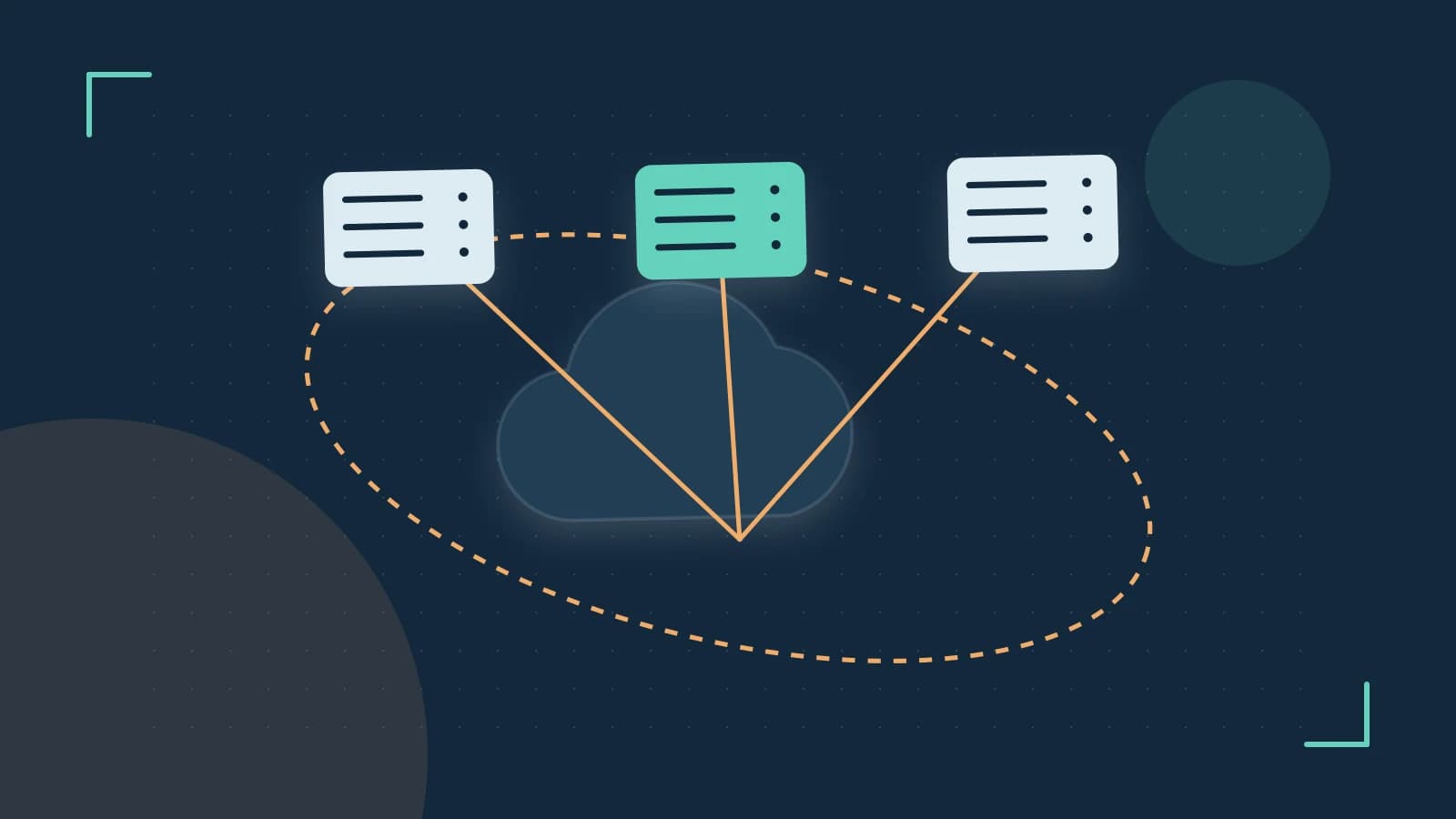
Scaling a Discord.js bot is fundamentally about managing two resources: memory and API rate limits. When a bot crosses 2,500 guilds, Discord enforces sharding, but the real challenge lies in preventing memory exhaustion from the CacheManager and ensuring shards stay synchronized. The solution combines Gateway Intents to reduce data volume and the ShardManager to distribute connections safely.
Core Requirements
Three constraints define the scaling problem:
- API Rate Limits: Discord caps requests per bot. Exceeding this results in 429 errors and potential bans.
- Memory Overhead: The CacheManager stores users, channels, and messages. Without limits, memory grows unbounded as guild count increases.
- Event Loop Blocking: Heavy event processing delays heartbeats, causing shards to disconnect.
Gateway Intents: Reducing Data Volume
Gateway Intents act as a filter at the API level. Instead of receiving all events and discarding most, you subscribe only to what you need. This reduces bandwidth, CPU usage, and memory allocation by preventing the CacheManager from storing irrelevant entities.
Consider a bot that only handles slash commands. It does not need GUILD_MEMBERS or GUILD_PRESENCES. Enabling these would force the bot to track every member update and online status across all guilds, consuming significant memory.
Configure minimal intents like this:
const { Client, GatewayIntentBits } = require('discord.js');

const client = new Client({
  intents: [
    GatewayIntentBits.Guilds,
    GatewayIntentBits.GuildCommands,
    GatewayIntentBits.GuildMessages,
    GatewayIntentBits.MessageContent
  ]
});
Verification: Log event types in a debug event handler to confirm non-intented events are not processed.
Sharding Architecture
When exceeding 2,500 guilds, Discord mandates sharding. Each shard is a separate WebSocket connection handling a subset of guilds. While manual sharding is possible, the ShardManager provides automatic process spawning and recovery.
ShardManager Setup
Create two files: a manager (parent) and a worker (child process).
index.js (Manager):
const { ShardManager } = require('discord.js');

const manager = new ShardManager('./bot.js', {
  token: 'YOUR_BOT_TOKEN',
});

manager.shardAll().then((shards) => {
  console.log(`Started ${shards.length} shards!`);
});
bot.js (Worker):
const { Client, GatewayIntentBits } = require('discord.js');

const client = new Client({
  intents: [GatewayIntentBits.Guilds]
});

client.on('ready', () => {
  console.log(`Shard ${client.shard.id} ready as ${client.user.tag}`);
});

client.login('YOUR_BOT_TOKEN');
Trust and Data Boundaries
The ShardManager runs in a separate process from the bot logic. This isolation prevents a single misbehaving shard from blocking the entire application. However, shared state (like a Redis cache) must be accessed safely across processes.
Never store mutable state in memory across shards. Use external storage for guild configurations, user data, or rate limit tracking.
Operational Checks
Monitor these metrics in production:
- Memory Usage: Call
process.memoryUsage()periodically. A healthy bot should stay under 200MB per shard. - Shard Status: Listen for
shardReady,shardError, andshardDisconnectevents. - Heartbeat Latency: Log
client.ws.ping. Consistent spikes may indicate network issues.
Failure Modes and Recovery
Zombie shards—connections that appear alive but stop receiving events—are a critical failure mode. The ShardManager handles automatic reconnection, but you must implement:
- Heartbeat Monitoring: Detect when
latency > 15000msand force a reconnect. - State Reconciliation: On reconnect, rebuild any in-memory state from persistent storage.
- Graceful Shutdown: Handle SIGTERM to allow shards to close cleanly.
When the Design Changes
Reevaluate your architecture if:
- Memory usage exceeds 500MB per shard consistently.
- Shard reconnections happen more than once per hour.
- API rate limits are reached despite intent filtering.
In these cases, consider reducing intents further, implementing custom caching with TTL eviction, or splitting functionality into multiple bots.
 discordjs
 nodejs
0 replies
A thoughtful contribution can make all the difference. Be the first to share one.