Debugging Heroku Review Apps: Env Vars, Dyno Limits, and Teardown
Heroku Review Apps can fail silently when they inherit production config or exceed dyno limits. Learn to configure, verify, and tear them down safely.
04 Aug 2026, 17:48 UTC
The Problem: A Pull Request That Works Locally but Fails on Heroku
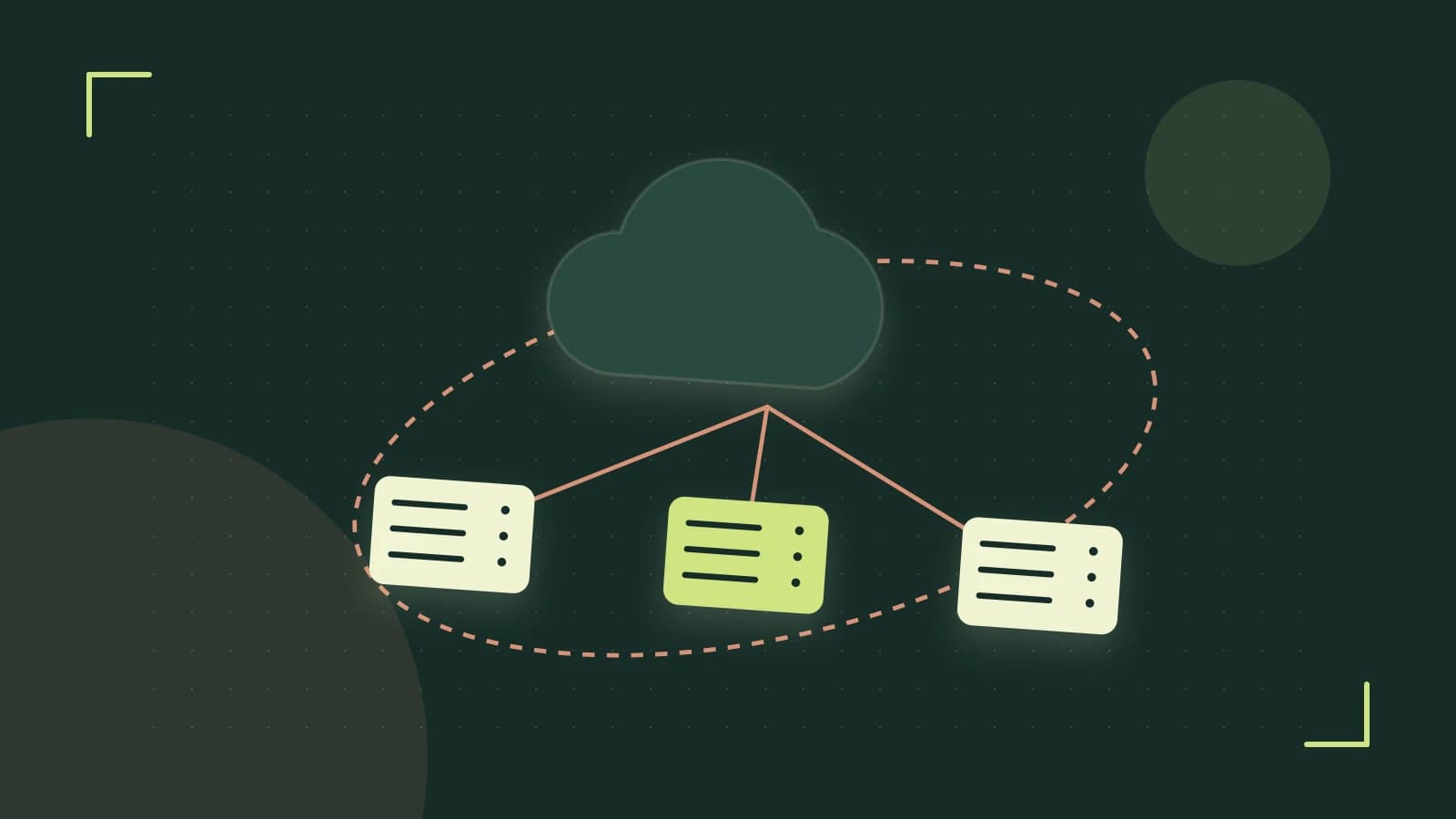
You open a pull request, Heroku spins up a Review App, and the preview URL returns an error or behaves differently from your local machine. Review Apps are ephemeral Heroku applications created automatically for each pull request in a connected pipeline. Because they inherit settings from the production app, a missing config var or a dyno limit can cause failures that never appear in local development.
How Review Apps Differ from Production
A Review App is a temporary application with a name derived from the pull request number, such as my-app-pr-42. It runs on the same stack as production but is not a perfect clone by default. It inherits config vars from the production app unless you override them in heroku.yml. It is also bound by the production app's plan limits, so a Hobby-tier pipeline cannot launch more than one dyno per review app.
What Can Go Wrong
- Production secrets appear in the review environment because config vars are inherited by default.
- The app fails to start because the requested dyno type exceeds the pipeline plan.
- Buildpacks or build commands differ between the review section and the production build, causing missing dependencies.
Worked Example: Configure and Verify a Review App
Assume a Node.js application connected to a Heroku pipeline named my-pipeline. Add a heroku.yml file to the repository root. The review_app section controls the ephemeral environment.
build:
  docker:
    - image: heroku/nodejs
    - dockerfile: Dockerfile

review_app:
  env:
    NODE_ENV: production
    DATABASE_URL: <%= dotenv['REVIEW_DATABASE_URL'] %>
  scripts:
    postdeploy:
      - npm run seed-test-data
  num_dynos: 1
  dyno_type: hobby
Run this command from the repository directory where the Heroku remote is configured. You need collaborator or admin permissions on the pipeline.
heroku pipelines:review-apps --create --pipeline my-pipelineExpected output includes a review app URL, for example https://my-app-pr-42.herokuapp.com. To confirm the app exists and check its formation, run:
heroku apps:info --json --app my-app-pr-42Look for the dyno type and web quantity in the JSON output. If the app is down, inspect recent logs:
heroku logs --tail --app my-app-pr-42When the pull request is closed or merged, Heroku destroys the Review App automatically. To destroy it manually, run:
heroku apps:destroy --app my-app-pr-42 --confirm my-app-pr-42This action is irreversible. It deletes the app and its attached add-ons.
Trade-offs and Limitations
Review Apps are billed per dyno hour at the production app's dyno type. Ten review apps running on standard-2x dynos for eight hours a day can add roughly $120 per month to the bill. Check the Heroku Dashboard billing page to track usage.
Config var inheritance is a security risk. Production API keys and database credentials are copied into the review app unless you override them. Use the env block in heroku.yml to supply separate review credentials, such as REVIEW_DATABASE_URL, and avoid referencing production secrets directly.
Dyno limits are inherited from the production plan. A Hobby plan caps review apps at one hobby dyno. Requesting a larger dyno_type will prevent the app from starting.
Practical Closing Steps
- Add a
review_appsection toheroku.ymlwith explicit environment variables and a hobby dyno. - Open a pull request and confirm the review URL appears in the CLI output.
- Run
heroku apps:info --jsonto verify the dyno count matches your configuration. - Rotate or mask any production secrets that appear in review apps.
- Destroy stale review apps manually if they are not cleaned up automatically.
Final Takeaway
Heroku Review Apps give every pull request an isolated, production-like environment, but they are not automatic clones. Explicitly configure environment variables, verify dyno formation after creation, and monitor costs to avoid surprises.
 heroku
0 replies
A thoughtful contribution can make all the difference. Be the first to share one.