Custom Middleware in Fiber: How to Safely Log, Authenticate, and Scope Requests
Learn how to write, order, and test custom middleware in Fiber, the high‑performance Go web framework. The guide shows a working example, explains the role of Next(), and highlights common pitfalls and limits.
09 Sept 2025, 10:29 UTC
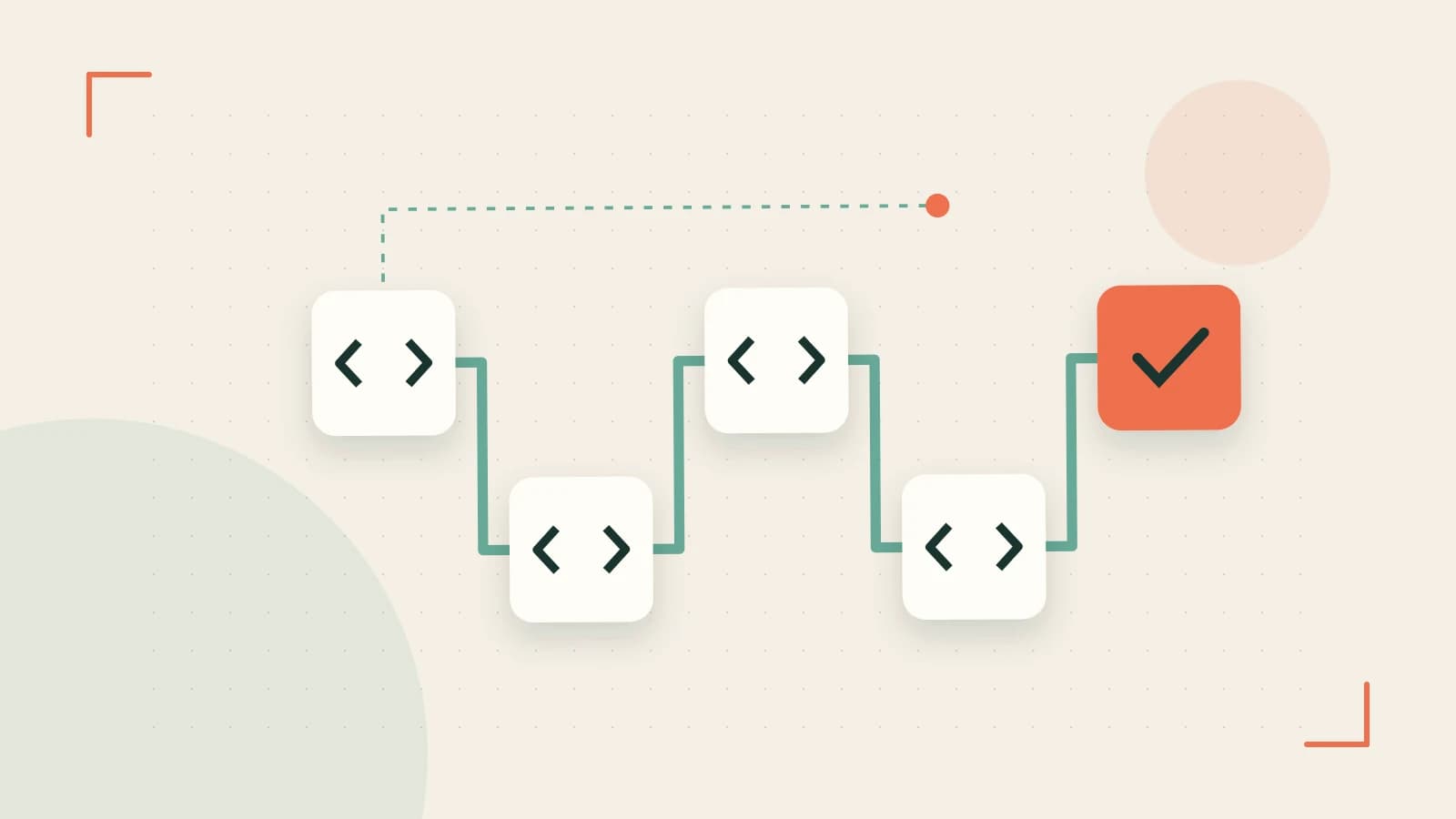
Why Middleware Matters in Fiber
In Fiber, a middleware is a thin wrapper around fiber.Ctx that runs before or after the next handler in the chain. It lets you implement cross‑cutting concerns—logging, authentication, rate‑limiting—once and reuse them across the app. The key to a working middleware is the Next() call; omitting it stops the request cycle, often leading to a hanging or empty response.
Building a Simple Logger Middleware
Below is a minimal example that prints the request method and path to the console. The middleware is registered globally, so it runs for every route.
package main

import (
    "fmt"
    "github.com/gofiber/fiber/v2"
)

func logger() fiber.Handler {
    return func(c *fiber.Ctx) error {
        fmt.Printf("%s %s\n", c.Method(), c.Path())
        // Pass control to the next handler
        return c.Next()
    }
}

func main() {
    app := fiber.New()
    app.Use(logger()) // Global middleware

    app.Get("/hello", func(c *fiber.Ctx) error {
        return c.SendString("Hello, world!")
    })

    app.Listen(":3000")
}
Run the app and hit GET /hello. The console should output GET /hello and the client receives the greeting.
Adding Authentication Middleware
The authentication middleware checks for a bearer token. If missing or invalid, it aborts the chain; otherwise it sets a user ID in the context and calls Next().
func auth() fiber.Handler {
    return func(c *fiber.Ctx) error {
        token := c.Get("Authorization")
        if token == "Bearer secret" {
            c.Locals("userID", 42) // Store user data for downstream handlers
            return c.Next()
        }
        return c.Status(fiber.StatusUnauthorized).SendString("Unauthorized")
    }
}
Register it before any route that requires authentication:
app.Use("/api", auth()) // Apply to /api/* routes
Now /api/data will only succeed if the client sends the correct token.
Scoping Middleware to Route Groups
Fiber allows you to attach middleware to a Group, giving you fine‑grained control. Middleware attached to a group runs only for routes in that group.
api := app.Group("/api")
api.Use(auth()) // Only /api routes
api.Get("/data", func(c *fiber.Ctx) error {
    userID := c.Locals("userID").(int)
    return c.JSON(fiber.Map{"user": userID, "data": "secret"})
})

app.Get("/public", func(c *fiber.Ctx) error {
    return c.SendString("Public content")
})
Testing with curl -H "Authorization: Bearer secret" http://localhost:3000/api/data returns JSON, while curl http://localhost:3000/api/data yields a 401 Unauthorized. The /public route is unaffected.
Common Mistakes and How to Avoid Them
- Skipping
Next(): If you forget to callc.Next(), the request will never reach the next handler. The client will hang or receive an empty response. Always test the middleware in isolation to confirm it forwards control. - Heavy Work in Middleware: Performing CPU‑intensive or blocking I/O in a middleware adds latency to every request that passes through it. Keep middleware lean; offload heavy tasks to background workers or dedicated services.
- Incorrect Ordering: Authentication must precede authorization. If you place an authorization middleware before authentication, the user identity will be missing, causing misbehavior.
- Global vs. Scoped Misuse: Registering a middleware globally when you only need it for a subset of routes can expose sensitive logic or slow down unrelated endpoints. Use
Groupto scope. - Not Handling Errors Properly: Returning an error without setting a status code may lead to ambiguous responses. Always set
c.Status()before returning an error string.
Verifying Middleware Works
- Start the application:
go run main.go. - Use
curl -i http://localhost:3000/helloand check theHeaderand body. The console should show the log line. - For authentication, run
curl -i -H "Authorization: Bearer secret" http://localhost:3000/api/dataand confirm a200 OKwith JSON. Omit the header and confirm a401 Unauthorized. - Inspect the response headers with
curl -i http://localhost:3000/api/datato ensure no unintended headers are added by unrelated middleware. - Use a tool like
PostmanorInsomniato simulate concurrent requests and verify latency stays within acceptable limits.
Limitations of Fiber Middleware
- Fiber’s middleware chain is synchronous. If you need asynchronous processing (e.g., streaming responses), you’ll need to manage goroutines carefully to avoid race conditions.
- Fiber does not provide built‑in dependency injection. If your middleware needs external services (DB, cache), you must pass them via closures or a shared struct.
- Middleware is executed per request. For very high traffic, consider caching results of expensive operations or moving them to a separate service.
- Fiber’s default router does not support method‑specific middleware out of the box; you must manually check
c.Method()if needed.
Conclusion
Custom middleware in Fiber is a powerful way to encapsulate cross‑cutting concerns. By understanding the role of Next(), ordering, and scoping, you can build maintainable, high‑performance applications. Remember to keep middleware lightweight, test it in isolation, and verify its behavior with tools like curl or Postman. Happy coding!
 fiber
fiber go
go0 replies
A thoughtful contribution can make all the difference. Be the first to share one.