Compositing layers with cairo_push_group and pop_group_to_source
Render a watermark or shadow into an offscreen Cairo group, then paint it as a single blended layer over your surface.
05 Apr 2026, 02:12 UTC
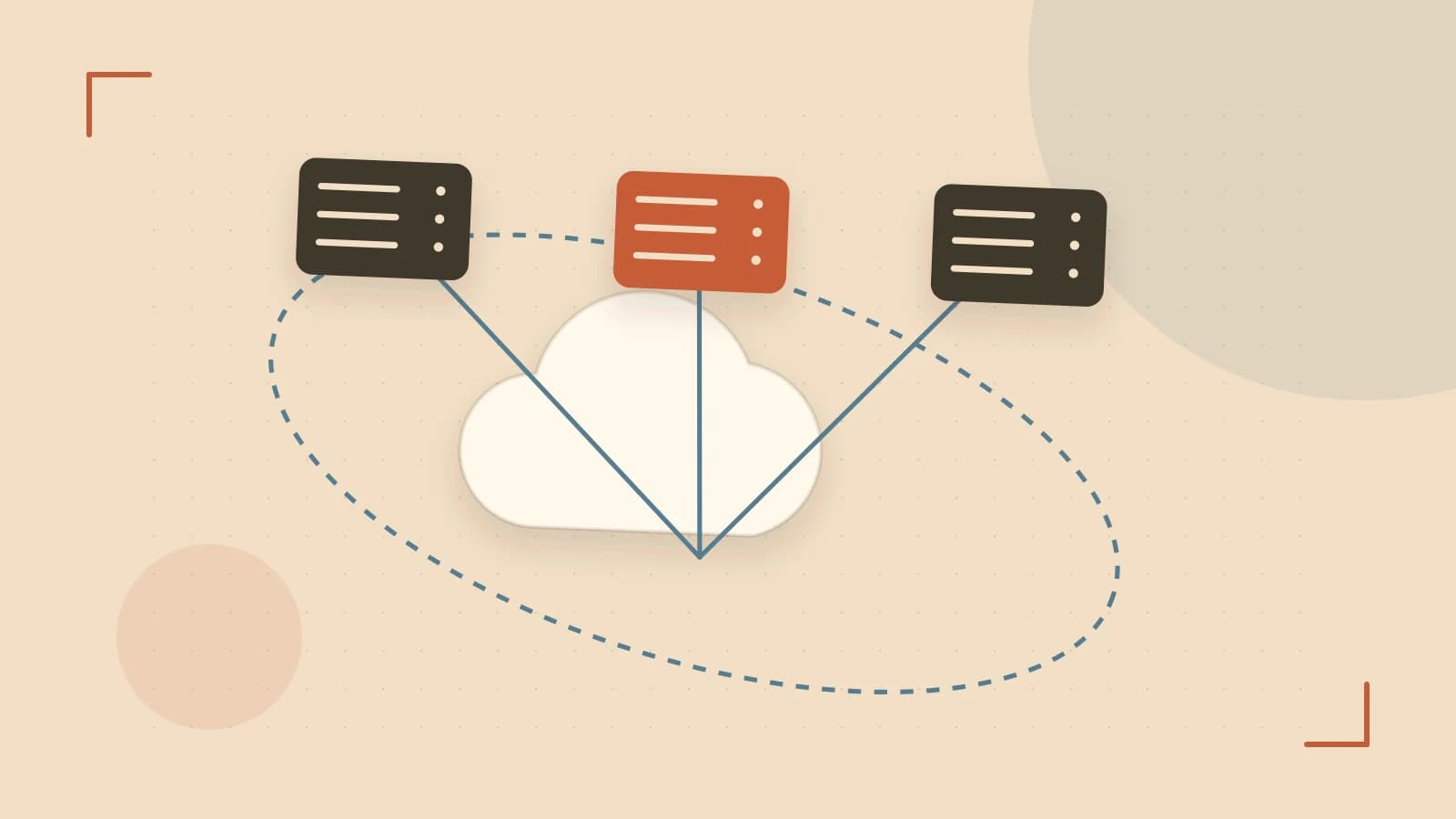
Problem and useful answer
You need to draw a watermark, drop shadow, or icon layer once and then move, scale, or blend the whole thing as a single object. Drawing the primitives directly onto the final surface makes that hard: every stroke is already committed to the pixels underneath, so you cannot transform the layer as a unit or reapply it elsewhere without redrawing.
Cairo solves this with an offscreen group stack. cairo_push_group() redirects drawing into a temporary buffer. cairo_pop_group_to_source() ends the redirect and installs the finished group as a source pattern. You can then paint that pattern with any operator and alpha, treating the whole group like one image.
How the group mechanism works
When you call cairo_push_group(cr), Cairo creates an offscreen buffer that matches the target surface’s size and format. All subsequent drawing operations—rectangles, text, paths—go into that buffer instead of the visible surface. The group is tied to the cairo_t context that created it.
cairo_pop_group_to_source(cr) stops redirection, converts the buffer into a pattern, and sets it as the current source. The context returns to drawing on the target surface. You then call cairo_paint() or cairo_paint_with_alpha() to copy the group onto the surface, optionally with CAIRO_OPERATOR_OVER for blending.
Groups use a strict stack per context. Every cairo_push_group must be matched by cairo_pop_group or cairo_pop_group_to_source before you destroy the context or finish the surface. If you leave a group unpopped, later drawing vanishes silently into the offscreen buffer instead of appearing on the surface.
Worked example: a blended watermark layer
The following C example draws a white background, renders a blue rectangle into an offscreen group, then paints that group over the background at 50 percent opacity. It writes the result to a PNG file.
#include <cairo.h>
#include <stdio.h>
#include <stdlib.h>

int main(void) {
    cairo_surface_t *surface = NULL;
    cairo_t *cr = NULL;
    cairo_status_t status;

    /* Create an ARGB32 surface so alpha blending is preserved. */
    surface = cairo_image_surface_create(CAIRO_FORMAT_ARGB32, 400, 300);
    status = cairo_surface_status(surface);
    if (status != CAIRO_STATUS_SUCCESS) {
        fprintf(stderr, "surface creation failed: %s\n", cairo_status_to_string(status));
        return 1;
    }

    cr = cairo_create(surface);

    /* Background. */
    cairo_set_source_rgb(cr, 1.0, 1.0, 1.0);
    cairo_paint(cr);

    /* Redirect drawing into an offscreen group. */
    cairo_push_group(cr);

    /* Draw the layer content: a semi-transparent blue rectangle. */
    cairo_set_source_rgb(cr, 0.2, 0.4, 0.8);
    cairo_rectangle(cr, 100.0, 100.0, 200.0, 100.0);
    cairo_fill(cr);

    /* End redirection and install the group as the current source. */
    cairo_pop_group_to_source(cr);

    /* Paint the group over the background at 0.5 alpha. */
    cairo_set_operator(cr, CAIRO_OPERATOR_OVER);
    cairo_paint_with_alpha(cr, 0.5);

    status = cairo_status(cr);
    if (status != CAIRO_STATUS_SUCCESS) {
        fprintf(stderr, "drawing failed: %s\n", cairo_status_to_string(status));
        cairo_destroy(cr);
        cairo_surface_destroy(surface);
        return 1;
    }

    /* Write output. Replace /tmp/cairo-group-example.png with your path. */
    status = cairo_surface_write_to_png(surface, "/tmp/cairo-group-example.png");
    if (status != CAIRO_STATUS_SUCCESS) {
        fprintf(stderr, "PNG write failed: %s\n", cairo_status_to_string(status));
        cairo_destroy(cr);
        cairo_surface_destroy(surface);
        return 1;
    }

    cairo_destroy(cr);
    cairo_surface_destroy(surface);
    return 0;
}
Compile from a terminal with the Cairo development headers installed:
gcc -o /tmp/cairo-group-example cairo-group-example.c $(pkg-config --cflags --libs cairo)
No special permissions are required. The placeholder /tmp/cairo-group-example.png is the output path; change it to a writable location on your system. If pkg-config cannot find cairo, install the Cairo development package for your distribution before compiling.
Verification and diagnostics
- Check
cairo_status(cr)returnsCAIRO_STATUS_SUCCESSafter drawing and surface operations. A non-success status means drawing may not have reached the surface. - Confirm the PNG file exists and has non-zero size. Open it and verify the rectangle appears once, blended over the white background, not duplicated or missing.
- To confirm the group is doing the work, temporarily remove
cairo_push_groupandcairo_pop_group_to_source, draw the rectangle directly, and compare output. The grouped version should produce a single blended layer; an unpaired push can make later drawing disappear entirely. - If the rectangle looks opaque instead of blended, check that the surface format is
CAIRO_FORMAT_ARGB32. An RGB24 surface can discard alpha and prevent expected transparency.
Abandoning a group (rollback)
Pushing a group changes the context’s drawing target. If you push a group but decide not to use its contents, call cairo_pop_group(cr) to discard the offscreen buffer and return drawing to the target surface. This returns a pattern that you should destroy with cairo_pattern_destroy if you do not install it as a source.
cairo_push_group(cr);
/* ... drawing ... */
cairo_pattern_t *discarded = cairo_pop_group(cr);
cairo_pattern_destroy(discarded);
/* Subsequent drawing returns to the target surface. */
Limits and common mistakes
- Memory scales with surface size. A group buffer can be as large as the target surface. Avoid creating groups inside tight loops over large canvases; reuse or draw directly when the layer does not need to be treated as one object.
- Group lifetime is bound to its context. A pattern created by
cairo_pop_group_to_sourcebelongs to the creatingcairo_t. Do not reuse it aftercairo_destroy(cr)or after the surface is finished. - Alpha loss on mismatched formats. If the target surface lacks an alpha channel, blended group results can appear opaque. Prefer
CAIRO_FORMAT_ARGB32when transparency matters. - Stack imbalance. Each
cairo_push_grouprequires exactly one matching pop. Forgetting the pop leaves later drawing trapped offscreen with no visible error. - No cross-context reuse. You cannot create a group in one context and paint it from another. Recreate the group per context or draw the primitives directly if you need the same content in multiple contexts.
Practical check
After generating the PNG, inspect the pixel inside the rectangle region. It should show the background color blended with the layer color at roughly the alpha you supplied. If the area is untouched, the group was never painted. If the area is fully opaque, alpha was likely lost at the surface format or paint step.
 cairo
cairo0 replies
A thoughtful contribution can make all the difference. Be the first to share one.