Cloudflare Workers KV: Configuration, Limits, and Consistency Pitfalls
Use Cloudflare Workers KV for read-heavy edge state. Learn namespace binding, read/write patterns, limits, and how to verify without stale-read bugs.
25 May 2026, 13:59 UTC
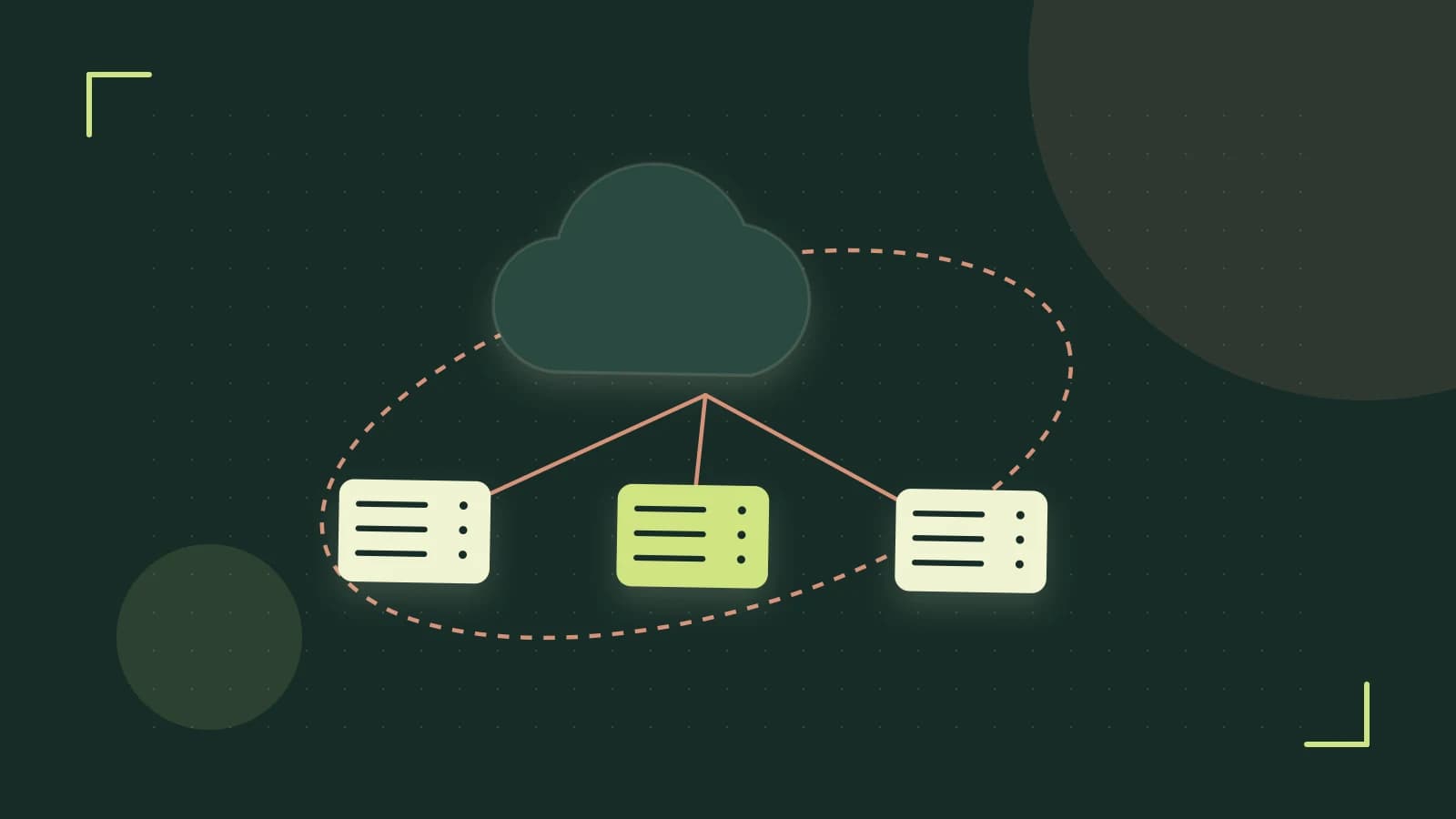
Use Workers KV for read-heavy edge state, not for transactions
Cloudflare Workers run across many edge locations, but each isolate starts with no shared memory. When you need the same configuration value, feature flag, or cached lookup available to every Worker instance without calling an origin database, Workers KV provides a globally distributed key-value store. It is eventually consistent: a write in one location may not be visible elsewhere for several seconds. Use KV when reads far outnumber writes and brief staleness is acceptable.
Bind a KV namespace in wrangler.toml
A KV namespace is the container for keys and values. Declare the binding in your project's wrangler.toml file. Run commands from your Worker project directory in a terminal. You need a Cloudflare API token with KV edit permissions to create namespaces. This guide assumes the current Wrangler CLI and Workers runtime binding syntax.
[[kv_namespaces]]
binding = "CONFIG_STORE"
id = "REPLACE_WITH_NAMESPACE_ID"
preview_id = "REPLACE_WITH_PREVIEW_NAMESPACE_ID"
binding is the variable name your Worker uses to access the store. id is the production namespace identifier from the Cloudflare dashboard. preview_id directs wrangler dev to a separate namespace so local tests do not write to production data. Create both namespaces in the Cloudflare dashboard under Workers & Pages > KV.
Read and write values in the Worker
Keys are strings up to 1 KB. Values are strings or ArrayBuffer objects up to 128 KB. This example writes a feature flag, then reads it back and handles a missing key.
export default {
  async fetch(request, env, ctx) {
    const flagKey = "feature:new-checkout";

    await env.CONFIG_STORE.put(flagKey, "enabled");

    const value = await env.CONFIG_STORE.get(flagKey);

    if (value === null) {
      return new Response("feature flag not set", { status: 404 });
    }

    return new Response(`feature flag: ${value}`, { status: 200 });
  },
};
env.CONFIG_STORE exists only because the binding is declared in wrangler.toml; otherwise the Worker throws a ReferenceError. KV.get() returns null for missing keys, so code that assumes a string will fail downstream.
Design around KV limits and consistency
| Limit or behavior | Practical implication |
|---|---|
| Value size ≤ 128 KB | Do not store large JSON blobs or binary assets; compress or split the data first. |
| Key length ≤ 1 KB | Avoid using long URLs or user-generated strings as raw keys. |
| Up to 20 writes per second per key | Hot keys that exceed this burst limit receive HTTP 429 responses. |
| Eventual consistency | A write may not be visible to reads in other locations for several seconds. |
| Free tier read and write allowances | Write-heavy workloads can exceed the free daily quota; check the Cloudflare dashboard for current limits. |
Do not use KV for workflows requiring atomic updates across multiple keys. For strong consistency or distributed locking, evaluate Cloudflare Durable Objects instead.
Common mistakes and how to catch them
- Missing binding:
ReferenceError: CONFIG_STORE is not defined. Confirm the namespace is listed inwrangler.tomland redeploy. - Stale-read assumption: Reading a key immediately after writing it can return the previous value. Test this behavior under
wrangler devbefore relying on fresh reads. - Unhandled null: Passing
nullinto JSON parsing or string methods causes exceptions. Always checkif (value === null). - Oversized values:
put()rejects values over 128 KB. Catch the error and inspect the response status instead of assuming success.
Verify locally and in production
- Run
wrangler devin your project directory. The local KV emulator exercisesputandgetagainst an in-memory store without touching production namespaces. - Deploy a test Worker that writes a known value to a test key, reads it back, and returns the result in the HTTP response. A successful HTTP 200 with the expected string confirms the binding and code path.
- After a few requests, open the Cloudflare dashboard, go to Workers & Pages > KV > your namespace, and check Metrics. Read and write counts should match your test traffic. Persistent mismatches indicate a binding or routing issue.
Writing to KV changes state. There is no built-in rollback for a put operation. To undo a value, overwrite the key with the previous value or delete it with env.CONFIG_STORE.delete(key), understanding that deletion is also eventually consistent.
When KV is the wrong tool
Use KV for configuration, feature flags, and cache lookups where eventual consistency is acceptable. Avoid it for shopping carts, strictly ordered session state, or financial ledgers. Durable Objects provide single-key transactional semantics and strong consistency within a durable object instance.
 cloudflareworkers
0 replies
A thoughtful contribution can make all the difference. Be the first to share one.