Closing the Loop: Using NetBox Webhooks to Sync Your Source of Truth
Stop polling your Source of Truth. Learn how to use NetBox Webhooks to trigger real-time infrastructure updates and eliminate configuration drift between NetBox and your operational tools.
08 Jul 2025, 08:11 UTC
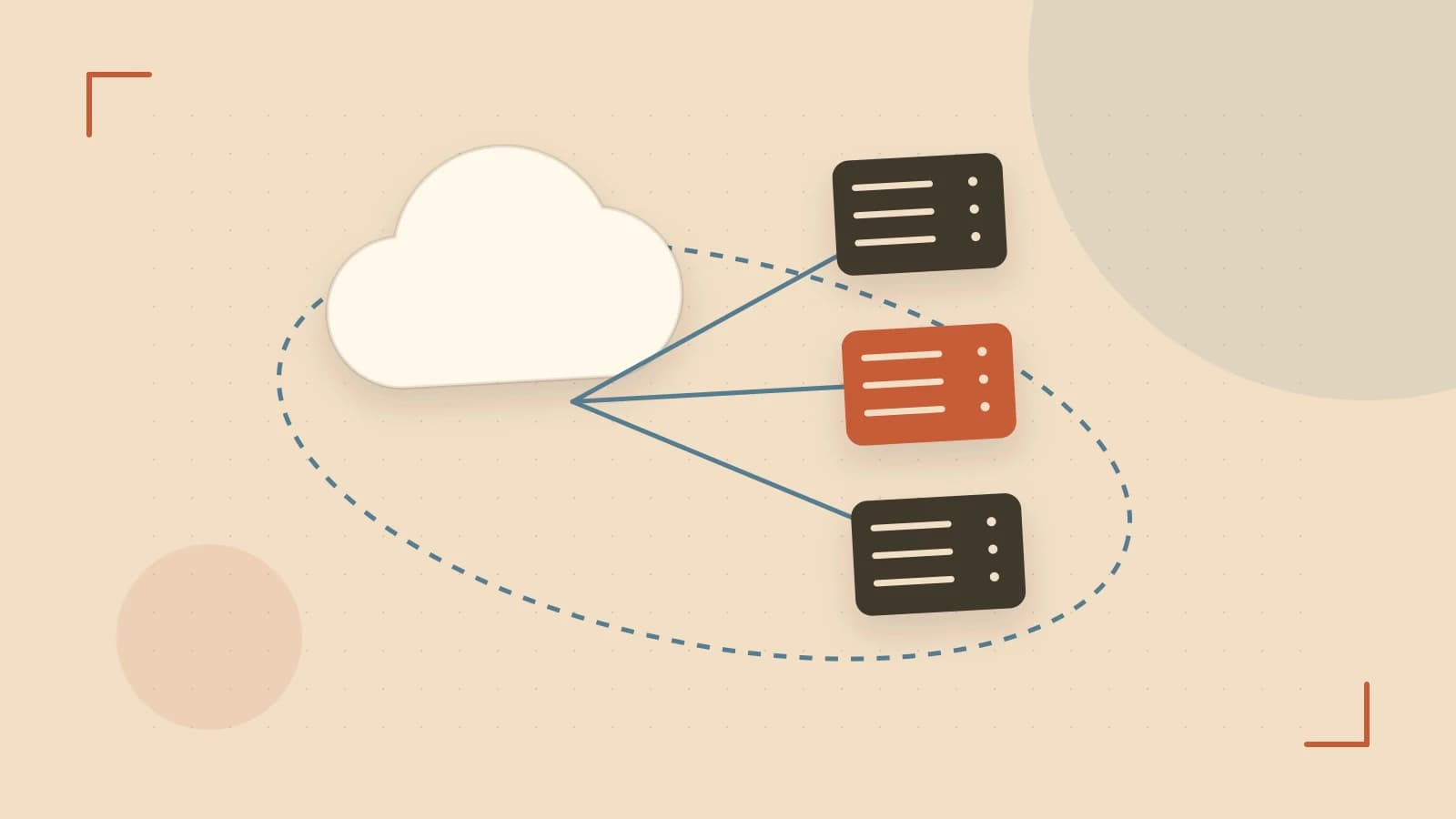
The 'Source of Truth' Drift Problem
The primary value of NetBox is acting as the Source of Truth (SoT) for your infrastructure. However, an SoT is only useful if it matches reality. A common failure point in network automation is the "manual update gap": an engineer updates a VLAN or an IP address in NetBox, but the monitoring system, DNS server, or firewall remains outdated because someone forgot to run a manual sync script.
The solution is to move from polling (where an external script asks NetBox for changes every hour) to event-driven synchronization using Webhooks. By pushing changes the moment they happen, you eliminate the drift window and ensure your operational tools reflect your intended state in real-time.
How NetBox Webhooks Function
A webhook in NetBox is essentially a configured HTTP POST request. When a specific event occurs—such as the creation of a new Device or the modification of a Prefix—NetBox sends a JSON payload to a predefined URL.
To prevent "notification fatigue" and unnecessary network traffic, NetBox allows you to define Event Filters. Instead of triggering a webhook for every single change in the database, you can restrict triggers to specific object types (e.g., only ipam.ipaddress) and specific actions (e.g., only object.create and object.update).
Practical Implementation: Syncing to a Middleware Listener
Because NetBox sends a raw JSON payload, you typically need a small piece of middleware (a Python Flask app, a Lambda function, or a tool like StackStorm) to translate that payload into an API call for your destination system.
Example Configuration
To set up a webhook for IP address changes, navigate to Operations → Webhooks in the NetBox Admin UI and use the following logic:
- URL:
https://automation-api.internal/netbox-webhook - Content Type:
application/json - HTTP Method:
POST - Event Filters: Select
IP Addressand check the boxes forCreateandUpdate.
The Payload Structure
When an IP address is updated, the receiving endpoint will receive a payload similar to this:
{
  "event": "object.update",
  "timestamp": "2026-10-16T21:00:00Z",
  "data": {
    "id": 123,
    "value": "192.168.1.50/24",
    "status": "active",
    "dns_name": "web-server-01.example.com"
  }
}
Your middleware script can then parse the dns_name and value to automatically update your DNS records or monitoring dashboard.
Security and Reliability Trade-offs
Webhooks are powerful, but they introduce two specific risks: security and delivery guarantees.
Authentication
By default, any system that knows your webhook URL can send fake data to your middleware. To prevent this, use the Custom HTTP Headers field in the NetBox webhook configuration to include a shared secret token (e.g., X-NetBox-Token: your-secure-uuid). Your listener should reject any request that doesn't provide this exact header.
The Asynchronous Gap
NetBox webhooks are "fire and forget." If your receiving server is down or the network glitches during the POST request, the update is lost. NetBox does not natively queue failed webhooks for retry. If absolute consistency is required, you must implement a secondary "reconciliation" script that runs daily to catch any missed events.
Verifying Your Integration
To verify the webhook is functioning without building a full production listener, use a tool like webhook.site or a local netcat listener to inspect the traffic.
- Run a listener on a test machine:
nc -l 8080(requires sudo for ports under 1024). - Point the NetBox webhook URL to that machine's IP and port.
- Modify a monitored object in NetBox.
- Confirm the JSON payload appears in your terminal.
- Modify a non-monitored object to ensure no payload is sent, confirming your filters are working.
 netbox
0 replies
A thoughtful contribution can make all the difference. Be the first to share one.