Choosing the Right JUnit 5 Parameterized Test Source Annotation
A decision guide that compares @ValueSource, @EnumSource, @MethodSource, and @CsvSource, shows when each fits, and provides a Maven‑based example you can run to validate the choice.
07 Oct 2025, 20:17 UTC
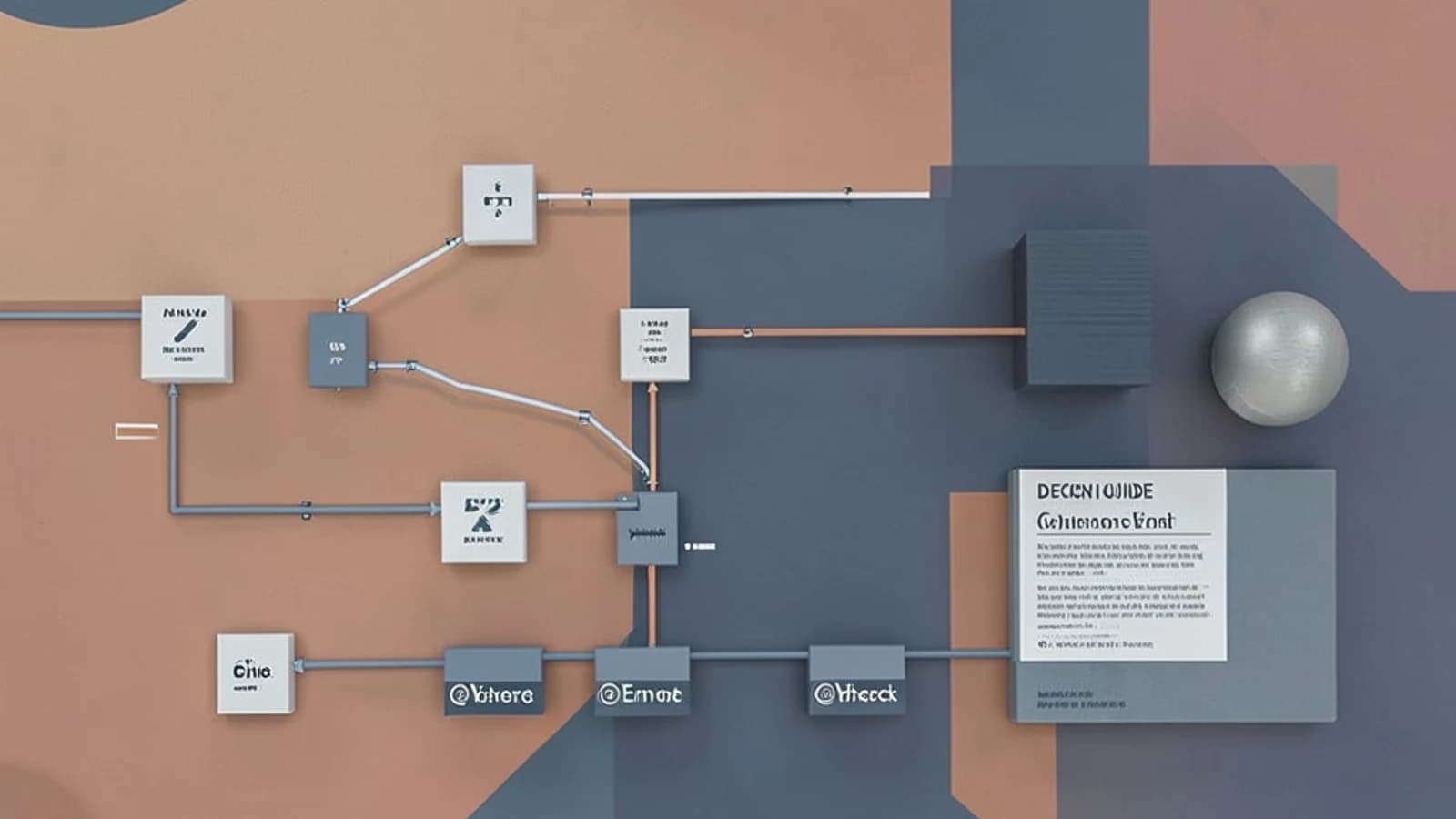
Decision: Which @ParameterizedTest source annotation should you use?
You have a test method that needs to run with multiple input sets. The choice of annotation affects readability, maintainability, and the kinds of data you can supply. The decision hinges on three constraints:
- Data homogeneity – are all values the same type?
- Data complexity – do you need simple literals, enums, objects, or mixed‑type rows?
- Inline readability – do you want the values visible directly in the annotation?
Comparison of supported source annotations
| Annotation | Supported data | Typical use case | Pros | Cons |
|---|---|---|---|---|
@ValueSource |
Primitives, strings, class literals (homogeneous) | Simple lists of identical type values | Very concise; no extra method needed | Only one type per annotation; cannot mix types |
@EnumSource |
Enum constants (with mode filtering) | Testing all or a subset of enum values | Automatically reflects enum changes; optional INCLUDE/EXCLUDE | Limited to enum types |
@MethodSource |
Any Object via Stream, Iterable, Iterator, or Object[] | Complex objects, tuples, or data built from logic | Full flexibility; can compute values at runtime | Requires a separate factory method; slightly more boilerplate |
@CsvSource |
CSV‑style rows; each column can be a different type (string, number, etc.) | Mixed‑type tabular data where inline clarity helps | Readable rows; no factory method needed | Requires JUnit Jupiter ≥5.7.0; parsing errors if format is wrong |
Trade‑off explanation
If your data are all the same primitive or string, @ValueSource gives the smallest footprint. When you need to iterate over an enum, @EnumSource stays in sync with the enum definition and lets you exclude specific constants. For anything that cannot be expressed as a literal—such as POJOs, arrays, or data derived from a service—@MethodSource is the only option because it lets you return any Object hierarchy. Finally, when you have a small table of mixed‑type values (e.g., a string, an integer, and a boolean) and you want the data visible next to the test, @CsvSource provides a compact, CSV‑like syntax.
Remember the constraint: a single @ParameterizedTest method can use only one source annotation. Mixing them in the same method leads to a compile‑time error.
Concrete implementation – Maven project
The following snippets show a minimal Maven setup with JUnit Jupiter 5.10.0 and a test class that demonstrates each annotation. Adjust the <groupId>, <artifactId>, and <version> placeholders for your own project.
pom.xml (relevant fragment)
<dependencies>
    <dependency>
        <groupId>org.junit.jupiter</groupId>
        <artifactId>junit-jupiter</artifactId>
        <version>5.10.0</version>
        <scope>test</scope>
    </dependency>
</dependencies>
<build>
    <plugins>
        <plugin>
            <groupId>org.apache.maven.plugins</groupId>
            <artifactId>maven-surefire-plugin</artifactId>
            <version>3.1.2</version>
        </plugin>
    </plugins>
</build>
src/test/java/example/ParameterizedSourceDemo.java
package example;

import org.junit.jupiter.params.ParameterizedTest;
import org.junit.jupiter.params.provider.EnumSource;
import org.junit.jupiter.params.provider.MethodSource;
import org.junit.jupiter.params.provider.ValueSource;
import org.junit.jupiter.params.provider.CsvSource;
import java.util.stream.Stream;

class ParameterizedSourceDemo {

    // 1. @ValueSource – homogeneous strings
    @ParameterizedTest
    @ValueSource(strings = {"foo", "bar", "baz"})
    void testValueSource(String input) {
        // assertion example
        assert !input.isEmpty();
    }

    // 2. @EnumSource – enum constants with optional filtering
    enum Status { ACTIVE, INACTIVE, PENDING }

    @ParameterizedTest
    @EnumSource(value = Status.class, mode = EnumSource.Mode.INCLUDE)
    void testEnumSource(Status status) {
        assert status != null;
    }

    // 3. @MethodSource – factory method returning complex objects
    static Stream personProvider() {
        return Stream.of(
                new Person("Alice", 30),
                new Person("Bob", 25)
        );
    }

    @ParameterizedTest
    @MethodSource("personProvider")
    void testMethodSource(Person person) {
        assert person.getAge() > 0;
    }

    // 4. @CsvSource – mixed‑type inline rows
    @ParameterizedTest
    @CsvSource({
            "'John Doe', 42, true",
            "'Jane Smith', 35, false"
    })
    void testCsvSource(String name, int age, boolean isMember) {
        assert name.length() > 0;
        assert age >= 0;
    }
}

class Person {
    private final String name;
    private final int age;
    Person(String name, int age) {
        this.name = name;
        this.age = age;
    }
    String getName() { return name; }
    int getAge() { return age; }
}
Validation steps
Run the tests from the project root directory:
- Where to run: Terminal or command prompt in the folder that contains
pom.xml. - Required permissions: None beyond read/write access to the project files.
- Command:
mvn test - Expected checks:
- Maven downloads dependencies (if not cached) and compiles the test class.
- Surefire executes the parameterized tests; you should see a summary like "Tests run: X, Failures: 0, Errors: 0".
- Each test method receives the expected number of invocations (e.g.,
@ValueSourcewith three strings runs three times).
- Relevant risks:
- Using an annotation that does not match the data type causes a compilation error (e.g., passing an int to
@ValueSource(strings = ...)). - With
@CsvSource, a malformed CSV row (missing quotes, extra commas) leads to a runtime exception during test execution. - If you accidentally place two source annotations on the same method, the compiler will reject the code.
- Using an annotation that does not match the data type causes a compilation error (e.g., passing an int to
Practical way to check the result
After mvn test succeeds, open the generated Surefire report:
target/surefire-reports/emailable-report.html
In the report, verify:
- The total number of test executions matches the sum of all provided values across the four methods.
- No test shows an exception stack trace.
- If you added logging or assertions that print the parameter values, the console output will contain those values (you can inspect
target/surefire-reports/*.txt).
If any of these checks fail, revisit the annotation choice and the data you supplied.
Limitations
- You cannot combine multiple source annotations in a single
@ParameterizedTestmethod. @CsvSourcerequires JUnit Jupiter 5.7.0 or later; older versions will not recognize the annotation.@MethodSourcedemands a static method that returns a compatible stream/array; non‑static or incorrectly typed methods cause a test‑initialization failure.
By following the decision table, implementing the example, and validating with mvn test, you can confidently select the annotation that fits your data’s type and complexity while keeping the test code readable and maintainable.
 junit
junit java
java0 replies
A thoughtful contribution can make all the difference. Be the first to share one.