Choosing Synchronous vs. Asynchronous Replication in YugabyteDB: A Decision Guide
Learn how to pick the right replication mode for a multi‑node YugabyteDB cluster by weighing durability, latency, and operational impact, then see a concrete xCluster setup and validation.
27 Jun 2026, 11:52 UTC
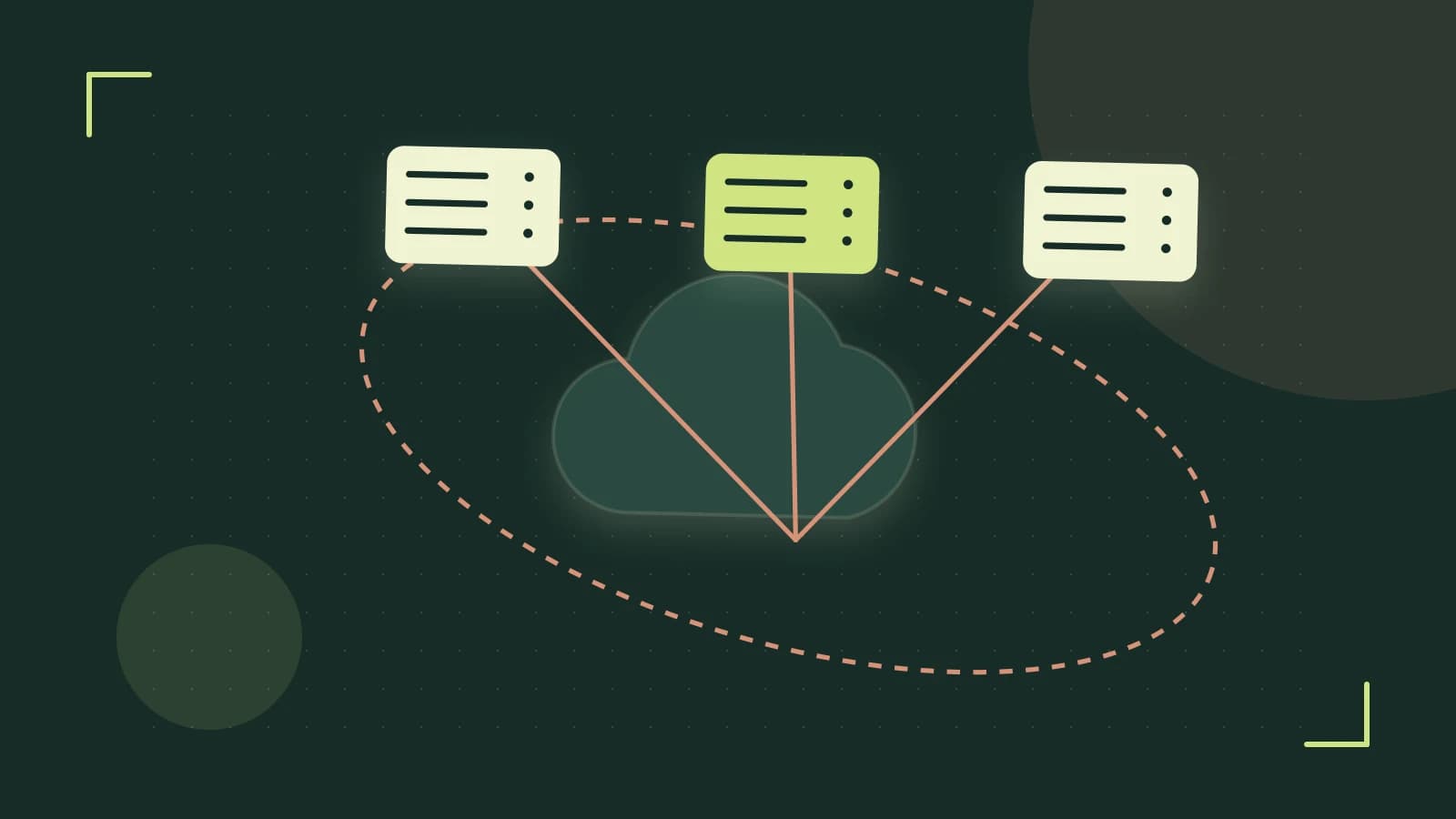
Decision: Choosing replication mode in YugabyteDB
When you operate a multi‑node YugabyteDB cluster across regions, you must decide how data is replicated between nodes. The choice affects durability (how much data you can lose) and write latency (how long a client waits for an acknowledgment). This guide walks through the decision constraints, compares the two supported options, explains the trade‑offs, and then shows a concrete implementation for asynchronous replication using xCluster, including verification and rollback steps.
Constraints
- Network latency between regions – higher round‑trip time (RTT) increases the cost of waiting for remote acknowledgments.
- Acceptable data‑loss window (RPO) – the maximum amount of recent writes you can tolerate losing if a node fails.
- Operational complexity – synchronous mode requires healthy majority quorums; asynchronous mode adds lag monitoring and potential divergence handling.
Options comparison
| Option | Durability | Latency Impact | Typical Use‑Case |
|---|---|---|---|
| Synchronous replication (Raft majority write) | High – write is committed on a majority of replicas before the client receives an acknowledgment | Higher – the client waits for the round‑trip to the farthest replica in the majority | Financial transactions, any workload that requires strong consistency and zero‑loss guarantees |
| Asynchronous replication (xCluster or follower‑reads) | Lower – the write is acknowledged after local commit; replication to the target occurs later | Lower – acknowledgment is sent after the local commit, independent of remote RTT | Analytics workloads, geo‑distributed read‑only followers, backup or DR pipelines |
Trade‑offs
Synchronous replication guarantees that no committed write is lost even if a node crashes immediately after the acknowledgment, because the data already resides on a majority of replicas. The downside is increased write latency proportional to the inter‑node RTT and reduced throughput under heavy load, as the leader must wait for the slowest replica in the quorum.
Asynchronous replication reduces write latency and can improve throughput because the leader replies after the local commit. However, if the source node fails before the changes are shipped to the target, those recent writes may be lost. You must therefore define an acceptable recovery point objective (RPO) and monitor replication lag to ensure it stays within that bound.
Implementing asynchronous replication with xCluster
xCluster is YugabyteDB’s built‑in tool for table‑level, transactional asynchronous replication between two universes (source and target). The steps below assume you have administrative access to both universes via the yb-admin CLI.
- Enable xCluster on the source universe
Run this command on any machine that can reach the source masters. You need the
yb-adminbinary and a role with superuser or admin privileges on the source cluster.yb-admin --master_addresses \ modify_xcluster_config --add \ --tables --transactionalReplace
<src-masters>with a comma‑separated list of source master addresses (e.g.,src1:7100,src2:7100).<target-universe-id>is the UUID of the target universe (obtainable viayb-admin --master_addresses list_universes).<table-list>is a comma‑separated list of table IDs or names to replicate.Expected check: The command returns
Successfully added xCluster config. No data is copied yet. - Start the replication stream
After the config is added, launch the actual change‑data‑capture stream.
yb-admin --master_addresses  \
  start_xcluster --producer_universe_id  \
  --consumer_universe_id
Here
<src-id>is the source universe UUID and<target-id>the target universe UUID. The command contacts the source master to begin streaming tablets to the target.Expected check: Output shows
xCluster stream started. The target universe will start creating placeholder tables and applying incoming changes. - Verify the configuration
Confirm that xCluster is active and see the list of replicated tables.
yb-admin --master_addresses get_xcluster_configYou should see an entry for the target universe with the tables you specified and a state of
ACTIVE.
Validating xCluster lag
Once the stream is running, you must ensure that replication lag stays within your agreed RPO (for example, less than 5 seconds).
- Check replication lag
Run the lag‑checking command on the source universe.
yb-admin --master_addresses  get_xcluster_replication_lag \
  --producer_universe_id  --consumer_universe_id
The output reports lag in seconds (or milliseconds) per table. Verify that the value is below your threshold.
- Perform a write‑burst test
Insert a known number of rows on the source, then compare the maximum identifier on source and target after a short pause.
# On source
ysqlsh -h  -c "INSERT INTO myserial (id, val) SELECT generate_series(1,1000), 'test';"
# Wait a moment, then check
ysqlsh -h  -c "SELECT max(id) FROM myserial;"
ysqlsh -h  -c "SELECT max(id) FROM myserial;"
The difference between the two
max(id)values should correspond to the number of writes that are still in flight, which should be small if lag is low.
Limitations and rollback
xCluster is stable from YugabyteDB v2.0 onward; older releases may lack transactional xCluster or table‑level filtering. Network partitions can cause the stream to stall or diverge, so monitor for split‑brain scenarios and be prepared to intervene manually.
If you need to stop replication and revert the configuration, follow these steps. Note that disabling xCluster does not delete data already replicated; it only stops further changes.
Rolling back xCluster
- Stop the stream
yb-admin --master_addresses  stop_xcluster \
  --producer_universe_id  --consumer_universe_id
This halts the change‑data‑capture process.
- Remove the xCluster configuration
yb-admin --master_addresses  modify_xcluster_config \
  --remove  --tables
After removal, the source universe no longer attempts to send changes to the target.
After completing the rollback, you can verify that no further lag is reported and that the target universe’s tables remain static (no new changes appear).
 yugabytedb
0 replies
A thoughtful contribution can make all the difference. Be the first to share one.