Choosing BrowserStack Automate for Parallel Selenium Tests in CI
Decide whether BrowserStack Automate’s parallel execution fits your CI pipeline by comparing plan options, trade‑offs, and a concrete Selenium example that runs tests across real devices and browsers.
31 Jul 2025, 14:56 UTC
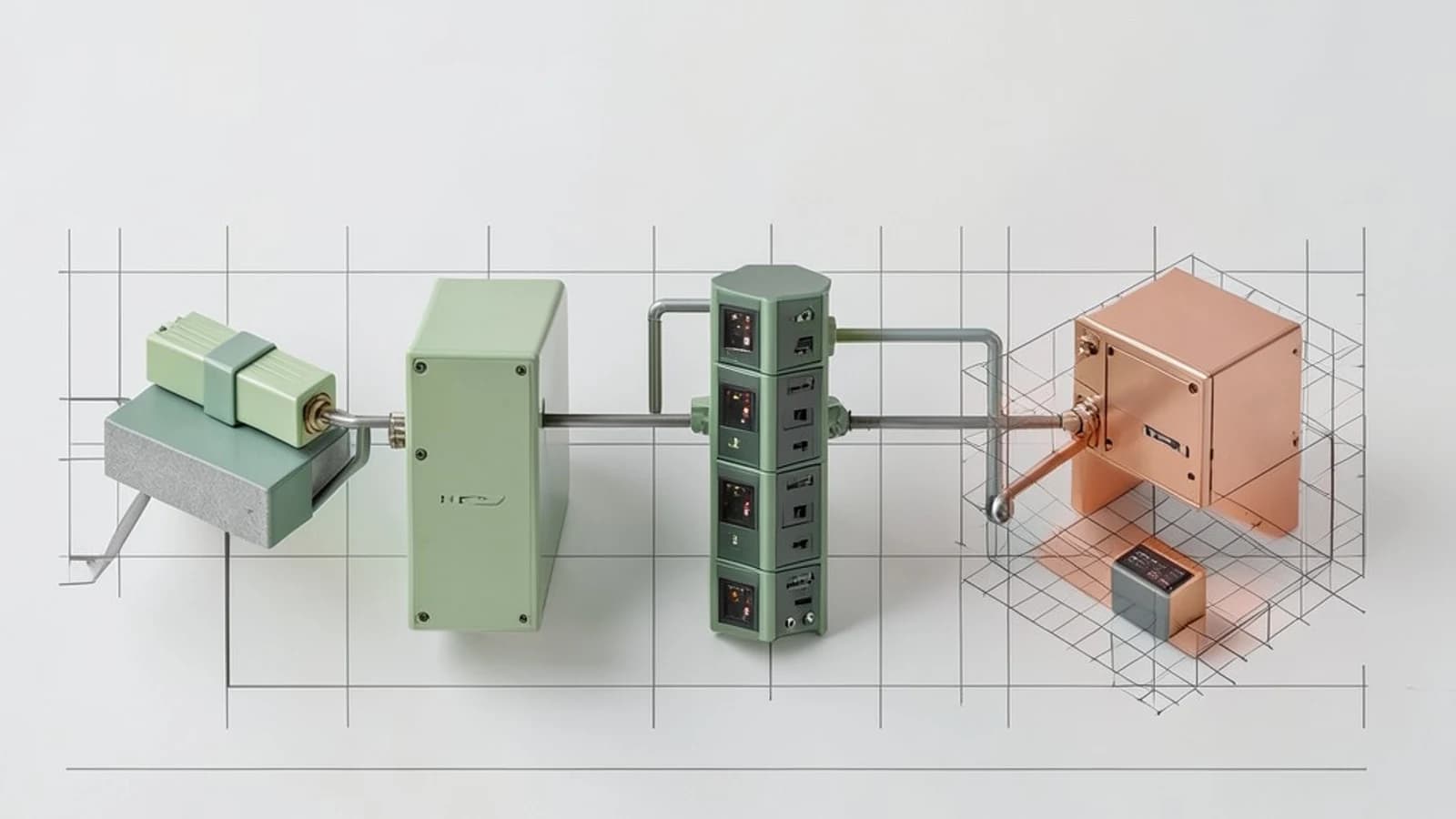
Decision: Parallel Selenium Tests on BrowserStack Automate?
When a test suite grows beyond a few dozen cases, running sequentially in a CI pipeline can become a bottleneck. BrowserStack Automate offers a cloud‑based grid of 2,500+ real browsers and devices, real‑time logs, and built‑in integration with Selenium, Cypress, Playwright, and Appium. The key question is: does the cost and complexity of enabling parallel execution on BrowserStack outweigh the time savings for your organization?
Constraints to Consider
- Budget: Parallel sessions are billed by the minute. High concurrency can quickly raise costs.
- Test Stability: Shared devices may experience flaky network conditions; isolated local grids can be more deterministic.
- Framework Compatibility: BrowserStack supports Selenium WebDriver, but integration depth varies with language and test runner.
- CI/CD Pipeline: Existing pipelines may require minimal changes to hook into BrowserStack’s REST API or webhooks.
Supported Options Comparison
| Option | Concurrency | Device Coverage | Cost Model | Setup Complexity |
|---|---|---|---|---|
| BrowserStack Automate (Standard) | 10 parallel sessions | 2,500+ real browsers/devices | Pay‑per‑minute, tiered plan | Low – set capabilities and run |
| BrowserStack Automate (Pro) | 30 parallel sessions | 2,500+ real browsers/devices | Pay‑per‑minute, tiered plan | Low – set capabilities and run |
| BrowserStack Automate (Enterprise) | Unlimited (custom) | 2,500+ real browsers/devices | Custom contract, includes dedicated support | High – requires account setup and SLAs |
| Selenium Grid (on‑prem) | Custom, limited by hardware | Depends on local nodes | Capital + maintenance | High – node configuration, network setup |
| Other Cloud (Sauce Labs, CrossBrowserTesting) | 10–50 sessions | 2,000+ browsers/devices | Pay‑per‑minute | Medium – similar to BrowserStack |
Trade‑Offs
- Cost vs Speed: BrowserStack’s pay‑per‑minute model means you can scale up during a sprint and scale down during quieter periods. However, if your suite runs for hours, the cumulative cost can exceed a self‑hosted grid.
- Stability vs Freshness: Real devices ensure up‑to‑date OS and browser versions, but shared cloud resources can introduce latency. Local grids provide isolation but may lag behind the latest releases.
- Ease of Integration vs Customization: BrowserStack’s REST API, webhooks, and native Selenium support reduce pipeline friction. Custom grids allow deeper control but require more maintenance.
Concrete Implementation: Parallel Selenium Tests on BrowserStack
Below is a Java + JUnit example that demonstrates how to run a test suite in parallel on BrowserStack’s Standard plan. The same pattern applies to other languages and frameworks.
Prerequisites
- BrowserStack account with a Standard plan (10 parallel sessions).
- Environment variables set in the CI environment:
BROWSERSTACK_USERNAME=your_username BROWSERSTACK_ACCESS_KEY=your_access_key - Local binary (optional) if you need to test behind a corporate firewall:
browserstack-local --key $BROWSERSTACK_ACCESS_KEY --logfile browserstack-local.log
Sample Java Test with Parallel Execution
import org.junit.runner.RunWith;
import org.junit.runners.Parameterized;
import org.junit.runners.Parameterized.Parameters;
import org.openqa.selenium.WebDriver;
import org.openqa.selenium.remote.DesiredCapabilities;
import org.openqa.selenium.remote.RemoteWebDriver;
import java.net.URL;
import java.util.Arrays;
import java.util.Collection;

@RunWith(Parameterized.class)
public class BrowserStackParallelTest {
    private WebDriver driver;
    private String browser;

    public BrowserStackParallelTest(String browser) {
        this.browser = browser;
    }

    @Parameters(name = "{0}")
    public static Collection<String> browsers() {
        return Arrays.asList("chrome", "firefox", "safari");
    }

    @org.junit.Before
    public void setUp() throws Exception {
        DesiredCapabilities caps = new DesiredCapabilities();
        caps.setCapability("browser", browser);
        caps.setCapability("browser_version", "latest");
        caps.setCapability("os", "Windows");
        caps.setCapability("os_version", "10");
        caps.setCapability("name", "Parallel Test – " + browser);
        caps.setCapability("build", "CI-Pipeline-2026");

        String hub = "https://hub-cloud.browserstack.com/wd/hub";
        driver = new RemoteWebDriver(new URL(hub), caps);
    }

    @org.junit.Test
    public void testGoogleTitle() {
        driver.get("https://www.google.com");
        assert driver.getTitle().contains("Google");
    }

    @org.junit.After
    public void tearDown() {
        if (driver != null) {
            driver.quit();
        }
    }
}
Running this test with JUnit’s parameterized runner automatically launches three parallel sessions on BrowserStack. Each session logs its own video, screenshots, and console output, accessible via the BrowserStack dashboard or via the REST API:
curl -u $BROWSERSTACK_USERNAME:$BROWSERSTACK_ACCESS_KEY \
     https://api.browserstack.com/automate/sessions.json
Validating Results in CI
- Check Test Summary: After the pipeline finishes, inspect the Jenkins console for test counts. Each test should report PASS or FAIL.
- Verify Video & Screenshots: Navigate to the session URL (provided in the test logs) or download via API:
curl -u $BROWSERSTACK_USERNAME:$BROWSERSTACK_ACCESS_KEY \ https://api.browserstack.com/automate/sessions/<session-id>/video.mp4 -o session.mp4 - Inspect Logs: BrowserStack logs are streamed to the Jenkins console. For deeper inspection, use the
browserstack.locallog file or the dashboard’s “Live Log” view. - Cost Check: In the BrowserStack dashboard, view the “Usage” tab to confirm that the minutes billed match the expected parallel execution time.
When to Opt for Another Option
- If your test suite is short (<10 minutes) and you need absolute deterministic results, a self‑hosted Selenium Grid may be cheaper.
- If you require more than 10 parallel sessions regularly, consider upgrading to the Pro plan or negotiating an Enterprise contract.
- If you need visual regression testing out of the box, integrate Percy with BrowserStack. Percy’s API can be invoked after each test to capture snapshots.
Conclusion
BrowserStack Automate offers a low‑friction, scalable solution for parallel Selenium tests in CI. By evaluating budget, concurrency needs, and device coverage, teams can decide between the Standard, Pro, or Enterprise plans or fallback to an on‑prem grid. The sample Java test demonstrates that the only change to a typical Selenium test is the capability set and the hub URL, making adoption straightforward for existing pipelines.
 browserstack
 selenium
0 replies
A thoughtful contribution can make all the difference. Be the first to share one.