Choosing Between Vercel Edge Functions and Node.js Serverless Functions
Vercel Edge Functions run on the V8 engine for near-zero cold starts but lack Node.js APIs. Learn when to use each runtime, with a working middleware example and verification steps.
07 Jun 2026, 14:14 UTC
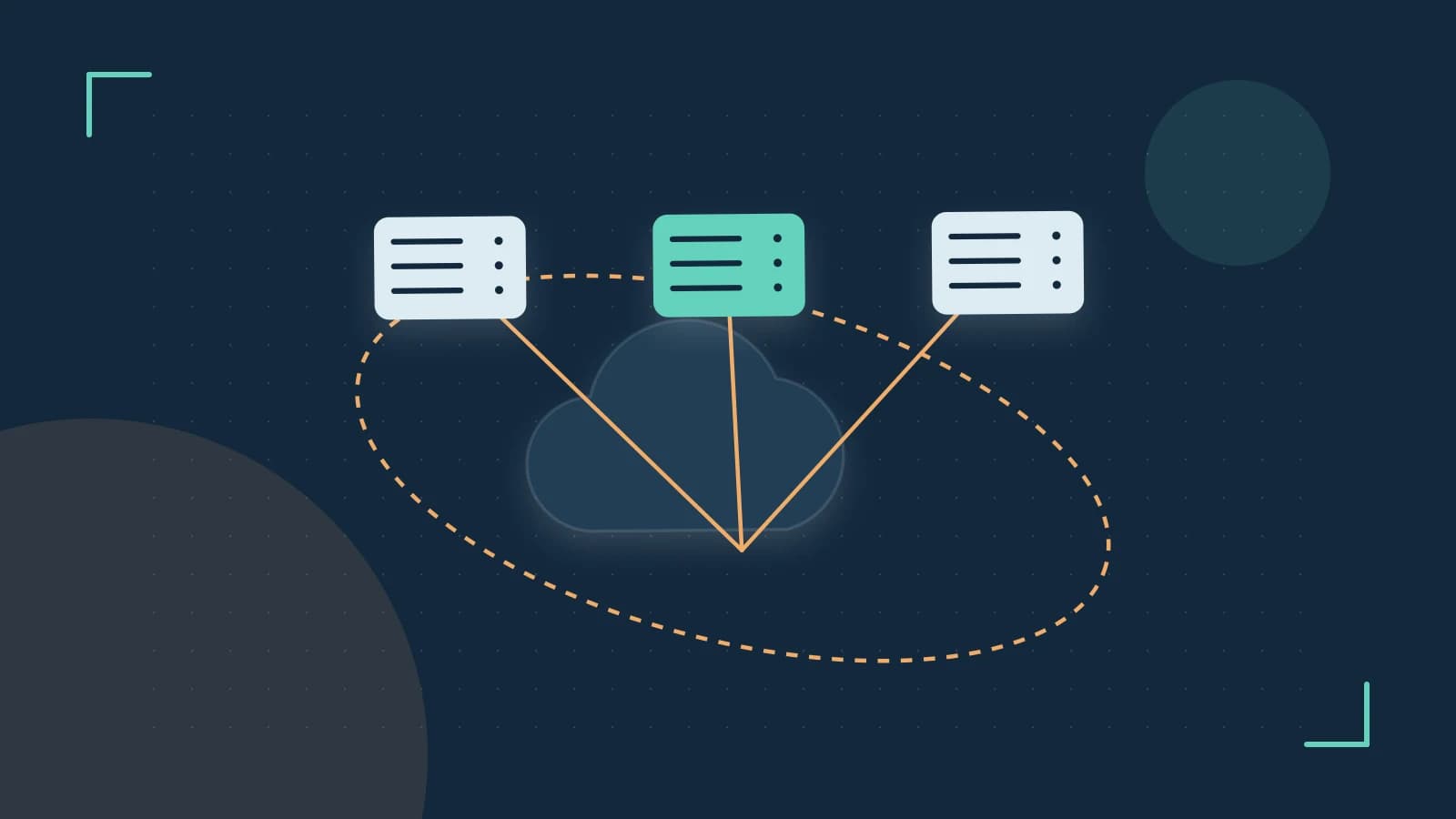
If your serverless endpoint spends more time booting a container than executing your code, the fix is usually not more compute—it is a lighter runtime. Vercel Edge Functions run on the V8 engine (the same engine as Chrome) instead of a full Node.js process, which cuts cold start latency and memory overhead dramatically. The tradeoff: you lose Node.js built-in modules and get only a subset of Web Standard APIs. Use Edge Functions for fast, request-shaping work—authentication checks, redirects, A/B testing, header manipulation—and keep Node.js Serverless Functions for anything that needs the full ecosystem or long execution times.
How the two runtimes differ
Standard Vercel Serverless Functions boot a Node.js environment in a specific region. You get every built-in module (fs, path, crypto, native addons) and generous execution limits, but cold starts are measurable and the function runs wherever the region is, not near the user.
Edge Functions run on V8 isolates distributed across Vercel's global edge network. An isolate is a lightweight, sandboxed execution context that starts in milliseconds because no operating-system process or container is provisioned per request. In exchange, the environment exposes Web Standard APIs—Request, Response, fetch, Headers, URL, TextEncoder—and nothing Node-specific.
| Concern | Edge Functions | Node.js Serverless |
|---|---|---|
| Runtime | V8 isolates | Full Node.js |
| Cold start | Near zero | Noticeable on infrequent routes |
| Node built-ins (fs, path) | Not available | Available |
| Execution window | Very short (plan-dependent, often tens to hundreds of ms of CPU time) | Longer, configurable |
| Typical use | Auth gates, redirects, rewrites, headers | Data processing, file access, heavy libraries |
Exact limits vary by plan and change over time; check the current Vercel documentation for your plan's execution and size caps before committing an architecture.
A worked example: geo-redirect middleware
In a Next.js project, a middleware.ts file at the project root (or under src/) runs on the Edge runtime by default. This example redirects French visitors to a localized path before any page rendering starts:
// middleware.ts (project root or src/)\nimport { NextResponse } from 'next/server';\nimport type { NextRequest } from 'next/server';\n\nexport function middleware(request: NextRequest) {\n const country = request.headers.get('x-vercel-ip-country');\n\n if (country === 'FR') {\n return NextResponse.redirect(new URL('/fr/home', request.url));\n }\n\n return NextResponse.next();\n}\n\nexport const config = {\n matcher: ['/home'],\n};The matcher restricts the middleware to the /home route so it does not run on every asset request. The x-vercel-ip-country header is injected by Vercel's edge network on incoming requests.
For a standalone API route instead of middleware, opt into the runtime explicitly:
// app/api/flag/route.ts (App Router)\nexport const runtime = 'edge';\n\nexport async function GET(request: Request) {\n const enabled = request.headers.get('x-ab-group') === 'treatment';\n return Response.json({ newCheckout: enabled });\n}Without export const runtime = 'edge', the route deploys as a standard Node.js Serverless Function. No special permissions are needed beyond normal project deploy access; the change takes effect on the next deployment.
Limits and common mistakes
- Importing Node.js modules.
import fs from 'fs'fails at build or runtime. Many popular npm packages transitively depend on Node built-ins, so check dependencies before moving logic to the edge. Look for packages that advertise edge or worker compatibility. - Long-running work. Edge Functions are designed for tasks that finish in milliseconds. Image resizing, report generation, or bulk processing belongs in a Serverless Function or a background job.
- Direct database connections. Traditional TCP drivers (standard PostgreSQL or MySQL clients) assume persistent sockets, which the edge model does not support. Use HTTP-based drivers or a connection-pooling proxy designed for edge runtimes (for example, Neon serverless driver, PlanetScale's HTTP driver, or Prisma Data Proxy).
- Assuming middleware is free. Middleware runs on every matched request, so heavy logic there multiplies across all traffic. Keep it to fast decisions and delegate slow work downstream.
Verifying the runtime
After deploying, confirm the function actually landed on the Edge runtime:
- Open your project in the Vercel dashboard and go to the deployment's Functions or Logs view.
- Trigger a request to the route and check the log entry's runtime metadata—it should indicate the edge runtime rather than a Node.js version.
- As a negative check, temporarily add
import 'fs'to the edge file and runvercel buildor push a preview deployment; the build should fail, confirming the constraint is enforced.
If the logs show a Node.js runtime for a route you expected to be edge, the most common cause is a missing or misplaced export const runtime = 'edge'—it must be exported from the route file itself, not a shared helper.
 vercel
0 replies
A thoughtful contribution can make all the difference. Be the first to share one.