Choosing an Apache Airflow Executor: A Production Decision Guide
A decision guide for picking an Apache Airflow executor—Sequential, Local, Celery, Kubernetes, or CeleryKubernetes— with a comparison table, real trade‑offs, and validation steps.
08 Oct 2026, 15:46 UTC
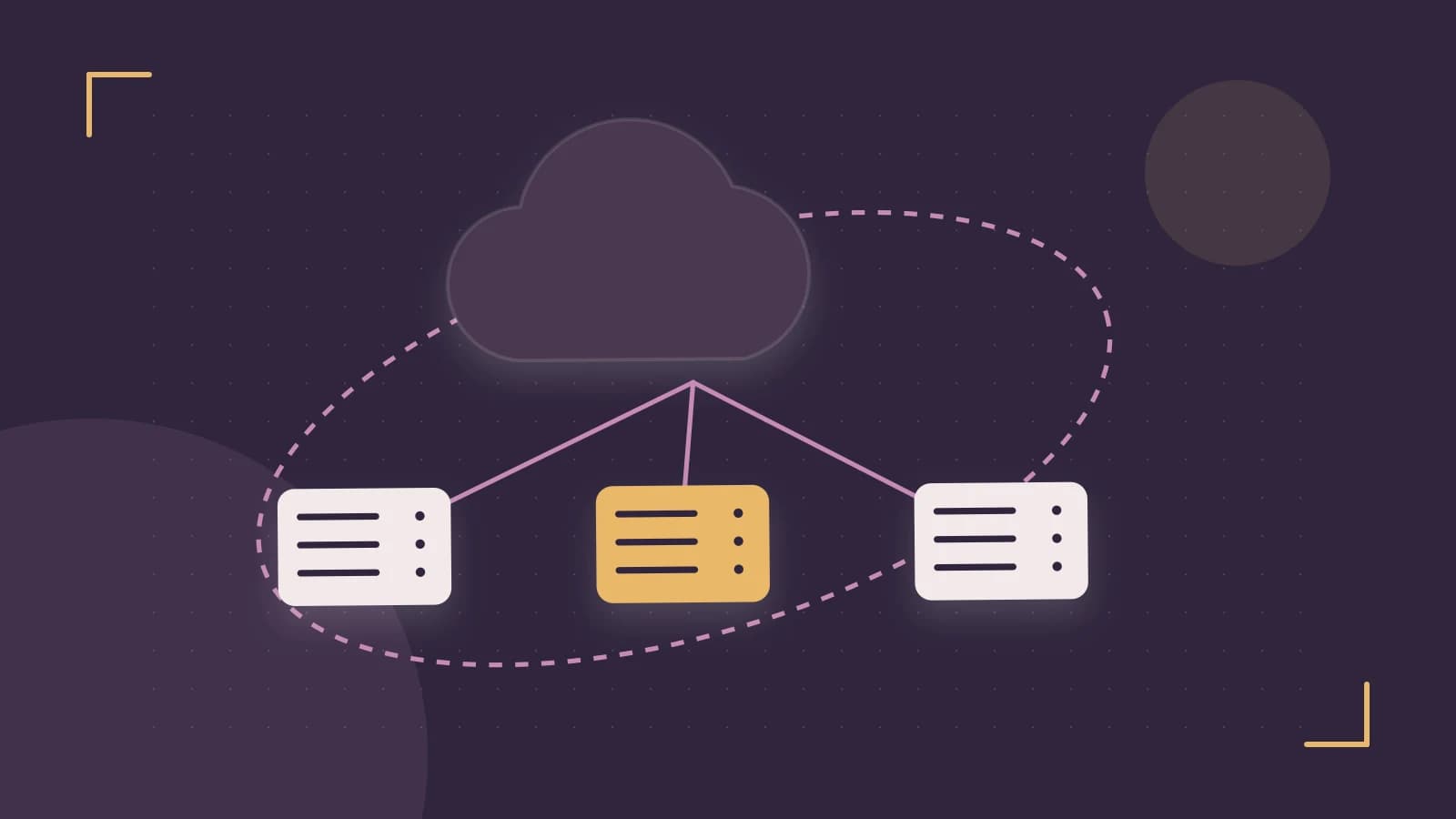
The executor is one of the few Airflow settings you cannot change casually. It is deployment‑wide, set once in airflow.cfg (or via AIRFLOW__CORE__EXECUTOR), and it determines how every task instance in every DAG actually runs. Pick one that is too small and your backlogs grow; pick one that is too complex and you inherit a broker fleet or a Kubernetes dependency your team did not budget for. This guide walks through the supported options, the constraints that should drive the choice, and how to validate the result.
Everything below assumes Airflow 2.x. Executor names and hybrid options differ in 1.10, so confirm against your installed version with airflow version before applying any of this.
The decision and its constraints
- Concurrency: How many tasks must run simultaneously at peak? A handful, dozens, or hundreds?
- Isolation: Do tasks need separate environments (different dependencies, resource limits, or blast‑radius containment), or is sharing a host acceptable?
- Existing infrastructure: Do you already operate a Kubernetes cluster, or are you on plain VMs?
- Operational capacity: Who maintains the moving parts—brokers, worker fleets, container images—when something breaks at 3 a.m.?
Also note the hard rule: SQLite as the metadata database effectively forces SequentialExecutor behavior. If your deployment still points at SQLite, that is the first thing to fix—move to PostgreSQL or MySQL before any executor discussion matters.
Comparing the supported executors
| Executor | How tasks run | Scales to | Isolation | Operational cost | Fit |
|---|---|---|---|---|---|
| SequentialExecutor | One task at a time, in‑process, SQLite only | 1 task | None | Minimal | Local development only — not supported for production |
| LocalExecutor | Subprocesses on the scheduler host | CPU/memory of one host | Process‑level | Low | Single‑node production with moderate parallelism |
| CeleryExecutor | Worker processes on multiple machines via a broker (Redis or RabbitMQ) | Horizontal, add workers | Process/host‑level | Medium‑high: broker, result backend, worker fleet | High concurrency on VM infrastructure |
| KubernetesExecutor | Each task as a new pod | Elastic, cluster‑sized | Strong, per‑task pod | High: images, pod startup latency, cluster ops | Bursty workloads, strict isolation, existing K8s |
| CeleryKubernetesExecutor | Hybrid: routed by queue name to Celery workers or Kubernetes pods | Both | Mixed | Highest: you operate both systems | Mix of latency‑sensitive and isolated workloads |
Trade‑offs that actually bite
LocalExecutor is the underrated default. For many teams, a single well‑sized host running the scheduler and LocalExecutor handles dozens of parallel tasks with almost no operational surface. The catch is the single point of failure: if that host dies, scheduling and execution stop together. If your SLAs tolerate a restart‑and‑recover window, this is often the right answer.
CeleryExecutor scales but adds failure modes. You now operate a message broker and a result backend, and broker tuning is not optional. The visibility timeout (how long a broker waits before redelivering an unacknowledged message) and worker prefetch settings interact badly with long‑running tasks: a worker restart mid‑task can cause duplicate execution if the timeout fires early, or lost tasks if acknowledgements are mishandled. If your tasks run for hours, plan for this explicitly—either make tasks idempotent or tune the broker to your longest task duration.
KubernetesExecutor trades latency for isolation. Every task pays pod startup time—image pull plus scheduling—which can add tens of seconds to minutes per task. For short, frequent tasks this overhead dominates. It shines for bursty, heterogeneous, or untrusted workloads where per‑task resource limits and dependency isolation justify the cost. You also own the worker image lifecycle: DAG dependencies must be baked into or mounted into the image your pods run.
CeleryKubernetesExecutor is a real option, not a compromise. Routing is by queue: tasks assigned to a Celery queue go to workers, tasks assigned to the Kubernetes queue launch as pods. A common split is sending short, latency‑sensitive tasks to always‑on Celery workers and heavy or isolation‑requiring tasks to Kubernetes. The price is that you must operate and monitor both execution paths.
A concrete decision path
- Concurrency under ~30 parallel tasks, no isolation requirements, VMs only → LocalExecutor.
- Sustained high concurrency on VMs, team can run Redis/RabbitMQ → CeleryExecutor.
- Existing Kubernetes cluster, bursty load or per‑task isolation needed → KubernetesExecutor.
- Both profiles in one deployment → CeleryKubernetesExecutor.
- SQLite anywhere in the config → stop, migrate the metadata database first.
Configuring and validating the choice
Set the executor on the scheduler host (requires write access to the Airflow configuration, typically as the airflow user):
# airflow.cfg
[core]
executor = LocalExecutor

# or via environment variable
export AIRFLOW__CORE__EXECUTOR=LocalExecutor
Then restart the scheduler (and webserver, if running). This is a state‑changing operation: changing executors on a live deployment means draining or finishing running tasks first— it is not hot‑swappable. Confirm the active setting:
airflow config get-value core executorValidate behavior with a test DAG containing several independent tasks that each sleep for 30–60 seconds. Trigger it and watch the UI or scheduler logs:
- With LocalExecutor, tasks should run concurrently up to your
parallelismsetting, all on the scheduler host. - With CeleryExecutor, check that workers register: run
airflow celery inspect activefrom a host with Airflow installed and broker access, and confirm tasks appear on broker queues. - With KubernetesExecutor, trigger a task and confirm a pod appears and completes in the target namespace:
kubectl get pods -n <airflow-namespace>(requires cluster credentials with list permission on that namespace).
If tasks queue but never start, the usual suspects are: workers not connected to the same broker/result backend (Celery), missing RBAC permissions for the scheduler to create pods (Kubernetes), or parallelism / dag_concurrency limits set lower than expected (all executors).
Limitations to keep in mind
The executor is global— you cannot assign different executors per DAG except through the queue‑routing mechanism of CeleryKubernetesExecutor. Executor names and configuration keys changed between Airflow 1.10 and 2.x, so verify against your version's documentation before migrating. And because switching executors requires draining work and restarting components, treat the initial choice as a one‑way door: prototype with the test‑DAG approach above in a staging environment before committing in production.
 apacheairflow
0 replies
A thoughtful contribution can make all the difference. Be the first to share one.