Choosing a PyCharm Project Interpreter: Local venv vs. Docker/SSH as an Engineering Decision
Treat PyCharm's project interpreter as an architecture decision: requirements, the minimal local-venv design, trust boundaries of Docker/SSH interpreters, verification steps, and failure modes.
14 Sept 2025, 09:13 UTC
The actual problem
PyCharm resolves code insight, run/debug configurations, test runners, linters, and packaging against one configured project interpreter. If that interpreter doesn't match the environment your code actually deploys or tests against, you get false unresolved-import warnings, tests that pass locally against the wrong dependency set, and breakpoints that silently never bind. The takeaway: treat interpreter selection as a small architecture decision with explicit requirements and checks, not as a setup wizard you click through once.
Requirements to state before choosing
Write down four things before touching Settings:
- Dependency fidelity: must the dev environment match CI/production exactly, or is "close enough" acceptable?
- Platform constraints: do you need GPU drivers, OS-specific packages, or system libraries your workstation lacks?
- Trust and compliance: may source code and secrets leave the workstation? Remote execution changes that answer.
- Edition and version: Docker Compose and SSH interpreters require PyCharm Professional; Community supports local interpreters only. UI paths vary by release, so treat any menu location below as version-sensitive and verify against your installed version.
The smallest suitable design
For most projects the minimal design is one local virtual environment per project (venv or Conda), created from a lockfile, with PyCharm pointed at it once per developer machine:
- The venv lives outside version control; the lockfile (requirements.txt, poetry.lock, uv.lock, environment.yml) lives inside it.
- Interpreter settings are stored under
.idea/(e.g.,misc.xml,workspace.xml). Keep machine-specific interpreter paths out of VCS so each developer binds their own environment, but consider committing shared run configurations so the team runs the same entry points. - Every tool — debugger, test runner, linter, formatter — is configured to use the same project interpreter, not a per-tool override.
This design has no moving parts beyond the venv itself and fails loudly: if the interpreter is wrong, imports break immediately.
When to move execution: Docker and SSH interpreters
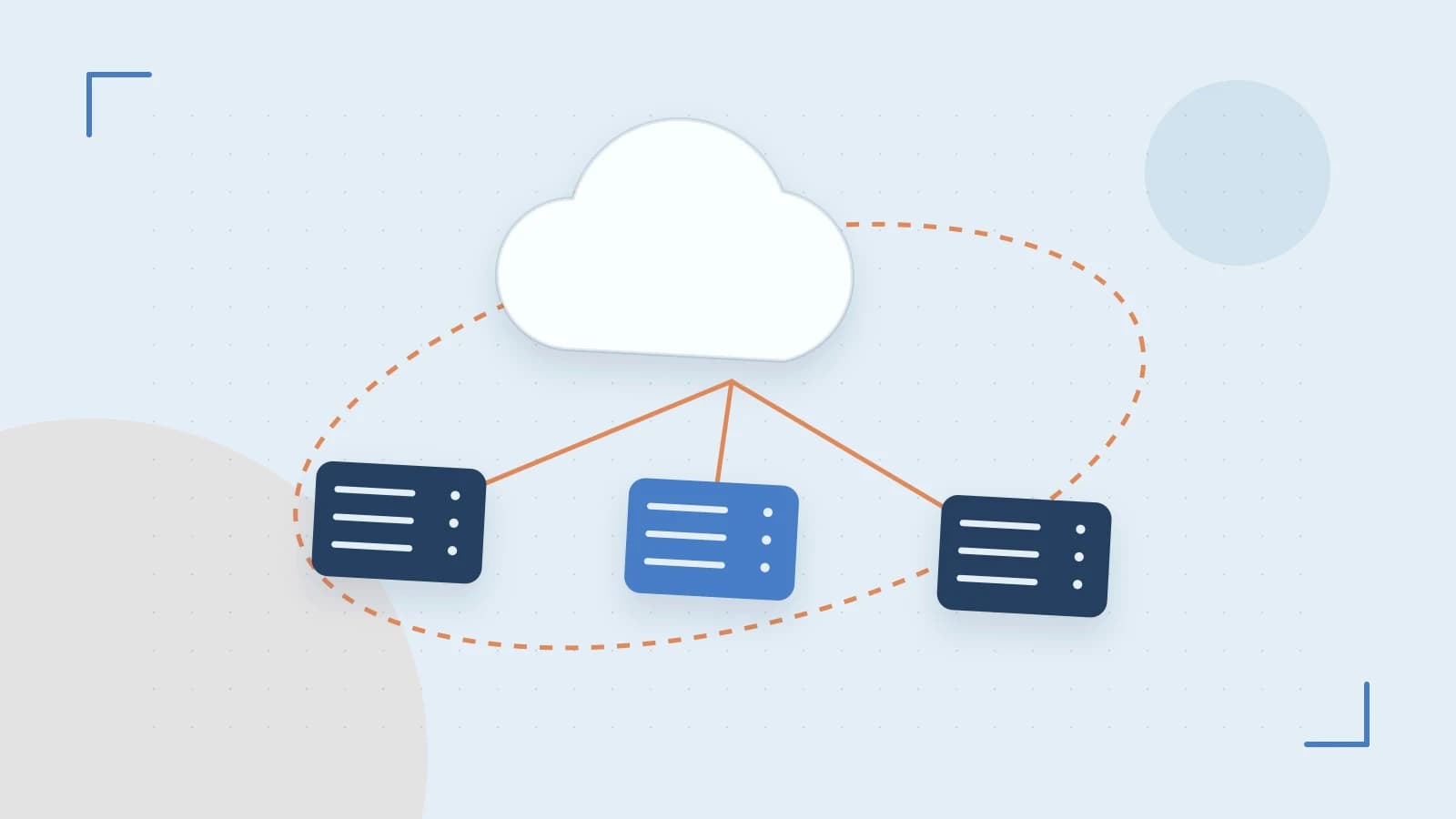
Remote interpreters (Docker Compose or SSH, Professional edition) move execution off the workstation. This creates an explicit trust/data boundary worth drawing deliberately:
- Local side: source files, editor, code insight caches.
- Remote side: code execution, installed dependencies, environment variables and secrets, network access, mounted volumes.
PyCharm synchronizes or mounts your source into the remote environment and streams execution back over SSH or the Docker API. That means code and environment data traverse a network connection — confirm the host, credentials, and transport meet your project's security requirements before adopting this. The payoff is high fidelity: the interpreter, system libraries, and OS match production because they are the production-shaped container or host.
Verifying the effective interpreter
Don't trust the setup dialog; verify what actually executes. From a run configuration inside PyCharm, run:
import sys
print(sys.executable)
import some_dependency
print(some_dependency.__version__)
Expected check: sys.executable points inside your project venv (or the container path for a remote interpreter), and the dependency version matches the lockfile. Cross-check the interpreter shown in the status bar against Settings > Project > Python Interpreter — both should name the same executable and package list. For a remote interpreter, start a debug session with a breakpoint on a line that touches a dependency; if the breakpoint binds and variables resolve, path mappings are correct.
Failure modes to plan for
- Stale caches after interpreter changes: code insight keeps resolving against the old environment. Fix via File > Invalidate Caches and restart.
- Container not running: a Docker-based run configuration fails or hangs if the target service isn't up. Make "compose up" part of the pre-run checklist or an external tool step.
- Silent path-mapping failures: with remote interpreters, a wrong local-to-remote mapping means breakpoints never bind and execution still "works" — the worst kind of failure. Always validate with a real breakpoint after changing mappings.
- Per-tool interpreter drift: the test runner or linter configured against a different interpreter than the run configuration produces results that contradict the editor. Audit tool settings whenever the project interpreter changes.
Conditions that change the design
Revisit the decision when any of these become true:
- You need GPU access or OS-specific dependencies your workstation can't provide → move to a remote/container interpreter.
- Compliance forbids code or secrets leaving the machine → stay fully local, even at the cost of fidelity.
- Onboarding drift ("works on my machine") appears → commit shared run configurations and enforce lockfile-based venv creation.
- The team standardizes on dev containers or remote dev hosts → the SSH/Docker interpreter becomes the default, not the exception.
The design is cheap to change precisely because it's small: one interpreter, one lockfile, one verification script. Keep it that way until a requirement forces otherwise.
 docker
 pycharm
0 replies
A thoughtful contribution can make all the difference. Be the first to share one.