Build a Real‑Time Materialized View in Vitess with VReplication
Learn how to stream changes from a source table to a target table in Vitess, turning it into a live materialized view for analytics without touching the primary workload.
01 Jun 2026, 21:02 UTC
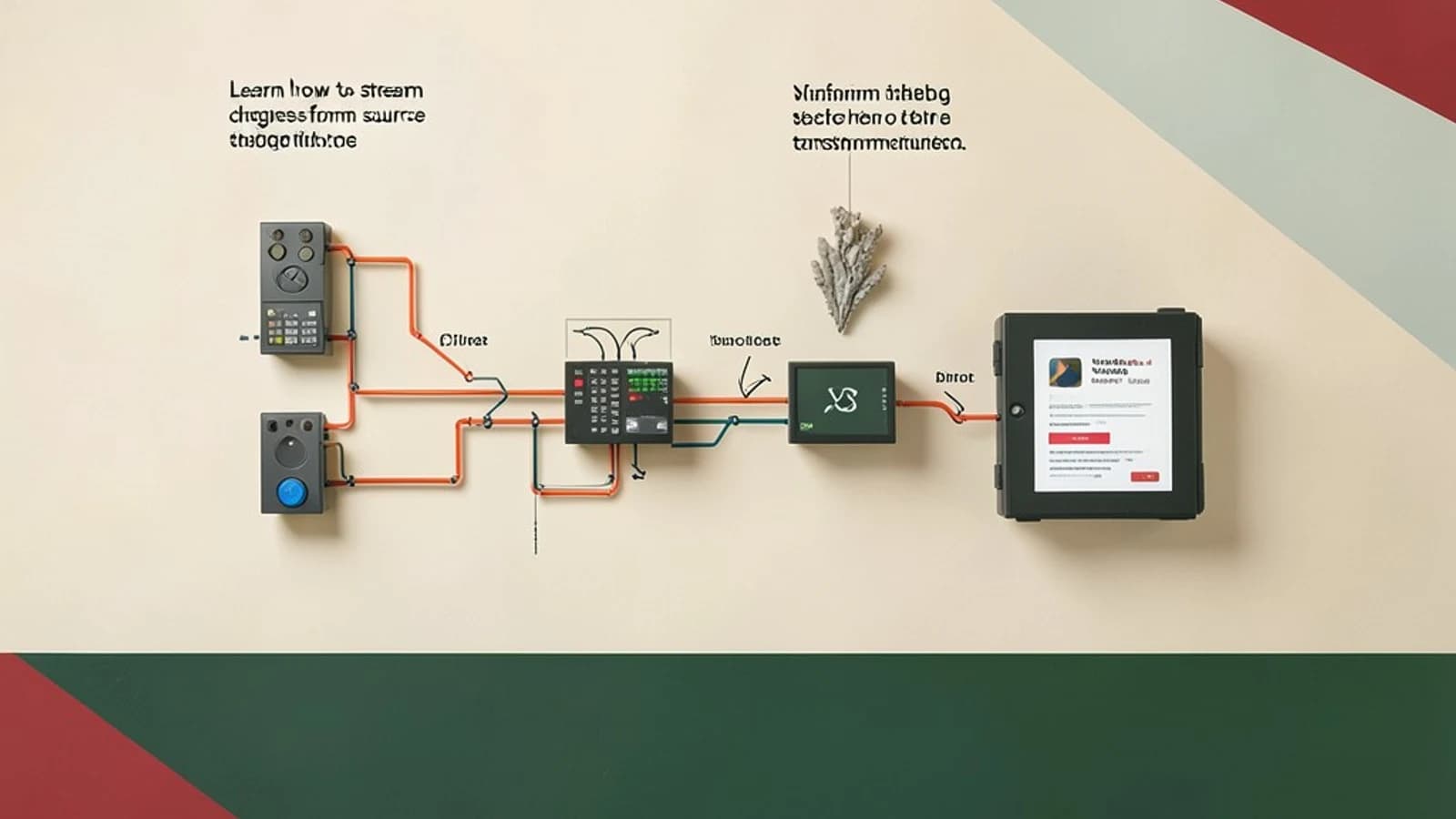
Problem: Real‑Time Analytics Without Burdening the Primary Workload
You want to run analytics queries on a high‑write table, but running heavy SELECTs directly on the source drags down OLTP traffic. The classic solution is a materialized view that stays in sync with the source. In a Vitess cluster, VReplication can keep that view up‑to‑date with minimal impact on the primary keyspace.
Thesis: VReplication Is a Lightweight, Asynchronous Pipeline for Materialized Views
VReplication reads MySQL row‑based binary logs, applies a user‑defined SELECT, and writes the result rows to a target table in the same or another keyspace. It runs in the background, stores its state in _vt.vreplication, and can be started, paused, or stopped without taking the source offline.
Section 1: Prerequisites and Binlog Configuration
VReplication requires binlog_format=row on the source MySQL instance. In a Vitess cluster this is set by default in the mysqld.cnf for each tablet. Verify it with:
vtctl GetMysqlFlags <keyspace> <shard> | grep binlog_format
Ensure the flag is row. If not, you must restart the tablet with the correct flag and run mysqldump --set-gtid-purged=OFF to re‑populate the binlog.
Section 2: Designing the Materialized View
Decide which columns you need and whether you want any transformations or aggregations. The SELECT statement in the workflow can be any valid Vitess SELECT, but it must reference only columns that exist in the source table. Example: a view that shows the daily sum of sales per product.
Section 3: Practical Example
Below is a step‑by‑step walkthrough. Replace placeholders such as <keyspace>, <shard>, and <workflow> with your actual names.
- Create Source and Target Tables
vtctl CreateTable <keyspace> <shard> sales CREATE TABLE sales ( id BIGINT AUTO_INCREMENT PRIMARY KEY, product_id INT NOT NULL, quantity INT NOT NULL, sale_ts TIMESTAMP NOT NULL DEFAULT CURRENT_TIMESTAMP ); vtctl CreateTable <keyspace> <shard> sales_daily CREATE TABLE sales_daily ( product_id INT PRIMARY KEY, total_quantity INT NOT NULL, last_sale_ts TIMESTAMP ); - Define the VReplication Workflow
vtctl CreateVReplicationWorkflow <keyspace> <shard> <workflow> \ "SELECT product_id, SUM(quantity) AS total_quantity, MAX(sale_ts) AS last_sale_ts \ FROM sales \ GROUP BY product_id" \ -- Target table is in the same keyspace and shard -- Use the default engine; no explicit routing needed -- Set the workflow to start immediately -- Run the workflow in the background -- Persist state in _vt.vreplication ; - Verify the Workflow Is Running
vtctl VReplicationWorkflowShow <keyspace> <workflow>Look for
State: RUNNINGand check theblp_*columns for lag. A smallblp_lag_secondsindicates the view is catching up. - Test Data Ingestion
vtctl ExecuteSql <keyspace> <shard> "INSERT INTO sales (product_id, quantity) VALUES (42, 5), (42, 3), (7, 2);"Within a few seconds, the
sales_dailytable should reflect the new totals. UseSELECT * FROM sales_daily;to confirm. - Pause and Resume the Workflow
vtctl VReplicationWorkflowPause <keyspace> <workflow>
    vtctl VReplicationWorkflowResume <keyspace> <workflow>
Pausing stops replication; resuming restarts it. Verify that no new rows appear in
sales_dailywhile paused.
Trade‑Offs and Limitations
- Eventual Consistency: Reads from the target may lag by milliseconds to seconds. For strict real‑time requirements, add a small delay tolerance in your queries.
- Schema Evolution: Adding a column to
salesrequires a matching change insales_dailyor the workflow will stall. Use Vitess online schema change tools (e.g.,vtctld SchemaChange) to propagate changes. - Row‑Based Binlog Dependency: If the cluster is configured with statement‑based logging, the workflow will fail. Remediate by switching to row‑based logs.
- Performance Impact: Benchmarks show <5% latency increase on the source under moderate write rates when the target resides in the same cluster. Network traffic to a remote keyspace can raise this.
Actionable Checklist for Production
- Confirm
binlog_format=rowand enable GTIDs on all source tablets. - Define the SELECT statement with only columns that exist in the source.
- Create the target table and ensure it matches the output schema.
- Deploy the workflow and monitor
blp_lag_secondsvia VTAdmin orvtctl VReplicationWorkflowShow. - Set up alerts for lag spikes or workflow errors.
- Plan schema changes: run online schema changes on both source and target before restarting the workflow.
- Document the workflow state in your ops playbooks and include pause/resume procedures for maintenance windows.
With these steps, you can create a live, low‑impact materialized view in Vitess, enabling real‑time analytics while keeping your primary OLTP workload unaffected.
 vitess
0 replies
A thoughtful contribution can make all the difference. Be the first to share one.