Build a Lightweight, Thread‑Safe Producer‑Consumer Pipeline in F# with MailboxProcessor
Create a thread‑safe producer‑consumer pipeline in F# using MailboxProcessor. Learn how to define message types, start an agent, handle errors, and add back‑pressure. Includes example code, runtime checks, and recovery strategies.
21 May 2026, 20:59 UTC
Desired Outcome
Write a reusable, thread‑safe producer‑consumer pipeline that guarantees message ordering, avoids locks, and can be shut down gracefully. The pipeline should expose a simple Post API for producers and a Reply API for request/response patterns.
Prerequisites
- Microsoft .NET 8 SDK (or later) installed on your machine.
- Basic knowledge of F# syntax and async workflows.
- Familiarity with
MailboxProcessor(agents) as a lightweight actor model.
Step‑by‑Step Procedure
- Create a new console project
dotnet new console -lang F# -n ProducerConsumerDemo cd ProducerConsumerDemo - Define the message contract
type Message =
    | Produce of int            // Producer sends a number
    | Consume                    // Signal consumer to process
    | Stop                        // Request graceful shutdown
Using a discriminated union keeps the message space type‑safe and extensible.
- Create the agent
open System
open System.Threading

let agent =
    MailboxProcessor.Start(fun inbox ->
        // Shared mutable state for the queue
        let buffer = System.Collections.Generic.Queue<int>()
        let rec loop () = async {
            try
                let! msg = inbox.Receive()
                match msg with
                | Produce n ->
                    buffer.Enqueue n
                    printfn "[Agent] queued %d" n
                | Consume ->
                    if buffer.Count > 0 then
                        let value = buffer.Dequeue()
                        printfn "[Agent] consumed %d" value
                    else
                        printfn "[Agent] buffer empty"
                | Stop ->
                    printfn "[Agent] stopping"
                    // No further recursion – agent exits
                | _ -> ()
                // Continue only if not stopped
                match msg with
                | Stop -> ()
                | _ -> return! loop ()
            with
            | ex ->
                // Log and continue
                printfn "[Agent] error: %s" ex.Message
                return! loop ()
        }
        loop ()
    )
The loop runs on a single thread, serializing all message handling. Errors are caught so the agent never terminates unexpectedly.
- Produce messages asynchronously
let produceNumbers count = async { for i in 1 .. count do agent.Post (Produce i) // Small delay to simulate work do! Async.Sleep 10 } - Consume messages in a separate async workflow
let consumeLoop = async { while true do agent.Post Consume do! Async.Sleep 50 } - Start the pipelines
[<EntryPoint>] let main argv = let prodTask = produceNumbers 100 |> Async.StartAsTask let consTask = consumeLoop |> Async.StartAsTask // Wait for production to finish prodTask.Wait() // Give consumer time to drain Async.Sleep 2000 |> Async.RunSynchronously // Stop the agent agent.Post Stop 0 - Compile and run
dotnet build
dotnet run
Console output should show numbers queued and then consumed in order.
Runtime Checks & Diagnostics
- Message ordering: Verify that "consumed" numbers appear in the same sequence as "queued" numbers.
- Memory footprint: Run
dotnet-trace collect -p $(dotnet run & echo $!) -o trace.nettracewhile producing at a high rate. Inspect the heap profile for unbounded growth. - Error handling: Inject a deliberate exception inside the loop (e.g., throw
exn "boom"whenn = 42) and confirm the agent logs the error but continues processing. - Graceful shutdown: After posting
Stop, ensure the process exits without hanging. If the agent is still alive, check for pending messages or blocked async operations.
Recovery & Back‑pressure Strategies
- Bounded buffer: Replace
Queue<int>withSystem.Collections.Concurrent.BlockingCollection<int>(boundedCapacity = 1000)and handleBoundedCapacityReachedby dropping or signaling producers. - Back‑pressure via
PostAndReply: Instead of fire‑and‑forget, let producers wait for a reply indicating the buffer has space. - Offload heavy work: If processing a message requires I/O or CPU, start a separate async workflow inside the
Consumecase and return immediately to keep the agent responsive. - Cancellation token: Pass
CancellationTokentoMailboxProcessor.Startand trigger cancellation from outside to terminate all async work promptly.
Limitations & When to Avoid Agents
- Agents are single‑threaded; long‑running or blocking work inside the loop will stall all message handling.
- For very simple state (e.g., a counter) a mutable variable with a lock or
Interlockedmay be simpler. - Agents do not provide built‑in persistence or clustering; for distributed workloads consider Akka.NET or Orleans.
Practical Verification Checklist
- Run
dotnet runand confirm console output shows proper sequencing. - Stress test by increasing the production rate; monitor memory with
dotnet-traceor a profiler. - Trigger a fault in the handler and verify the agent logs the error but continues.
- Send
Stopand ensure the process terminates within a few seconds.
Diagram Labels
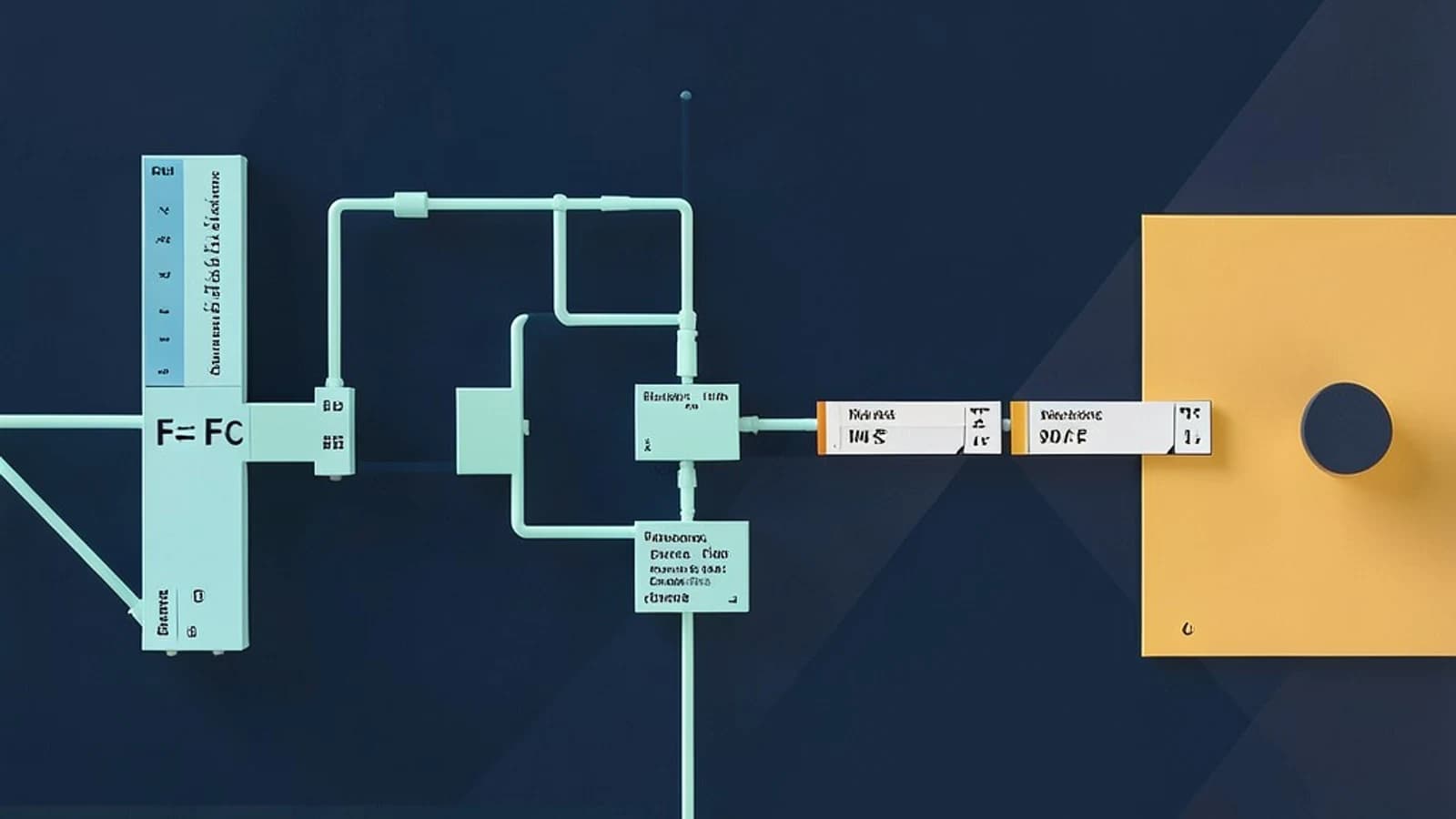
| Producer | MailboxProcessor (Agent) | Consumer | Back‑pressure |
|---|---|---|---|
| Posts Produce messages | Serializes handling | Posts Consume messages | Signals when buffer full |
 fsharp