Bringing Existing Kubernetes Clusters Under Rancher Management
Learn how to use the Rancher agent to import existing Kubernetes clusters into a centralized management plane, reducing configuration drift and simplifying multi-cluster RBAC.
12 May 2026, 08:58 UTC
The Management Gap in Multi-Cluster Environments
Engineering teams often find themselves in a fragmented state: some clusters were spun up via managed cloud services (EKS, GKE, AKS), others are bare-metal installations, and a few are legacy clusters created before a centralized management strategy existed. Managing these via separate kubeconfig files and disparate CLI contexts is a recipe for configuration drift and security oversights.
The solution is to import these existing clusters into Rancher. By deploying the Rancher agent, you shift from managing clusters as isolated islands to managing them as a unified fleet, gaining centralized RBAC (Role-Based Access Control) and a single pane of glass for observability without needing to migrate your workloads.
How the Rancher Agent Bridges the Gap
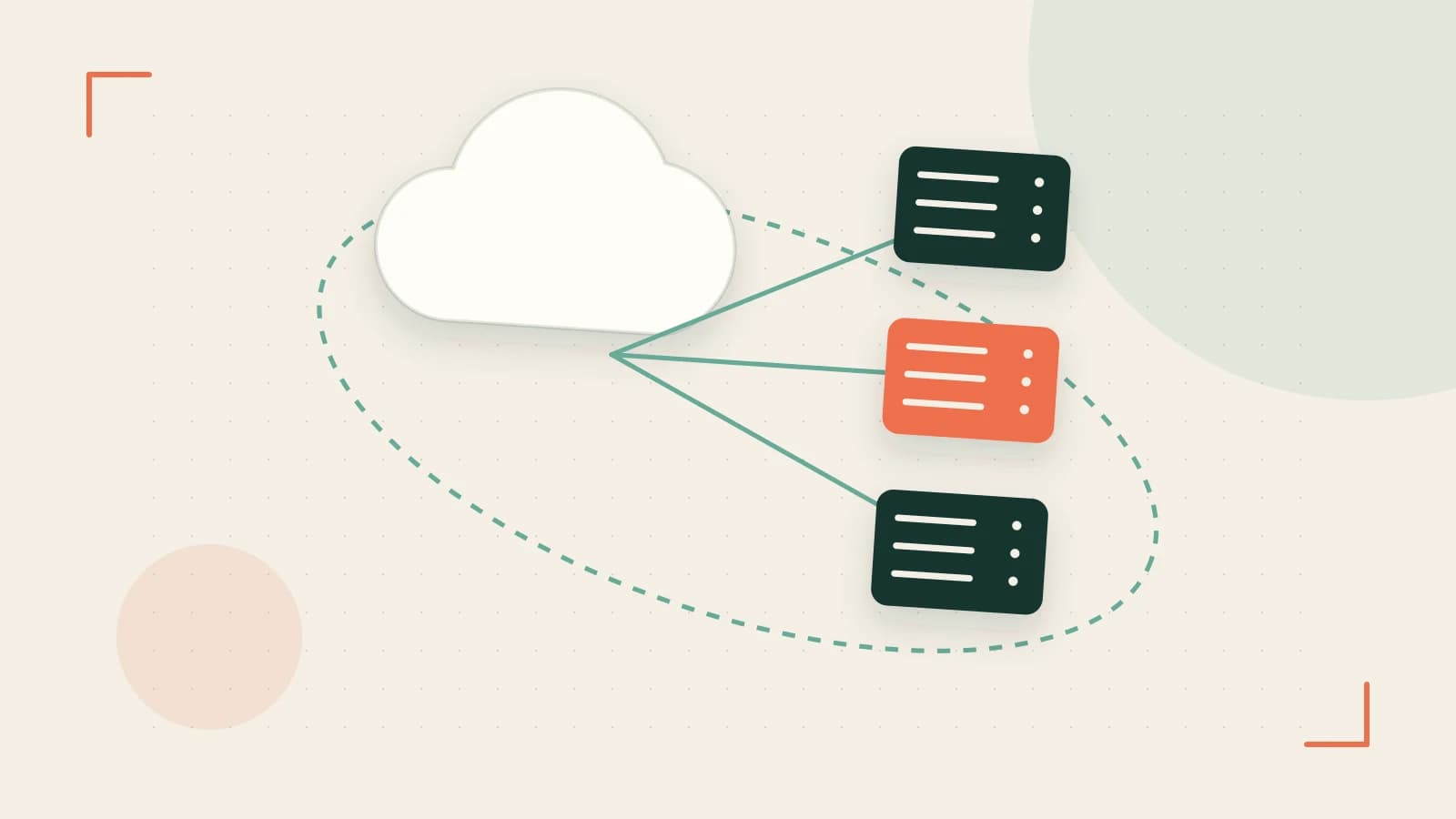
Rancher does not take over the underlying infrastructure of an imported cluster. Instead, it uses a lightweight Rancher Agent—a service typically deployed as a DaemonSet—that establishes a secure, outbound WebSocket connection to the Rancher server.
This architecture is critical because it avoids the need to open inbound firewall ports on your worker nodes. The agent handles the communication, allowing the Rancher server to push configurations and pull status updates. Once the agent is active, the cluster is "registered," and Rancher can manage its resources as if it had provisioned the cluster itself.
Practical Implementation: Importing a Cluster
To import a cluster, you must have cluster-admin permissions on the target Kubernetes cluster and network access to the Rancher server's API on port 443.
Step-by-Step Registration
- Generate the Command: In the Rancher UI, navigate to Cluster Management > Create. Select Existing Cluster. Give the cluster a name and select the Kubernetes version that matches your target cluster.
- Execute the Agent Deployment: Rancher will provide a
kubectl applycommand. This command creates the necessary namespaces and deploys the agent.
# Example registration command (Placeholders used for clarity)
kubectl apply -f https://<rancher-server-url>/v3/import/<cluster-token>.yaml
Verification and Checks
After running the command, verify the agent pods are running on the target cluster:
# Run on the target cluster's CLI
kubectl get pods -n cattle-system
Expected result: You should see cattle-cluster-agent pods in a Running state. If the pods are stuck in CrashLoopBackOff, check the logs for TLS handshake errors or DNS resolution failures regarding the Rancher server URL.
Trade-offs and Operational Limits
While importing clusters simplifies management, there are specific constraints to consider:
- Version Compatibility: The Rancher agent has a minimum supported Kubernetes version (typically v1.22+). Clusters running legacy versions may fail to register or lack support for newer Rancher features.
- Connectivity Dependency: If the WebSocket connection between the agent and the server is severed, you lose the ability to manage the cluster via the Rancher UI. However, the workloads inside the cluster continue to run unaffected; only the management plane is interrupted.
- Resource Overhead: The agent is lightweight, but in extremely resource-constrained edge environments, the memory footprint of the
cattle-systemnamespace should be monitored.
Decision Matrix: Import vs. Provision
| Feature | Imported Cluster | Rancher-Provisioned (RKE/K3s) |
|---|---|---|
| Infrastructure Control | External (Cloud Provider/Manual) | Rancher-managed |
| Lifecycle Management | Manual upgrades of K8s version | One-click upgrades via UI |
| Connectivity | Outbound WebSocket (Port 443) | Full API Orchestration |
| Setup Speed | Fast (Agent deployment) | Slower (Full cluster build) |
Closing Action
To begin consolidating your environment, identify your oldest supported cluster and attempt a test import. Ensure your firewall allows outbound HTTPS traffic to your Rancher instance, run the registration command, and verify the cluster appears in the Global view. This removes the need for manual kubeconfig swapping and brings your legacy environments into your current security policy framework.
 rancher
 kubernetes
0 replies
A thoughtful contribution can make all the difference. Be the first to share one.