Boosting Love2D Rendering with SpriteBatch: When and How to Use It
Learn how Love2D's SpriteBatch reduces draw‑call overhead, see a concrete starfield example, and understand the trade‑offs before you adopt it.
14 Sept 2025, 21:58 UTC
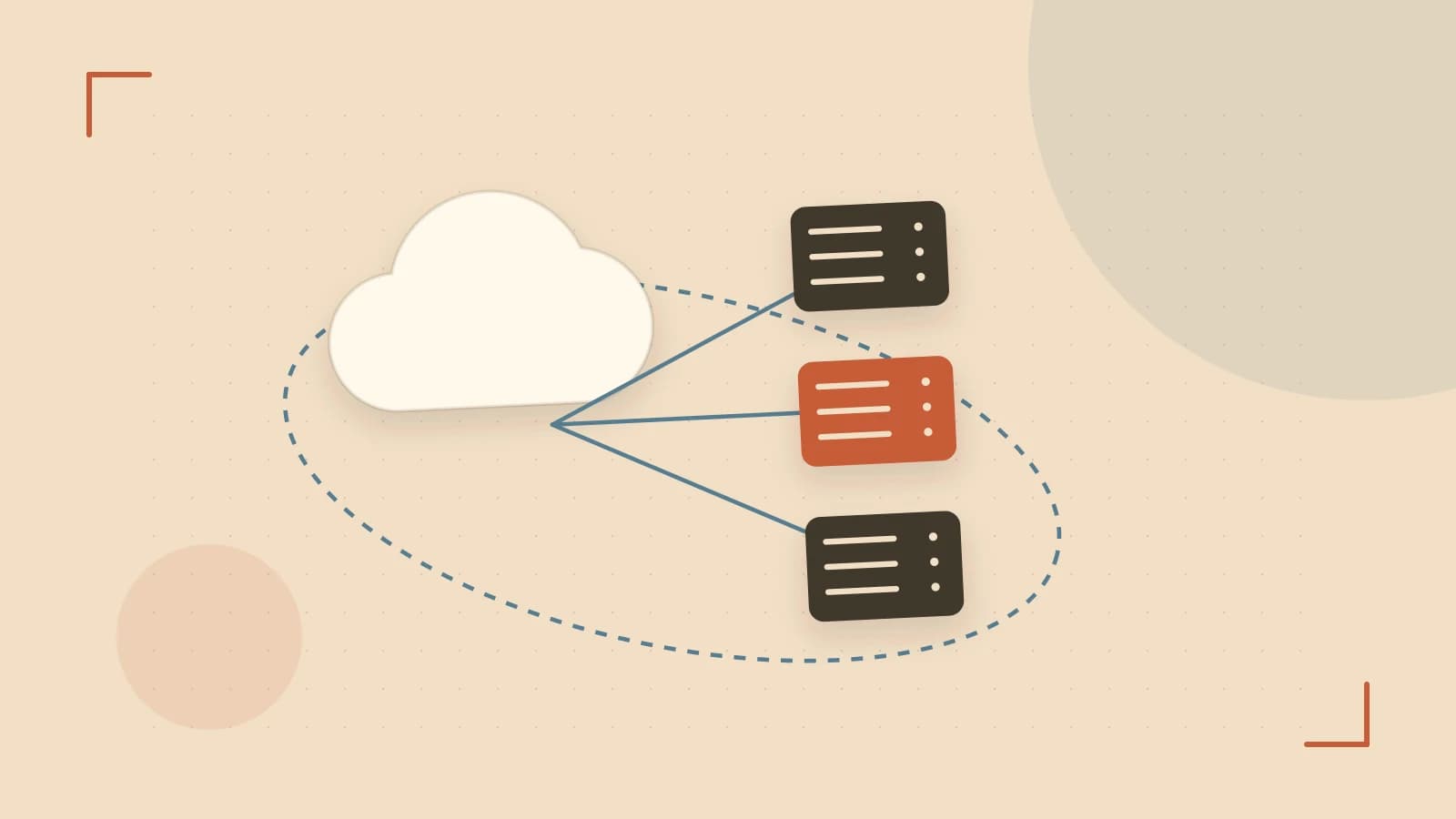
Problem: Too many draw calls kill your frame rate
When you render hundreds of identical sprites—like particles, tiles, or enemies—each love.graphics.draw call becomes a separate draw call. The CPU spends time issuing these calls, and the GPU sits idle waiting for the next one. The result is a noticeable drop in FPS even though the workload is simple.
Thesis: SpriteBatch groups quads of the same texture into a single draw call, giving you back the performance you lose to overhead.
How SpriteBatch works
A SpriteBatch object holds many quads that all reference the same texture. When you call batch:draw, Love2D issues one draw call for the entire batch, regardless of how many quads it contains. You can add, update, or remove quads with :add, :set, and :clear. The usage hint you give when creating the batch ("static", "dynamic", or "stream") tells Love2D how often you plan to modify the data, allowing it to choose an optimal internal strategy.
Worked example: rendering a starfield
Below is a minimal Love2D sketch that compares drawing 2000 stars individually versus using a SpriteBatch. Paste this into main.lua of a new Love2D project and run it with the Love2D executable.
function love.load()
    starImg = love.graphics.newImage('star.png')
    -- Create a dynamic batch because we will change positions each frame
    starBatch = love.graphics.newSpriteBatch(starImg, 2000, 'dynamic')
    stars = {}
    for i = 1, 2000 do
        table.insert(stars, {x = math.random(0, 800), y = math.random(0, 600), ox = math.random(), oy = math.random()})
        starBatch:add(stars[i].x, stars[i].y, 0, 1, 1, 0.5, 0.5) -- origin at center
    end
    timer = 0
end

function love.update(dt)
    timer = timer + dt
    -- Update positions each frame to show dynamic usage works
    for i, s in ipairs(stars) do
        s.x = (s.x + 50 * dt) % 800
        s.y = (s.y + 30 * dt) % 600
        starBatch:set(i, s.x, s.y)
    end
end

function love.draw()
    love.graphics.clear(0.1, 0.1, 0.2)
    -- Draw using SpriteBatch
    love.graphics.draw(starBatch)
    -- Uncomment the block below to see the individual draw version
    --[[ for _, s in ipairs(stars) do
        love.graphics.draw(starImg, s.x, s.y, 0, 1, 1, 0.5, 0.5)
    end --]]
    love.graphics.print('FPS: ' .. love.timer.getFPS(), 10, 10)
end
Run the sketch and watch the FPS counter. Then comment out the love.graphics.draw(starBatch) line and uncomment the loop that draws each star individually. You will see a significant FPS drop when using individual draws, confirming the batch’s efficiency.
Trade‑offs and limitations
- Single texture constraint: All quads in a batch must share the same texture. If you need sprites from different atlases, you must create multiple batches, which can increase draw calls again.
- Usage hint matters: A batch created with
'static'assumes the data never changes. Modifying it each frame can cause a stall as Love2D may need to re‑upload the whole buffer. Use'dynamic'or'stream'when you expect frequent updates. - Shared state: The current color, shader, and blend mode affect the entire batch uniformly. You cannot give each quad a different color without splitting the batch or using a shader that reads per‑instance attributes.
Actionable closing
Start by profiling your game with love.timer.getTime() around the drawing code to see how much time is spent in draw calls. If you notice a high cost and you are rendering many copies of the same texture, replace those calls with a SpriteBatch. Choose the usage hint that matches your update frequency, keep your textures in an atlas, and remember that any per‑quad variation must be handled via shaders or separate batches. This simple change often yields a 2‑5× FPS boost in typical 2D scenes.
 love2d
0 replies
A thoughtful contribution can make all the difference. Be the first to share one.