Bazel local disk vs remote cache: a CI decision guide
Decide whether to use Bazel's local disk cache, a remote HTTP/gRPC cache, or both, then validate with cold and warm CI builds.
25 Jan 2026, 07:50 UTC
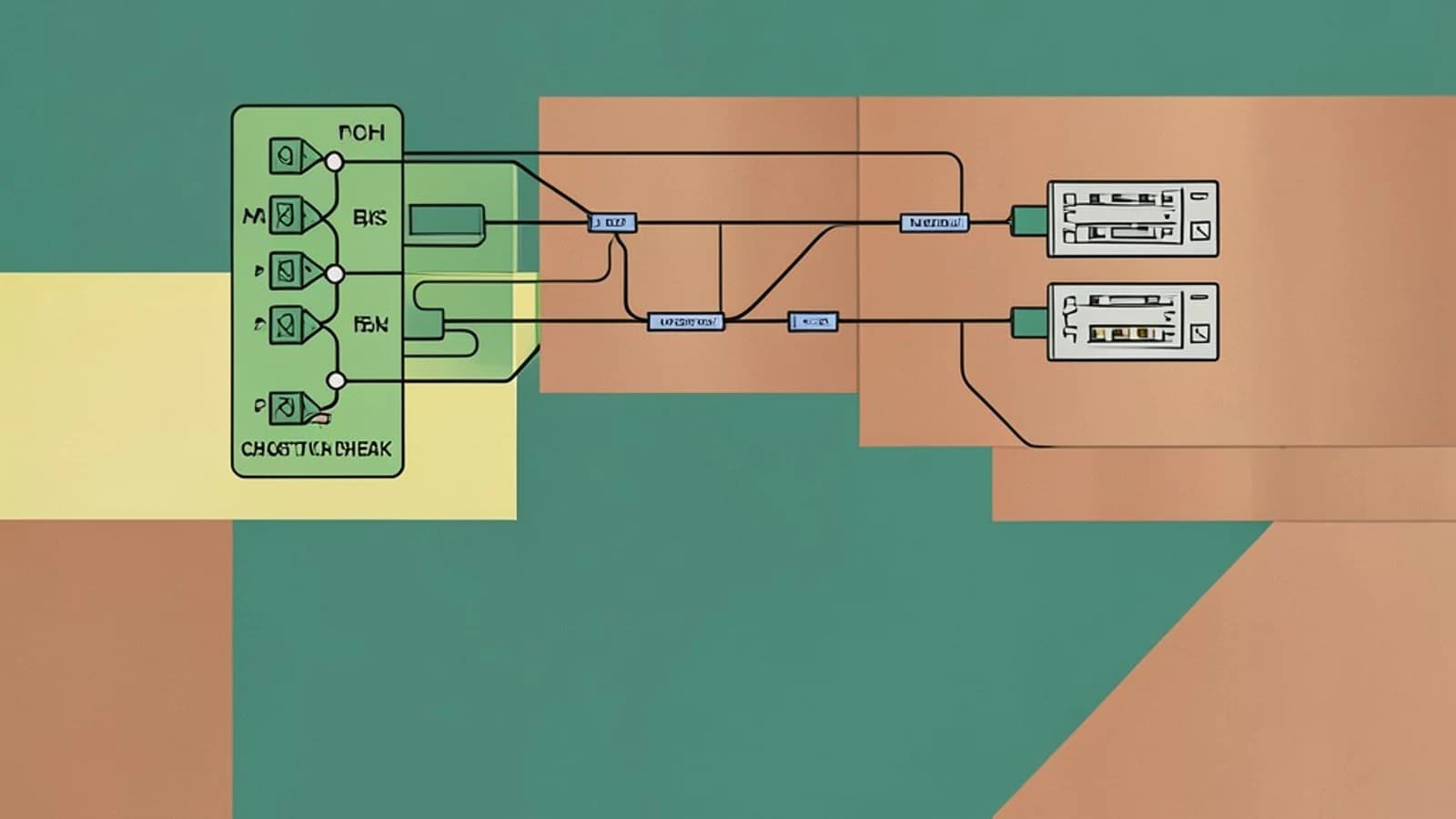
The problem: CI rebuilds actions that already succeeded
A continuous integration pipeline often starts with an empty workspace. Even when only one source file changed, Bazel may re-execute compile, test, and packaging actions because no previous outputs are available on that runner. The result is longer wait times and higher compute cost for work that has already been done on another build.
Useful takeaway: enable both a local disk cache and a remote HTTP/gRPC cache, keep credentials out of .bazelrc, and validate with a cold baseline followed by a warm build. The remote cache shares outputs across ephemeral CI runners, while the local disk cache speeds up repeated builds on the same machine.
Decision and constraints
Decide which cache backends to turn on before changing CI configuration. The constraints below determine whether remote caching will help or hurt.
- CI runners are ephemeral and do not preserve disk contents between jobs.
- You control or can authenticate to an HTTP or gRPC cache endpoint.
- Build outputs must not contain secrets, because cache entries can be inspected by the endpoint operator.
- All runners use the same Bazel release and target platform, since cache keys incorporate toolchain and platform information.
Supported options side by side
Bazel supports local disk caching with --disk_cache and remote caching with --remote_cache. Both can be enabled at the same time.
| Option | Where outputs are stored | Best for | Main limitation |
|---|---|---|---|
| Local disk cache | A directory on the runner's filesystem | Repeated builds on the same persistent machine | Not shared across ephemeral CI runners unless the directory is persisted externally |
| Remote HTTP/gRPC cache | A shared cache server reachable over the network | Sharing outputs across CI runners and pull-request builds | Network latency; endpoint authentication and integrity must be managed |
| Combined disk and remote | Local directory plus remote server | CI pipelines that want fast local repeats and cross-runner sharing | More configuration; cache misses still require full action execution |
How cache keys affect hits and misses
Bazel computes an action key from file contents, the command line, relevant environment variables, and the toolchain. If any input changes, the key changes and the action is a cache miss. A different Bazel version or a different platform can also produce a miss, even when sources are identical. Test results are cached separately and require --cache_test_results; they are not enabled by default for remote builds.
Configuration
Add cache flags to .bazelrc at the workspace root. Use placeholders that match your infrastructure:
build --disk_cache=
build --remote_cache=
Do not store plaintext cache credentials in .bazelrc. Supply authentication through .netrc or --remote_header provided by the CI environment. Example .netrc entry:
machine
login
password
Run this on the workstation or CI runner that executes Bazel. The user account needs write permission to and outbound network access to the remote cache host. Restrict .netrc with chmod 600 ~/.netrc.
Validation: cold baseline, then warm build
- Establish a cold baseline. On a clean runner, run:
bazel clean --expunge && bazel build //my_project:all
Record the wall-clock time. This run executes actions because the caches are empty.
- Run the same build again with caching enabled:
bazel build //my_project:all
Inspect the build event protocol output or run bazel analyze-profile against the generated profile to confirm that actions were retrieved from cache instead of re-executed. Look for reduced action execution and lower wall-clock time compared with the cold baseline.
- Compare across multiple CI runs.
A single warm build is not conclusive. Compare cache hit rate and build time over several pull-request builds to confirm the remote cache is reducing work and not adding latency that outweighs its benefit.
Limitations and practical checks
- The first build after a cache miss is cold. Remote caching can be slower than local execution for very small changes because of network round trips.
- Mismatched Bazel versions or platforms cause cache misses even with identical sources.
- Actions that depend on host-specific tools or network access may not be safely cacheable.
- A remote cache operator can observe build metadata and action outputs. Do not cache targets that produce secrets.
- An untrusted remote cache writer could poison entries. Use authenticated endpoints and treat remote outputs as untrusted until verified.
Practical check: after enabling caching, run bazel clean --expunge && bazel build //... once, then run the same build again. If the second run still executes most actions, verify that .bazelrc is being read, that the disk cache path is writable, and that the remote endpoint is reachable and authenticated.
Rollback
Editing .bazelrc changes build behavior. To roll back, remove the --disk_cache and --remote_cache lines or restore the previous file from version control, then run a clean build to confirm uncached execution returns.
 bazel
bazel0 replies
A thoughtful contribution can make all the difference. Be the first to share one.