Azure Container Registry: pull a pinned image with the workload's managed identity
Grant Azure Container Registry pull access with the correct role mode, select the workload identity, and verify an immutable image without shared registry passwords.
11 Oct 2026, 08:39 UTC
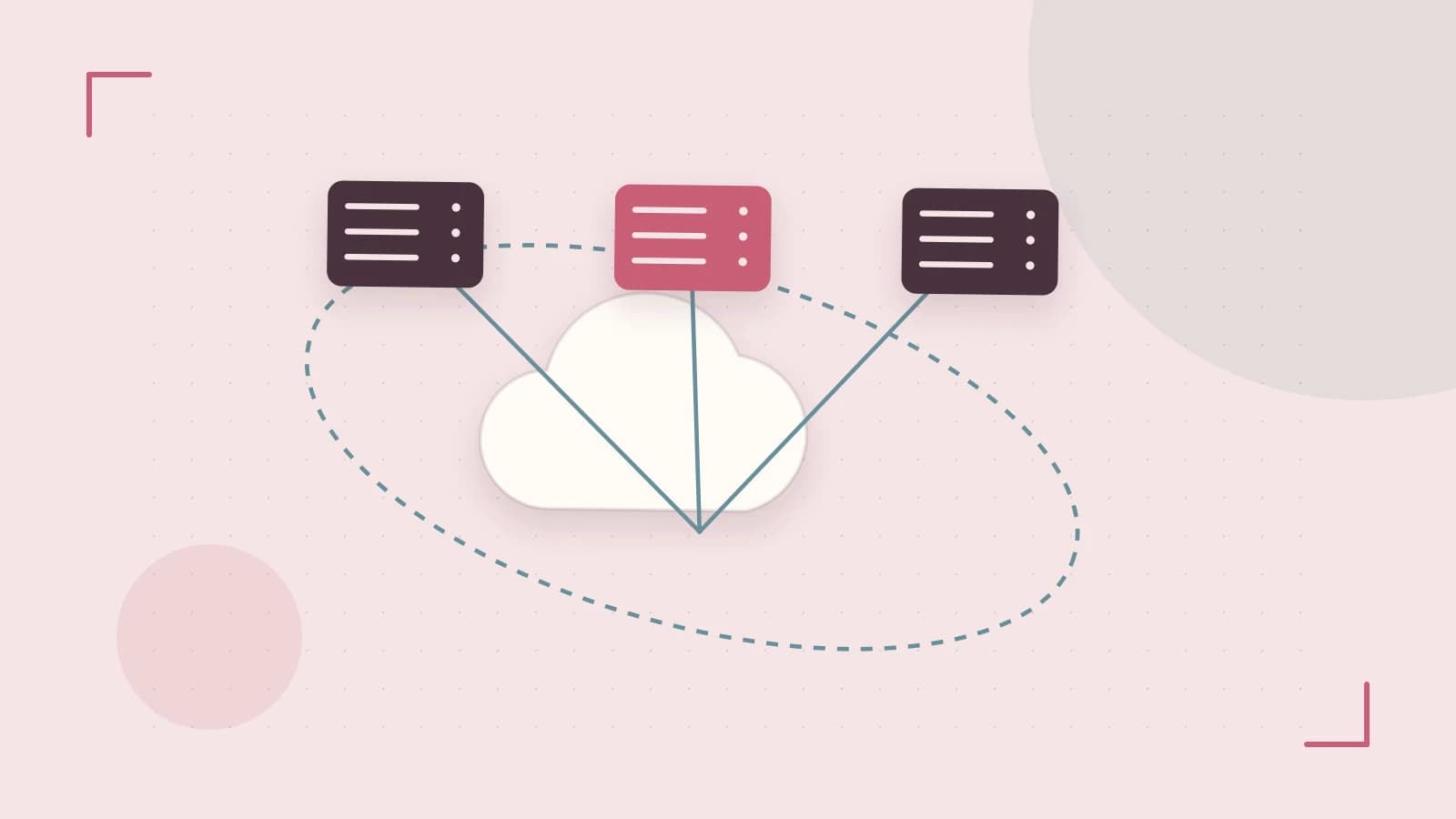
Give the workload its own image-pull identity
A production container host needs permission to obtain the image it will run. Managed identity can supply that access on supported Azure hosting services without sharing a registry administrator password. The host's identity, registry authorization and network path are separate pieces of the setup. Verify all three before interpreting an image-pull failure as a broken image.
Keep build permissions separate from runtime pull permissions. A CI job that pushes a new artifact can require capabilities the serving application does not need. Assign the runtime identity only the supported pull role for the registry's configured authorization mode and the intended repository boundary.
Check the registry's role-assignment mode
Azure Container Registry supports role behavior that depends on its configured permission mode. For a registry without the ABAC repository-permissions mode, AcrPull is the built-in pull role to evaluate. For an ABAC-enabled registry, use the current repository role guidance, such as Container Registry Repository Reader, with applicable repository conditions. Do not copy the role name from another registry without checking its mode.
Repository data roles and catalog listing can also be separate capabilities in the documented model. A deployment that pulls a known repository does not necessarily need to list every repository. Identify the hosting integration's actual requirements and keep the chosen role and conditions with the deployment configuration.
Verify identity selection and access
- Enable or attach the supported managed identity on the container host.
- Record the principal used for the registry role assignment.
- Check the registry's role mode and assign the matching pull permission.
- Configure the hosting service to use the intended identity for image retrieval.
- Deploy a known image digest and confirm the running artifact identity.
The identity used by the deployment operator can differ from the identity used by the hosting service during image pull. A successful local Docker login under an administrator therefore does not prove the deployed host has access. Inspect the host's configured pull identity and the registry role assignment for that exact principal.
Treat networking and artifact identity separately
A private registry path needs appropriate endpoint access, DNS and egress from the host. Role assignment cannot correct a hostname that resolves to an unreachable address. Use the reported failure category to distinguish authentication or authorization errors from transport failures, and verify the path from the actual hosting environment.
Pin a reviewed image digest when reproducible deployment matters. A mutable tag can later point to different bytes while the deployment configuration still looks unchanged. Record the digest together with its build and validation evidence. Pull permission authorizes access to an artifact; it does not establish that the image is correct, healthy or free of known vulnerabilities.
Keep recovery independent of broad credentials
Retain the previously verified image digest and a tested recovery procedure. If the new pull fails, inspect identity attachment, role propagation, repository conditions and network access before enabling a shared administrator account. A reliable registry integration makes the workload's exact identity and artifact visible enough that the next operator can reproduce the successful pull.
References
- Managed Identity Authentication for ACR - Azure Container — Microsoft Learn
- Azure Container Registry roles directory reference - Azure — Microsoft Learn
 azure
azureSources & further reading
0 replies
A thoughtful contribution can make all the difference. Be the first to share one.