Architecture Note: Using Nimble’s Lockfile for Reproducible Dependency Resolution
Commit both .nimble manifests and nimble.lock files to guarantee deterministic builds across machines and CI pipelines.
30 May 2026, 00:28 UTC
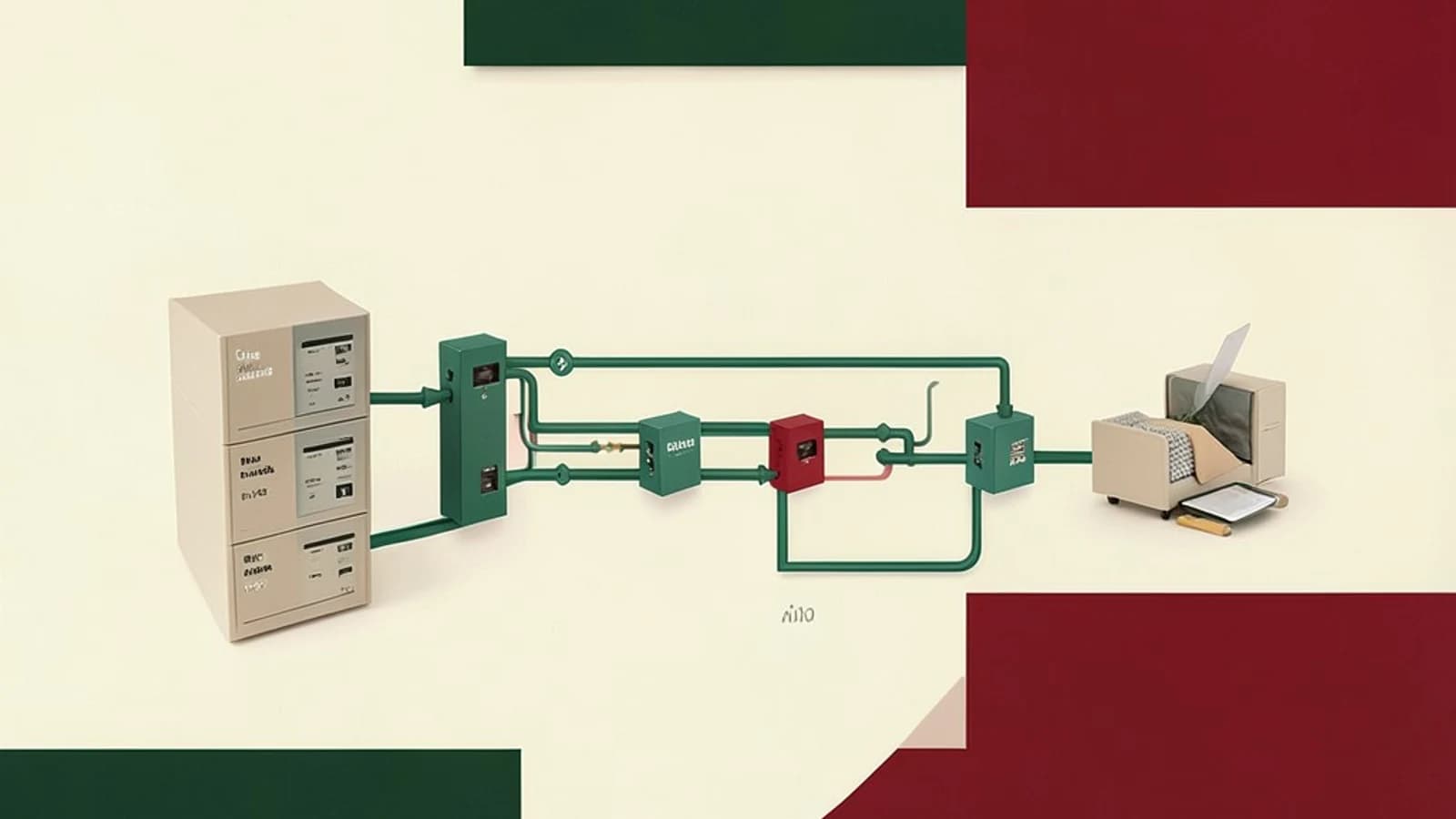
Problem: Non‑deterministic Builds Across Environments
When a Nim project relies on version ranges in its .nimble manifest, different developers or CI agents may resolve slightly different commits of the same dependency. This leads to works‑on‑my‑machine bugs and makes auditing difficult.
Takeaway
Commit the manifest together with a generated nimble.lock file. The manifest expresses intent (version ranges); the lockfile freezes the exact graph of packages and VCS revisions, giving you a reproducible baseline that can be checked like any other source file.
Requirements
- Express dependency intent via version ranges or Git tags in
.nimble. - Produce a lockfile that records the exact resolved version (including commit hash) for every direct and transitive dependency.
- Allow a clean‑environment install that reproduces the exact same graph.
- Make the lockfile human‑readable and reviewable as part of code changes.
Smallest Suitable Design
1. Keep the .nimble manifest in version control.
2. Run the lockfile generation command in a trusted environment (e.g., a developer workstation or a protected CI job) and commit the resulting nimble.lock.
3. In all other environments (CI, other developers) install dependencies using the lockfile as the source of truth.
This design needs only two files and no extra tooling beyond Nimble itself.
Trust and Data Boundaries
The manifest defines a trust boundary: Nimble will fetch packages from the public package index and directly from the VCS hosts specified in dependencies (e.g., GitHub). The lockfile narrows that boundary by fixing the exact commit or tag to use, but it does not add cryptographic signatures. Integrity still relies on the transport (HTTPS/SSH) and the immutability of the upstream host. If a repository is force‑pushed or a tag is moved, the locked commit may become unavailable.
Operational Checks
- Generate the lockfile – run in the project root:
# Ensure you have network access and write permission to the directory
nimble lock
This creates/updates nimble.lock with the current resolution.
- Verify determinism – in a clean environment (e.g., a fresh CI container with an empty package cache):
# Remove any existing Nimble cache to simulate a clean slate
rm -rf ~/.nimble/pkgs
# Install using the lockfile; the -y flag skips prompts
nimble install -y --lock
After installation, inspect the lockfile again; it should be identical to the committed version. Any difference indicates that the lockfile did not constrain the resolution.
- Review lockfile changes – treat
nimble.lockas source code: diff it in pull requests and verify that new entries correspond to intentional dependency updates.
Failure Modes
- Upstream mutation – if a locked Git commit is force‑pushed or deleted,
nimble install --lockwill abort with an error like "cannot find revision". The build fails, alerting the team to the broken assumption. - Stale lockfile due to old Nimble version – older Nimble releases may ignore or not generate
nimble.lock. Using a version that lacks lockfile support will silently fall back to manifest‑only resolution, breaking reproducibility. - Manual edits – editing
nimble.lockby hand can introduce inconsistencies (e.g., missing transitive dependencies). The subsequent install may resolve a different graph, producing a mismatch between the lockfile and the actual installed packages.
When the Design Should Change
- Offline or air‑gapped builds – replace direct VCS fetches with a vendored copy or an internal package mirror. The lockfile still records the original commit, but you must configure Nimble to use the mirror (e.g., via
NIBLE_PACKAGE_INDEXor a localnimble.cfg). - Supply‑chain policy requiring cryptographic guarantees – add an external verification step (e.g., GPG signatures or SHA‑256 hashes) after Nimble fetches the artifact. The lockfile does not provide these guarantees itself.
- Monorepo with local path dependencies – if some dependencies are referenced via
path = "../lib", Nimble bypasses the normal registry and lockfile entries for those entries will be local paths. Ensure that the lockfile is regenerated whenever the local code changes, or consider pinning a versioned submodule instead.
Version Sensitivity
Lockfile behavior has evolved across Nimble releases. Before adopting this design, run:
nimble --version
Check the release notes for that version to confirm:
- The
nimble lockcommand exists and writesnimble.lock. - The
--lockflag fornimble installforces use of the lockfile. - The lockfile format includes full commit hashes for VCS dependencies.
Pin the minimum Nimble version in your CI configuration or developer documentation to avoid silently falling back to manifest‑only resolution.
Practical Verification Checklist
- Run
nimble lockin a trusted environment and commit the output. - In a fresh container, clear the Nimble cache, run
nimble install -y --lock, and confirm the lockfile is unchanged. - Attempt to build the project; if the build succeeds, the locked graph is usable.
- Simulate an upstream failure by temporarily pointing a dependency to a non‑existent branch and verify that
nimble install --lockfails with a clear error.
Passing these steps gives confidence that the lockfile is serving its purpose: a reviewed, version‑controlled artifact that makes dependency resolution deterministic and observable.
 nim
nim nimble
0 replies
A thoughtful contribution can make all the difference. Be the first to share one.